CategoriesElevator Maintenance Management ERP (Enterprise Resource Planning)

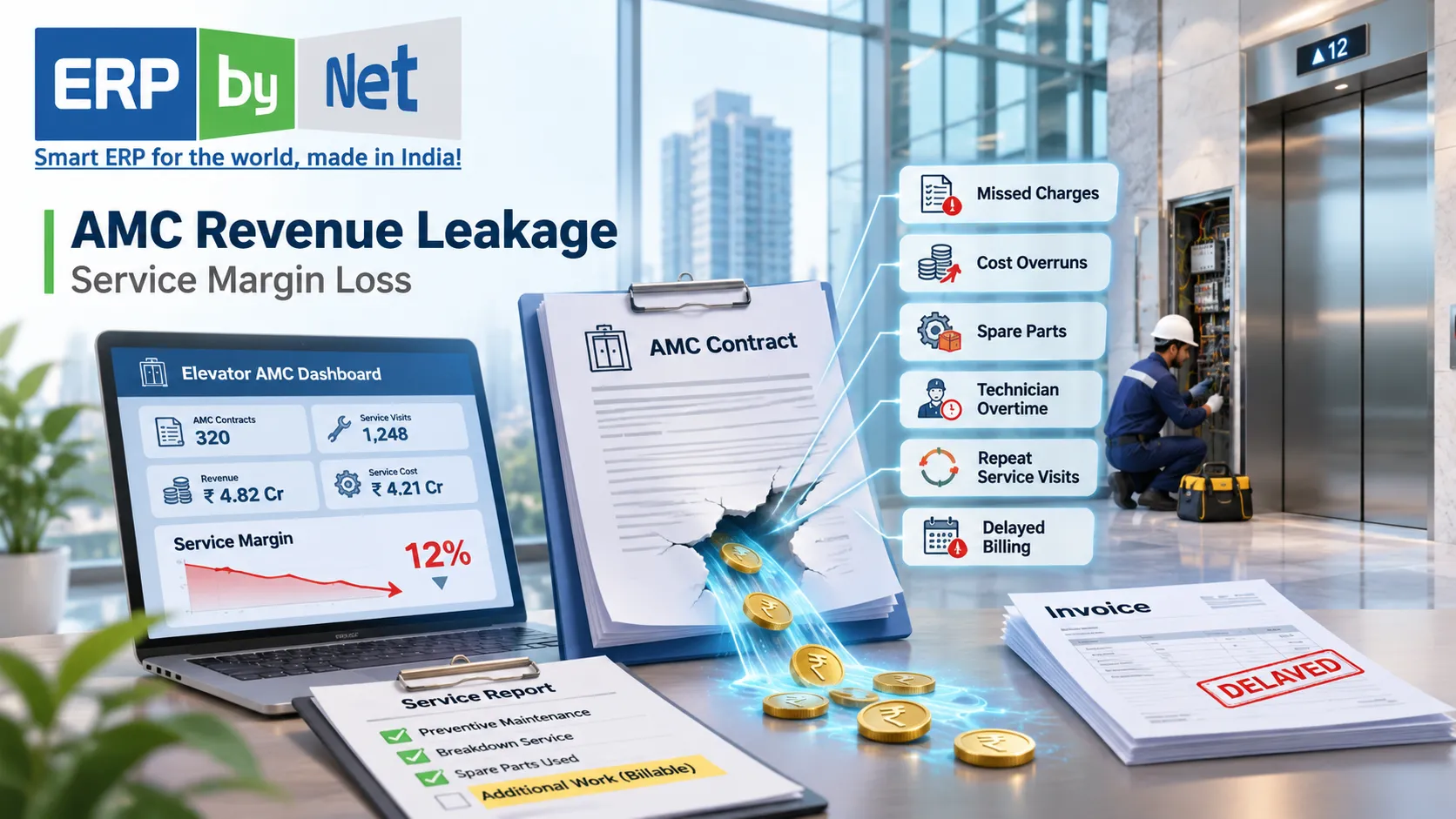
The Anatomy of AMC Revenue Leakage: Where Elevator Companies Lose Service Margins Every Year

Key Takeaways

  • AMC revenue leakage extends beyond missed invoices. Unrenewed contracts, unbilled repairs, excess parts consumption, repeat visits and inefficient routing can all weaken service margins.
  • Revenue leakage and cost leakage are different problems and need separate tracking and corrective actions.
  • Comprehensive AMCs carry greater covered-parts and service-cost exposure, while non-comprehensive AMCs depend on accurate chargeable-work recovery.
  • Contract-level profitability analysis helps identify loss-making elevators that may be hidden by overall AMC revenue.
  • Connected contract, service, inventory and finance records help elevator companies identify leakage before it accumulates.

What You’ll Learn

  • The seven hidden sources of AMC revenue and margin leakage, from missed renewals to delayed billing.
  • How unbilled repairs and untracked spare parts affect charge recovery and contract contribution.
  • How to calculate AMC service contribution, contribution percentage and unbilled eligible work.
  • Which eight service KPIs help monitor renewals, repeat breakdowns, first-time fixes, parts costs and billing recovery.
  • How an AMC revenue leakage audit and integrated ERP workflows can connect service execution with financial control.

Real Insights

  • A high AMC renewal rate does not automatically mean a profitable service portfolio.
  • A completed repair can still become a financial loss when approved chargeable work never reaches invoicing.
  • Repeated breakdown visits increase labour and travel costs, even when every service ticket is properly recorded.
  • Every spare-parts issue should be traceable to its elevator, service job and coverage category wherever the process allows.
  • AMC profitability depends on knowing what was sold, delivered, consumed and billed at contract and, where practical, individual elevator level.

Annual Maintenance Contracts (AMCs) are an important source of recurring revenue for elevator companies. They provide predictable business opportunities, maintain long-term customer relationships and create opportunities for additional repair and modernization work. However, a growing AMC portfolio does not automatically translate into better service profitability.

An elevator company might have hundreds of active maintenance contracts, a steady flow of service requests and a dedicated technician workforce, yet still struggle to maintain healthy service margins. The problem often develops gradually. A replacement part is issued without being billed, an additional repair is treated as goodwill, a contract expires without renewal follow-up, or a technician makes repeated visits to resolve the same breakdown.

Individually, these incidents may appear insignificant. Across hundreds or thousands of maintained elevators, however, they can create a substantial financial burden. The service department may continue reporting healthy revenue while the actual cost of delivering that service increases.

This is the challenge of AMC revenue leakage.

Revenue leakage occurs when a company fails to collect revenue it is contractually entitled to earn, or when avoidable operational expenses reduce the contribution generated by its maintenance agreements. It can originate in contract administration, service execution, spare-parts management, technician coordination, billing or financial reconciliation.

The important distinction is that revenue leakage and profitability loss are related but not identical. Missing an eligible invoice is a revenue-collection problem. Repeated unplanned technician visits are primarily a cost problem. Both can weaken AMC financial performance.

For elevator service providers, understanding these differences is essential. This article examines where AMC revenue leakage originates, how to calculate its financial impact, which indicators deserve attention and how connected service-management processes, including AceService AMC management software, can help prevent recurring losses.

1. What Is AMC Revenue Leakage in Elevator Maintenance?

AMC revenue leakage refers to revenue that an elevator maintenance company could legitimately earn under its agreements but fails to invoice, collect or retain because of gaps in its commercial and operational processes.

It also needs to be examined alongside cost leakage: expenses that exceed what the company expected to incur when pricing and accepting the contract.

A maintenance agreement establishes the commercial relationship between the elevator company and its customer. It defines the equipment covered, maintenance frequency, service responsibilities, contract duration, billing arrangements and the treatment of repairs or replacement components.

However, the actual service operation can become different from the original agreement.

For example, a technician may replace a component that is excluded from the AMC. If the work is completed but the replacement is not recorded as chargeable, the company may lose an opportunity to invoice the customer.

Similarly, an elevator might experience frequent breakdowns that require additional technician visits. Even when every visit is properly documented, the additional labour and travel expenses can reduce the contract’s contribution.

Revenue leakage versus cost leakage

These two problems should be measured separately.

Financial issueExampleBusiness impact
Missed revenueChargeable repair never invoicedLost eligible billing
Renewal leakageExpired contract not renewedLost recurring revenue opportunity
Scope leakageAdditional work delivered without approval or billingUnrecovered service value
Labour cost leakageRepeated visits for the same faultHigher service expenditure
Parts cost leakageChargeable components issued without recoveryReduced contract contribution
Travel cost leakagePoor technician routingHigher delivery costs
Billing delayCompleted work remains unbilledDelayed cash flow

A company should not classify every operational expense as lost revenue. The distinction matters because each problem requires a different corrective action.

Missed invoices require better billing controls. Excessive repeat visits require technical investigation and service-quality improvements. Underpriced contracts require commercial review.

The first step is identifying which type of leakage is affecting the business.

2. Why AMC Revenue Leakage Is Difficult to Detect

Unlike a large financial transaction error, service-margin leakage rarely appears as one obvious incident.

It is distributed across departments.

The sales team manages contract negotiations. The service department schedules maintenance visits and responds to complaints. Technicians execute repairs. Stores issue replacement components. Accounts prepares invoices and follows up on payments.

Each department may maintain accurate information within its own process, but the information does not always move consistently between departments.

Consider a simplified situation.

An elevator technician attends a breakdown complaint and discovers that a component needs replacement. The component is available in the warehouse, so the technician collects it and completes the repair. The customer receives a functioning elevator, and the service ticket is marked completed.

However, the technician records the replacement in a handwritten report rather than linking it to the service job. The warehouse updates its stock register, but accounts does not receive information about the chargeable component.

The repair is complete. Inventory has decreased. The service ticket is closed.

But the eligible charge has not reached the invoice.

The problem is not necessarily a lack of effort by any individual employee. It is a broken information flow.

Five conditions that make leakage difficult to identify

  • Fragmented contract records: Contract coverage and billing conditions are maintained separately from service records.
  • Incomplete field documentation: Technicians do not consistently record the work completed, parts consumed or additional hours spent.
  • Disconnected inventory: Parts are issued without sufficient reference to the customer, equipment or service ticket.
  • Manual billing handoffs: Accounts depends on emails, spreadsheets and telephone updates to identify chargeable work.
  • Delayed management reporting: Financial reviews happen after costs have accumulated rather than during the contract period.

The result is that management may know how much AMC revenue was generated without knowing exactly how much it cost to deliver that revenue.

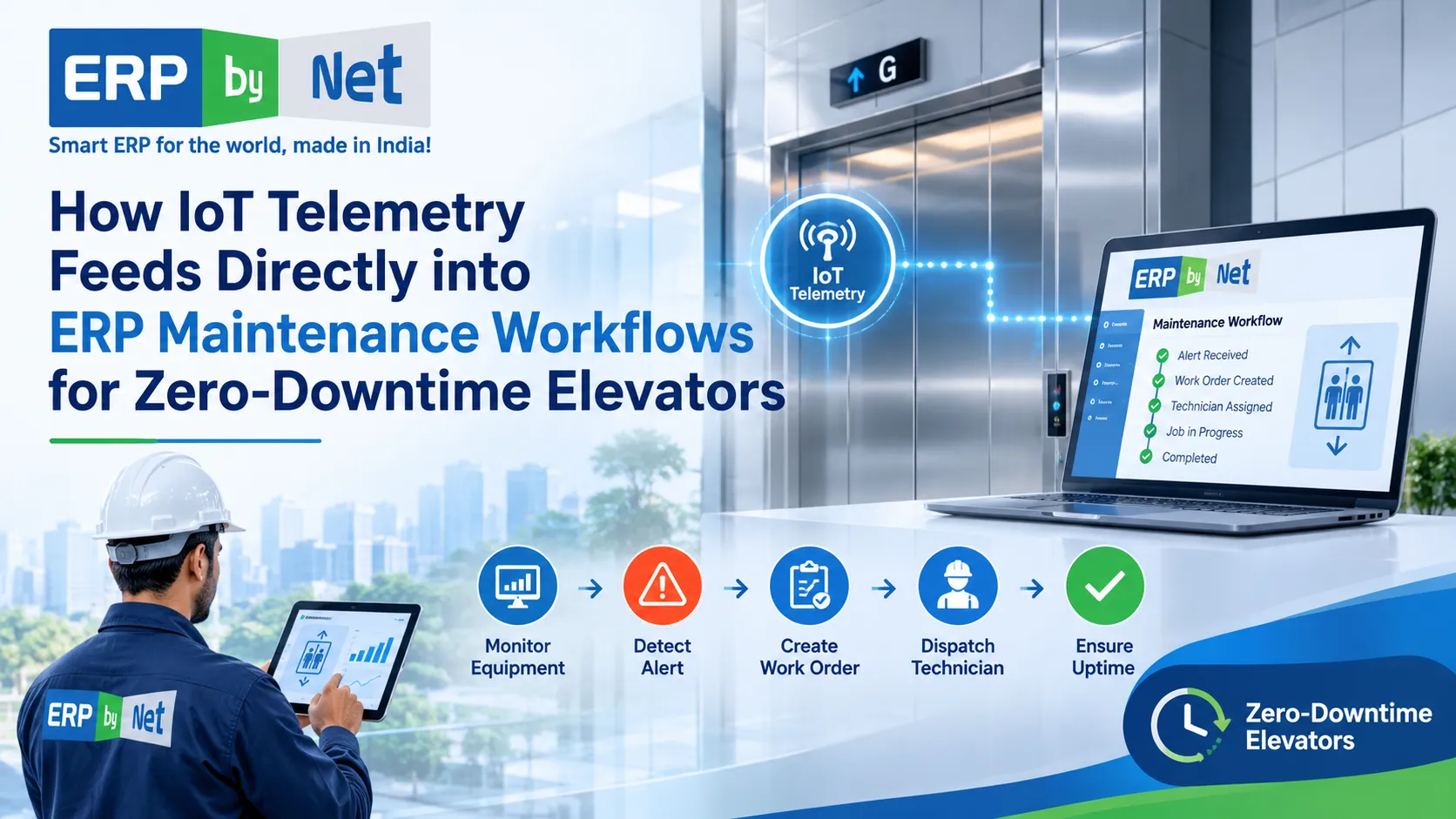
Read More: How IoT Telemetry Feeds Directly into ERP Maintenance Workflows for Zero-Downtime Elevators

3. Seven Hidden Sources of AMC Revenue and Margin Leakage

Anatomy of AMC revenue leakage highlighting missed renewals, unbilled service work, repeat breakdowns, inefficient routing, outdated AMC pricing, billing delays, and unrecovered spare parts.

Understanding the individual leakage points is more useful than simply reviewing total annual maintenance revenue.

3.1 Missed AMC Renewals and Expired Contracts

Contract renewals are among the most important activities in a recurring service business.

However, managing renewals becomes increasingly complicated as the installed elevator base expands.

An elevator company may maintain different agreements with residential societies, commercial buildings, hospitals, hotels, industrial facilities and property-management companies. Each contract has its own starting date, expiry date, commercial conditions and renewal requirements.

When renewal information is maintained manually, several problems can occur:

  • Expiry dates are not updated after contract amendments.
  • Renewal discussions begin too close to the expiry date.
  • Customer follow-ups are forgotten.
  • Service teams continue attending equipment without confirming the current commercial arrangement.
  • Renewal quotations are prepared late.
  • Expired agreements remain incorrectly classified as active business.

The financial consequences extend beyond the missed renewal itself.

A lost agreement can also affect technician route planning, expected service revenue and spare-parts demand.

Example: Imagine an elevator company maintaining 300 units across different customer locations. Ten contracts expire during a particular month, but the renewal team receives the information late. Even if some customers eventually renew, the company may experience delays in billing and uncertainty around service coverage.

The solution is to maintain a structured contract lifecycle.

Every AMC should have a clearly recorded start date, expiry date, renewal status, customer information, covered equipment and responsible account owner. Renewal activities should begin sufficiently early to allow commercial discussions before the existing agreement expires.

3.2 Unbilled Repairs and Out-of-Scope Service Work

Not every repair performed during an AMC visit is necessarily covered by the agreement.

The distinction between included maintenance and chargeable additional work is critical.

Depending on the contractual terms, certain components, accidental damage, external electrical problems, special repairs or additional services may fall outside the agreed scope.

The challenge begins when technicians complete these activities without a consistent commercial approval and billing process.

For example, a technician attending a routine maintenance visit may discover a damaged component that is excluded from the agreement. The customer requests an immediate replacement. The technician completes the work to restore elevator operation, but the additional job is not formally registered.

When the service department closes the visit without identifying the chargeable activity, the accounts team may never receive the information needed to raise an invoice.

A controlled process should include:

  1. Identify the work required.
  2. Check the relevant AMC coverage.
  3. Determine whether the work is included or chargeable.
  4. Obtain the required customer approval.
  5. Record the materials and labour involved.
  6. Complete the service job.
  7. Transfer approved billing information to accounts.
  8. Track invoice generation and payment.

This is particularly important for comprehensive and non-comprehensive maintenance agreements, where the commercial responsibility for replacement components can differ considerably.

3.3 Spare Parts Consumed Without Financial Recovery

Spare parts are a major consideration in elevator maintenance profitability.

Elevator companies may regularly use door rollers, sensors, switches, contactors, control components, bearings, cables and other replacement items while maintaining their installed equipment base.

The financial treatment of these parts depends on the contract.

Under a comprehensive agreement, eligible replacement parts may be included in the maintenance price. Under a non-comprehensive agreement, specified components may be separately chargeable.

The problem occurs when the company cannot connect the component issued from stores with the relevant service job and contractual coverage.

For instance:

A technician requests a replacement door component from the warehouse. The storekeeper issues it, and the technician completes the repair.

However, the issue transaction contains only the component name and quantity. It does not identify the elevator, customer, job number or AMC coverage.

The company knows that stock has decreased, but it cannot easily establish whether the component was:

  • Included in the contract.
  • Chargeable to the customer.
  • Issued under warranty.
  • Used for an internal repair.
  • Consumed during an installation activity.

Without proper classification, the finance team may struggle to identify the correct cost and billing treatment.

The practical control: Every material issue should be connected to the relevant service transaction and equipment wherever the business process allows. The system should distinguish covered consumption from chargeable consumption.

This provides a more reliable foundation for both inventory reconciliation and contract-level cost analysis.

3.4 Repeat Breakdown Visits Increasing Technician Costs

Not every AMC loss originates from missed billing.

Sometimes the company performs all contractual activities correctly but spends too much money delivering the service.

Repeated breakdowns are a major example.

An elevator that experiences recurring door-related faults, electrical problems or component failures may require several unplanned visits. Each visit consumes technician time, travel resources and potentially additional spare parts.

The financial impact can be greater than the direct repair expense.

A repeat visit may also:

  • Disrupt the technician’s planned maintenance route.
  • Delay scheduled preventive maintenance at other locations.
  • Require additional overtime.
  • Increase supervisor coordination.
  • Create customer dissatisfaction.
  • Increase the possibility of SLA-related penalties where contractual terms provide for them.

Research published in Engineering Reports examines elevator maintenance-contract profitability through preventive and corrective maintenance costs. Its worked example shows how increasing breakdown frequency can reduce gross margin and, under its assumptions, turn an otherwise positive EBITDA contribution negative. These figures are a research example, not a universal elevator-industry benchmark.

The important lesson is that the number of service tickets alone does not reveal the true cost of maintaining an elevator.

Companies should also examine repeat-fault frequency, time spent resolving breakdowns, parts used and travel associated with each visit.

3.5 Poor Technician Routing and Travel Management

Travel is an operating expense that can quietly accumulate across an AMC portfolio.

An elevator company may have technicians covering multiple societies, commercial buildings and industrial locations across a city.

When assignments are made without considering geography, technician availability, workload and service urgency, unnecessary travel can increase.

Consider a simplified situation.

A technician completes a preventive maintenance visit in one area. The next assignment is located far away, although another available technician is already working nearby.

The company may be able to complete both jobs, but the route creates additional travel time.

Across many technicians and daily assignments, poor routing can reduce productive service hours.

Important indicators include:

  • Travel hours per completed service job.
  • Number of visits completed per technician.
  • Distance between consecutive assignments.
  • Emergency visits outside planned routes.
  • Overtime associated with route delays.
  • Preventive maintenance completed against scheduled maintenance.

Route optimization should not come at the expense of safety, technical competence or emergency response commitments. The goal is to allocate work intelligently while respecting the actual service requirements.

3.6 Incorrect AMC Pricing and Unreviewed Contract Costs

A contract that was profitable when originally signed may become less attractive over time.

Technician wages, transportation, component prices, subcontracting expenses and service requirements can change.

At the same time, the contract value may remain unchanged until renewal.

A company that does not periodically examine contract-level costs may continue delivering agreements under outdated commercial assumptions.

This is particularly relevant when:

  • The maintained elevator is older and experiences frequent breakdowns.
  • The customer has added equipment to the original agreement.
  • Travel distances have increased.
  • Maintenance frequency has changed.
  • The cost of included replacement components has increased.
  • The original quotation underestimated the service effort.

Contract pricing should be reviewed using actual operating information rather than relying exclusively on historical estimates.

However, a price increase is not always the correct response.

Sometimes a recurring breakdown is caused by an underlying technical issue. Correcting the problem may be more commercially sensible than simply increasing the AMC price.

3.7 Billing Delays and Incomplete Financial Reconciliation

The final leakage point appears when operational work does not translate into timely financial action.

A service job may be completed, additional work approved and materials consumed, but the invoice remains pending.

This can happen because:

  • Customer approvals are missing.
  • Job completion records are incomplete.
  • Additional work has not been classified.
  • Supporting documents are unavailable.
  • Billing information reaches accounts late.
  • Invoice preparation depends on manual confirmation.

These gaps can affect working capital and collection planning.

A company may have delivered the service and incurred the expense but still be waiting for the financial transaction to be completed.

A useful control is to compare completed chargeable jobs with invoices generated during the same reporting period.

The difference should be investigated rather than treated as an ordinary administrative delay.

4. Comprehensive vs. Non-Comprehensive AMCs: Where Do Margins Disappear?

The structure of an AMC directly influences how an elevator company earns revenue and absorbs service expenses.

The difference between comprehensive and non-comprehensive contracts is therefore central to understanding maintenance profitability.

Comprehensive maintenance contracts

A comprehensive AMC generally places a broader range of maintenance and replacement responsibilities on the service provider, subject to the agreement’s exclusions and conditions.

The customer pays an agreed recurring amount for the specified coverage.

The service provider must manage the financial risk associated with covered labour, repairs and components.

The main margin risks include:

  • Higher-than-expected replacement-part consumption.
  • Frequent breakdowns.
  • Rising technician costs.
  • Additional repair work covered under the agreement.
  • Poor preventive maintenance performance.
  • Underestimated equipment condition.

A contract may generate consistent revenue but still become expensive to deliver.

Non-comprehensive maintenance contracts

A non-comprehensive AMC generally limits the service provider’s responsibility for certain replacement parts or major repairs.

The precise exclusions depend on the agreement.

This can reduce some component-related cost exposure, but it introduces a different operational requirement: chargeable work must be identified, approved, documented and invoiced correctly.

Potential leakage areas include:

  • Parts not billed.
  • Repairs completed without customer approval.
  • Delayed quotations for replacement components.
  • Unrecorded additional labour.
  • Disputes over whether a repair falls within the agreed scope.
Business considerationComprehensive AMCNon-comprehensive AMC
Contract coverageBroader, subject to exclusionsMore limited, as defined by contract
Parts expenditureGreater exposure to covered componentsSome parts may be separately chargeable
Pricing considerationsRequires careful cost estimationRequires clear scope and exclusions
Main margin riskUnexpected service and replacement costsUnbilled additional work
Billing controlContract billing and exclusionsContract billing plus approved additional work
Key performance focusCost per maintained elevatorCost control and chargeable-work recovery

Neither model is automatically more profitable.

The outcome depends on the contract price, equipment condition, service frequency, contractual scope and operating efficiency.

For this reason, elevator companies should evaluate profitability separately for different contract types.

5. How to Calculate AMC Profitability and Identify Revenue Leakage

A company cannot control what it does not measure.

However, calculating AMC profitability requires more than comparing total contract revenue against the service department’s overall expenses.

The analysis should be performed at the contract level and, where practical, the individual elevator level.

Step 1: Calculate contract revenue

Start with the actual contractual revenue for the selected reporting period.

Include the applicable AMC fees and separately approved, chargeable work that has been invoiced.

Do not count unapproved quotations or uncollected hypothetical charges as actual revenue.

Step 2: Calculate direct service costs

Identify the costs incurred in delivering the agreement.

These may include:

  • Technician labour.
  • Travel expenses.
  • Covered spare parts.
  • Subcontracted maintenance.
  • Tools and consumables.
  • Overtime.
  • Additional breakdown attendance.

The treatment of overheads should be consistent with the profitability measure being calculated.

Step 3: Calculate gross contribution

A simple calculation is:

Service Contribution = Recognised Service Revenue − Direct Service Costs

The corresponding percentage is:

Contribution % = (Service Contribution ÷ Recognised Service Revenue) × 100

This is an illustrative management calculation. The business should define whether it is measuring gross margin, contribution margin or another profitability measure.

Step 4: Identify missed billing

Compare completed chargeable work with the amount actually invoiced.

Unbilled Eligible Work = Approved Chargeable Work − Invoiced Chargeable Work

Only include work that is genuinely chargeable under the agreement and supported by the required approvals.

Step 5: Review contract performance

Compare actual costs and revenue against the original pricing assumptions.

A practical example illustrates the process.

Illustrative example:

Assume an elevator company has an annual maintenance agreement worth ₹1,20,000.

During the year, it records the following direct service costs:

Financial component Amount
Annual AMC revenue ₹1,20,000
Technician labour ₹30,000
Travel expenses ₹15,000
Covered spare parts ₹20,000
Breakdown-related expenses ₹10,000
Total direct service costs ₹75,000
Contribution before other costs ₹45,000

The resulting contribution is ₹45,000, or 37.5% of recognised revenue.

Now assume that the company also completed ₹8,000 of approved chargeable work that was not invoiced.

If that amount is legitimately recoverable and later recognised, the financial position changes.

However, it should not simply be added to the existing recognised revenue before the invoice is raised and the appropriate accounting treatment is applied.

This example demonstrates why management needs both operational and financial records to understand contract performance.

The company must know what it sold, what it delivered, what it consumed and what it billed.

6. Eight KPIs Every Elevator Service Manager Should Monitor

Revenue leakage becomes easier to detect when management monitors indicators that connect service activity with financial outcomes.

The following KPIs provide a practical starting point.

KPIHow to measure itWhat it reveals
AMC Renewal RateRenewed eligible contracts ÷ contracts due for renewal × 100Renewal performance
Preventive Maintenance CompletionCompleted scheduled visits ÷ visits due × 100Maintenance execution
Repeat Breakdown RateRepeat breakdowns ÷ total breakdowns × 100Recurring technical issues
First-Time Fix RateJobs resolved on first visit ÷ total completed jobs × 100Repair effectiveness
Chargeable Work RecoveryChargeable work invoiced ÷ approved chargeable work × 100Billing discipline
Spare Parts Cost per LiftRelevant parts consumption ÷ maintained liftsComponent expenditure
Technician Travel CostTotal travel expense ÷ completed service jobsRoute efficiency
AMC Contribution MarginService contribution ÷ recognised AMC revenue × 100Contract financial performance

Why these KPIs should be reviewed together

A high renewal rate does not necessarily indicate a profitable AMC portfolio.

A company may renew almost every agreement while continuing to lose money on older elevators that require frequent corrective maintenance.

Similarly, a high number of completed service visits does not automatically mean technicians are productive. Excessive repeat visits can inflate the total activity count without resolving the underlying problems.

Management should therefore connect operational indicators with financial outcomes.

For example:

  • Low first-time fix performance may increase labour and travel expenses.
  • High parts consumption may indicate contract pricing or technical problems.
  • Low chargeable-work recovery may reveal billing gaps.
  • Rising travel cost may indicate inefficient technician allocation.
  • Declining contribution margin may indicate that the original contract assumptions need review.

The purpose of KPI reporting is not to create more dashboards. It is to identify which business decisions require attention.

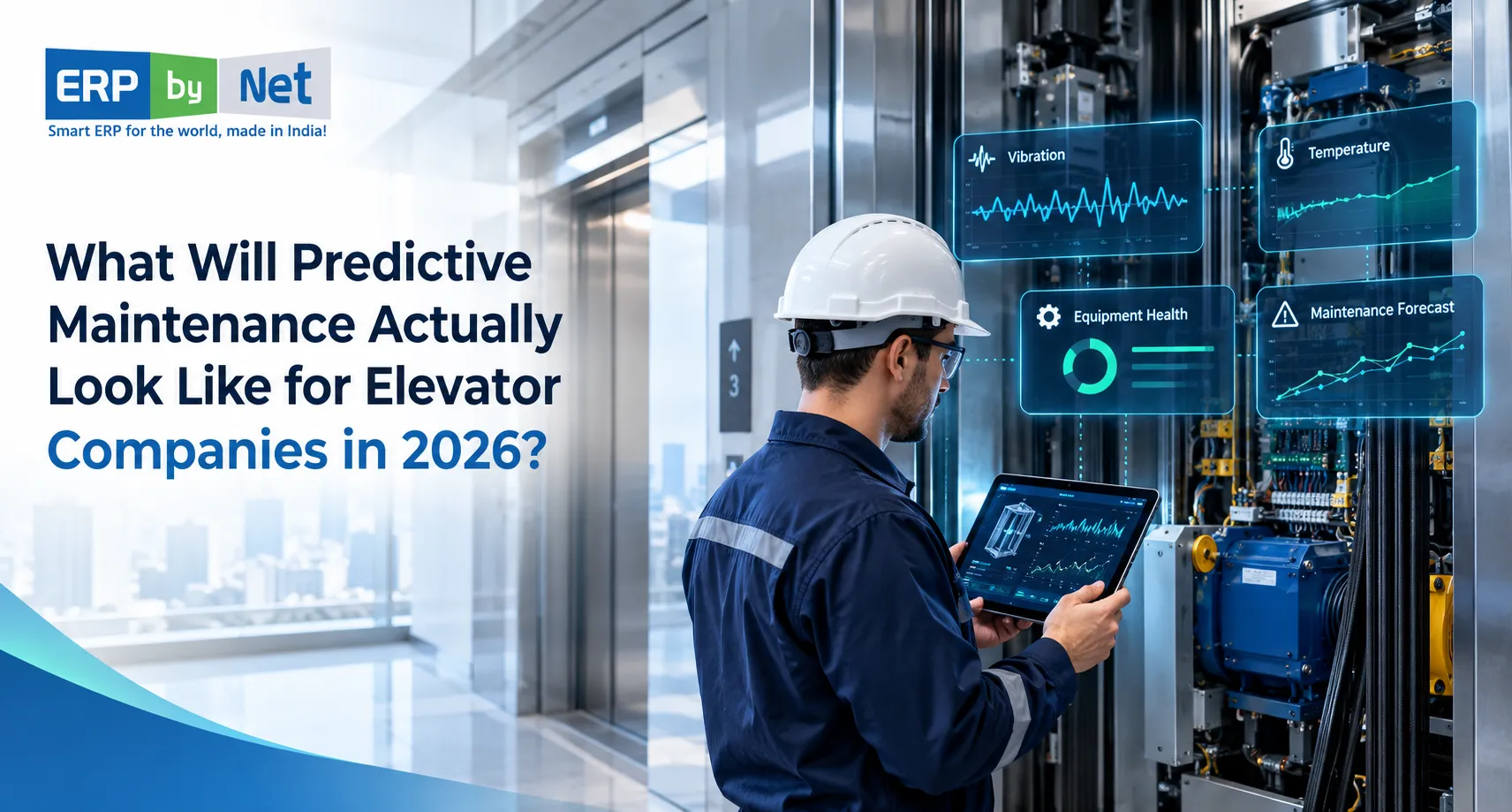
Read More: What Will Predictive Maintenance Actually Look Like for Elevator Companies in 2026?

7. The AMC Revenue Leakage Audit: A Practical Process for Elevator Companies

An effective leakage audit should examine the complete lifecycle of an AMC, from contract creation to renewal and financial reconciliation.

Reviewing only the accounting records may identify the final financial discrepancy without revealing where it originated.

A more effective approach is to follow the information across departments.

Stage 1: Audit the installed elevator and contract records

Begin by creating a reliable list of maintained elevators.

For each unit, verify:

  • Customer and site details.
  • Equipment identification.
  • Contract start and expiry dates.
  • Contract value.
  • Maintenance frequency.
  • Contract coverage.
  • Billing frequency.
  • Renewal status.

Compare this information with the actual installed equipment base.

This helps identify elevators that are receiving service without a clearly recorded active agreement, as well as contracts that no longer match the equipment being maintained.

Stage 2: Compare scheduled and completed maintenance

Review preventive maintenance schedules against actual visits.

Identify:

  • Overdue maintenance activities.
  • Missed visits.
  • Repeated rescheduling.
  • Incomplete checklists.
  • Missing technician reports.
  • Visits completed without proper closure.

This stage helps management distinguish between scheduled obligations and actual service delivery.

Stage 3: Match breakdown tickets with spare-parts issues

Select a reporting period and compare service tickets with warehouse transactions.

Check whether each part issue contains the relevant equipment and job reference.

Classify the consumption as:

  • Included under AMC coverage.
  • Chargeable to the customer.
  • Covered under warranty.
  • Internal or company-related consumption.

Investigate transactions that cannot be classified.

Stage 4: Review technician time and travel

Examine the actual time spent on maintenance and corrective jobs.

Compare technician assignments, travel records, attendance and completed service tickets.

Look for repeated visits, unnecessary travel, excessive overtime and jobs that consume substantially more resources than expected.

Stage 5: Audit chargeable work and billing

Compare approved additional work against invoices generated.

Investigate every difference.

For pending items, identify whether the reason is:

  • Missing customer approval.
  • Incomplete service documentation.
  • Delayed quotation.
  • Contract-scope disagreement.
  • Billing processing delay.
  • Collection follow-up.

Stage 6: Evaluate contract profitability

Calculate the actual revenue and direct costs associated with individual contracts.

Where data permits, perform the calculation at the individual elevator level.

This prevents one profitable machine from concealing another machine’s financial losses within the same customer agreement.

Stage 7: Prepare a corrective action register

Every identified issue should have an owner, a corrective action and a review date.

For example:

Identified problemCorrective actionResponsible team
Expired contractsIntroduce renewal alerts and ownershipSales / AMC
Unbilled repairsConnect job completion with billing reviewService / Accounts
Untracked partsRecord material issues against service jobsStores
Repeat breakdownsInvestigate recurring fault patternsService
High travel expensesReview technician routingService Management
Loss-making contractsReview scope, costs and renewal pricingManagement / Finance

An audit is valuable only when its findings lead to measurable operational changes.

8. How an Integrated ERP Helps Prevent AMC Revenue Leakage

Many AMC problems originate because the contract, service, inventory and finance processes are managed separately.

An integrated ERP approach can connect these activities through shared business information.

Instead of asking employees to repeatedly transfer data between spreadsheets, emails and separate applications, the company can establish a more structured workflow.

The objective is not simply to digitise service records.

It is to make sure that information captured during service execution can support inventory control, billing, cost analysis and management decisions.

Connecting contract management with service execution

An AMC record should provide the relevant contract information needed by the service team.

This includes equipment coverage, contract duration, maintenance requirements, billing terms and renewal information.

When a service request is received, the team should be able to identify the relevant customer, equipment and agreement.

This makes it easier to assess whether the requested work falls within the contract’s scope.

Connecting technician activity with job records

Technicians need a practical way to receive assignments, access service information and update work status.

A mobile field-service application can help capture completed activities and communicate job information to supervisors and back-office teams.

For elevator companies, the process should include:

  • Technician assignment.
  • Service ticket information.
  • Maintenance checklists.
  • Work completion status.
  • Travel information.
  • Additional repair details.
  • Relevant job documentation.

This reduces dependence on informal updates that may never reach the department responsible for billing or reporting.

Connecting inventory with service jobs

A service operation should not treat warehouse transactions as isolated stock movements.

Each material issue should be traceable to the relevant business activity.

This makes it possible to understand how spare parts are being consumed and whether they were used for installation, maintenance, warranty work or chargeable repairs.

Inventory and procurement integration can also help stores teams monitor stock availability and replenishment requirements.

Connecting service activity with finance

The financial department needs more than a list of completed service tickets.

It needs information about the commercial treatment of the work, applicable charges, recorded expenses and customer billing.

A connected process can help management compare service activity with financial transactions and identify items requiring reconciliation.

The following workflow illustrates the desired operating model.

AMC Contract
↓
Equipment & Coverage Verification
↓
Service Request / Preventive Maintenance
↓
Technician Assignment
↓
Field Execution & Job Documentation
↓
Parts and Labour Recording
↓
Contract Coverage Check
↓
Included Work ↓ Service Closure
Chargeable Work ↓ Customer Approval ↓ Invoice Process
↓
Finance & Receivables
↓
Contract Profitability Review
↓
Renewal Decision

This workflow should be configured according to the company’s actual contract terms, approval rules and accounting policies.

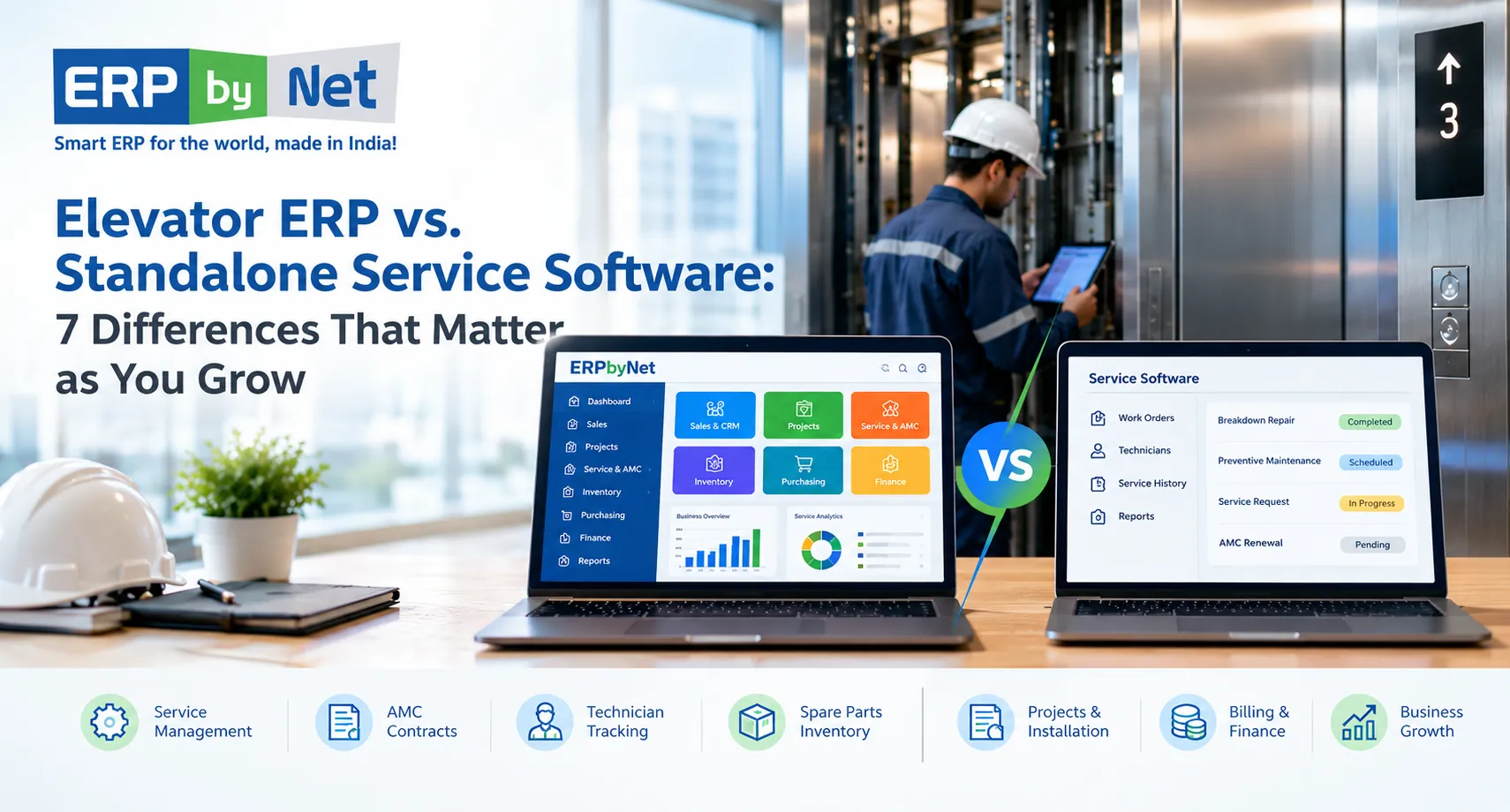
Read More: Elevator ERP vs. Standalone Service Software: 7 Differences That Matter as You Grow

9. How ERPbyNet Supports Connected AMC and Service Operations

For elevator companies, preventing AMC revenue leakage requires coordination between contract management, field execution, inventory and financial processes.

ERPbyNet provides an integrated ERP ecosystem for elevator, engineering, manufacturing and project-based businesses.

Its service-management capabilities are relevant to companies that want to reduce manual coordination across maintenance operations and improve the flow of information between technicians, service managers and finance teams.

AceService: AMC Contract and Service Management

Official solution: AceService

AceService supports service workflows including:

  • AMC contract management.
  • Preventive maintenance scheduling.
  • Callback and complaint management.
  • Repair job management.
  • Warranty tracking.
  • Contract renewal tracking.
  • Service billing.
  • Labour and material billing.
  • Service reporting and dashboards.

These functions are relevant to the leakage points associated with missed service schedules, contract administration, additional work and billing coordination.

For example, structured contract records and renewal notifications can help the AMC team identify agreements approaching expiry rather than depending entirely on manual spreadsheet reviews.

Similarly, service-job and billing workflows can help improve the documentation of completed work.

SmartTechnician: Improving Field-Service Accountability

Official solution: SmartTechnician

Field technicians are an important source of operational information.

However, the information they capture must reach the office accurately and promptly.

SmartTechnician supports:

  • Technician assignments.
  • Mobile service tickets.
  • Preventive maintenance checklists.
  • GPS-enabled tracking.
  • Geo-fencing.
  • Travel tracking.
  • Job-status updates.
  • Supervisor monitoring.
  • Overdue-ticket visibility.

These capabilities can support better field coordination and provide supervisors with more consistent information about service execution.

For an elevator company handling multiple sites, this can help reduce the manual effort involved in monitoring technician assignments and outstanding jobs.

MyAceService: Improving Customer and Contract Visibility

Official solution: MyAceService

Customer communication also affects service operations.

When customers cannot access their contract information or service status, they may need to contact the service department repeatedly.

MyAceService provides access to contract details, active and expired contract status, service history, maintenance schedules, callback tickets and service updates.

This helps improve communication between elevator companies and their customers while reducing dependence on repeated manual follow-ups.

AceFinance: Connecting Service Operations with Financial Management

Official solution: AceFinance

Service activity ultimately needs to connect with financial information.

AceFinance supports financial processes including:

  • General ledger.
  • Accounts receivable.
  • Accounts payable.
  • Financial accounting.
  • Financial reporting.
  • Integration with ERPbyNet applications.

When relevant service and financial transactions are connected and correctly recorded, management can work toward more consistent financial reporting and better understanding of service-related expenditure and revenue.

The value of connecting these capabilities

Consider an elevator company that receives a breakdown complaint under an existing AMC.

The service team verifies the contract, assigns a technician and records the repair. If a component is consumed, the relevant material transaction can be recorded through the appropriate inventory process. If additional work is chargeable, the company can follow its approval and billing procedure.

The resulting information can support service reporting and financial review.

The important point is that the entire process should not depend on someone manually forwarding information from one department to another.

ERPbyNet’s relevant capabilities should be evaluated and configured against the company’s actual workflow, contractual rules and reporting requirements. Software does not automatically guarantee that every eligible charge will be collected or that every contract will become profitable.

10. Common Mistakes Elevator Companies Make While Controlling AMC Leakage

Even companies that use service-management software can experience financial leakage when their processes are poorly defined.

The following mistakes deserve attention.

Mistake 1: Monitoring Total AMC Revenue Instead of Contract-Level Performance

Department-level revenue can conceal the financial performance of individual agreements.

Management should review revenue and costs at the contract level and, where possible, at the equipment level.

Mistake 2: Treating Every Service Visit as an Included Activity

A visit does not automatically mean that every activity performed during it is covered by the AMC.

Companies must check the contract before deciding the commercial treatment of additional work.

Mistake 3: Allowing Parts to Leave Stores Without Job References

Unlinked material issues make it difficult to identify which customer, elevator or activity consumed the component.

Mistake 4: Measuring Technician Productivity Only by Visit Count

A technician completing many visits may still be spending excessive time on repeat breakdowns or travelling between distant sites.

Measure job outcomes and service effort, not just activity volume.

Mistake 5: Reviewing Contracts Only When They Expire

Waiting until renewal time to examine contract profitability leaves little opportunity to correct operational problems during the existing agreement.

Review costs and performance periodically.

Mistake 6: Assuming Automation Will Fix Incomplete Data

Software can organise recorded information, but it cannot reliably analyse transactions that were never entered or incorrectly classified.

Accurate equipment records, contract details, service documentation and inventory transactions are essential.

11. Building a More Profitable AMC Operation: A 90-Day Improvement Roadmap

Reducing AMC leakage is an operational improvement exercise, not simply a software installation project.

Elevator companies can approach it in stages.

The following is an illustrative improvement roadmap. The duration should be adjusted according to the size of the installed base, quality of existing records and implementation scope.

Days 1–30: Identify the Leakage

Start by understanding the current AMC portfolio.

  • Consolidate contract and equipment records.
  • Identify contracts approaching expiry.
  • Review overdue preventive maintenance.
  • Compare service tickets with parts issues.
  • Identify completed chargeable work awaiting invoices.
  • Examine repeated breakdowns.
  • Calculate direct costs for a sample of contracts.

The output should be a documented list of leakage areas, supported by actual operational and financial records.

Days 31–60: Establish Process Controls

Once the major issues are understood, introduce consistent processes.

  • Assign responsibility for contract renewals.
  • Standardise service-job documentation.
  • Establish material-issue references.
  • Define chargeable-work approval procedures.
  • Create a service-to-billing reconciliation process.
  • Review technician assignment and routing practices.
  • Introduce periodic contract-cost reviews.

The objective is to prevent the same problems from recurring.

Days 61–90: Monitor Performance and Improve

The final stage focuses on monitoring.

  • Review renewal performance.
  • Compare completed work against billed work.
  • Track repeat breakdowns.
  • Examine parts consumption.
  • Monitor technician travel and labour.
  • Review contract-level contribution.
  • Identify agreements requiring repricing or technical intervention.

Management should establish a regular review cycle so that leakage does not remain unnoticed until the end of the financial year.

12. The Long-Term Objective: Move from AMC Revenue Tracking to AMC Profitability Management

For many elevator companies, AMC management initially focuses on the number of active contracts, total recurring revenue and upcoming renewals.

These are important indicators, but they do not provide a complete picture.

A more mature service-management approach also considers the resources required to honour every agreement.

Management should be able to answer questions such as:

  • Which contracts require the highest technician effort?
  • Which elevators experience recurring breakdowns?
  • Which agreements consume unusually high spare-parts expenditure?
  • How much approved chargeable work remains unbilled?
  • Which contracts are approaching renewal with declining contribution?
  • Are technician routes creating avoidable travel expenses?
  • Are completed maintenance activities properly documented?
  • Can finance reconcile service transactions with invoices?

These questions shift the focus from simply maintaining a large AMC portfolio to understanding the financial quality of that portfolio.

The distinction becomes particularly important as elevator companies expand into new locations and maintain increasingly diverse equipment.

Without structured processes, additional contracts can create more administrative work, more service coordination and greater cost exposure.

With better contract records, consistent field reporting, traceable inventory transactions and connected financial processes, management can make more informed decisions about service operations.

ERPbyNet | Elevator Service & AMC

Stop AMC Revenue Leakage. Protect Your Service Margins.

Track AMC coverage, service visits, technician hours, spare parts, callbacks, and billable work in one connected system. ERPbyNet helps elevator companies identify hidden service costs, reduce missed billing opportunities, and manage AMC profitability with better control.

Contact Us Email Us Explore ERPbyNet
Track every service cost. Protect every AMC margin.

Conclusion: Protecting AMC Margins Starts with Understanding Where the Money Goes

An expanding AMC portfolio can create a strong foundation for an elevator service business, but recurring revenue alone does not guarantee financial success.

Every contract carries operational responsibilities. Every maintenance visit consumes resources. Every replacement component affects inventory and costs. Every chargeable repair needs appropriate documentation, approval and billing. Every renewal requires a clear understanding of the agreement’s commercial performance.

The real challenge is that these activities often take place across different departments, making it difficult to identify where revenue and margins are being lost.

Elevator companies need to move beyond tracking active contracts and total AMC revenue. They should examine contract coverage, completed service work, technician expenses, spare-parts consumption, billing recovery and individual contract profitability.

A structured service-management process, supported by connected ERP workflows, can help bring these activities together.

ERPbyNet supports elevator companies through its AceService, SmartTechnician, MyAceService and AceFinance capabilities, helping connect maintenance management, field execution, customer communication and financial operations.

The goal is not simply to manage more AMCs. It is to understand the financial performance of every AMC your company delivers.

Ready to improve control over your elevator service operations?

Frequently Asked Questions

1. What is AMC revenue leakage in elevator companies?

AMC revenue leakage occurs when elevator companies fail to invoice or collect revenue they are contractually entitled to earn. Examples include unbilled chargeable repairs, missed renewal opportunities and additional services that are completed without proper billing documentation. Related cost leakage includes excessive technician visits, unplanned travel and uncontrolled spare-parts consumption.

2. What causes elevator AMC profitability to decline?

AMC profitability can decline because of frequent breakdowns, higher technician labour costs, increased travel expenses, expensive replacement components, inaccurate contract pricing and unbilled additional work. The impact depends on the equipment condition, contractual coverage, maintenance requirements and service-delivery efficiency.

3. How can elevator companies identify unbilled AMC services?

Companies should compare completed service jobs with approved chargeable work and invoices generated. They should also check technician reports, material issues, customer approvals and contract exclusions. Every completed chargeable activity should have a traceable record that can be reviewed by the service and finance teams.

4. How do comprehensive and non-comprehensive AMCs affect profitability?

Comprehensive agreements generally involve broader replacement and maintenance responsibilities for the service provider, subject to contractual exclusions. Non-comprehensive agreements may allow certain components and repairs to be billed separately. Profitability depends on contract pricing, equipment condition, parts consumption, labour costs and the ability to enforce the agreed scope.

5. How can technician management affect AMC margins?

Technician management affects labour utilisation, travel expenditure, preventive maintenance completion and repeat breakdown costs. Poor routing and repeated visits can increase the expense of delivering an AMC. Structured assignment, job documentation, GPS tracking and service-performance monitoring can help management identify operational inefficiencies.

6. How should elevator companies calculate AMC profitability?

A practical starting point is to subtract direct service costs from recognised AMC revenue. Direct costs may include technician labour, travel, covered spare parts, subcontracting and corrective maintenance. The resulting contribution should be compared with recognised revenue. Companies should apply consistent accounting definitions and include other costs when calculating broader profitability measures.

7. Can ERP software prevent AMC revenue leakage?

ERP software can help reduce information gaps by connecting contract records, service tickets, technician activity, inventory transactions and financial workflows. However, its effectiveness depends on accurate data, appropriate configuration, defined approval procedures and consistent employee adoption. It cannot independently guarantee that all revenue will be recovered.

8. Which AMC KPIs should elevator companies track?

Useful indicators include AMC renewal rate, preventive maintenance completion, repeat breakdown rate, first-time fix rate, chargeable-work recovery, spare-parts cost per elevator, technician travel cost and contribution margin by contract. Together, these indicators help management understand both service performance and financial outcomes.

9. How often should elevator companies review AMC profitability?

Companies should monitor service activity and costs regularly, with formal contract-profitability reviews at defined intervals. Quarterly reviews can be a useful starting point, while contracts approaching renewal may require earlier examination. The frequency should reflect the size and complexity of the AMC portfolio.

10. How does ERPbyNet support AMC and elevator service management?

ERPbyNet provides AceService for AMC and service management, SmartTechnician for field operations, MyAceService for customer and contract visibility, and AceFinance for financial management. These capabilities can support connected workflows across contract administration, maintenance execution, technician coordination and financial reporting, subject to the selected configuration and implementation scope.

CategoriesElevator Maintenance Management ERP (Enterprise Resource Planning)

How IoT Telemetry Feeds Directly into ERP Maintenance Workflows for Zero-Downtime Elevators

An elevator can operate normally for weeks while small changes in its performance indicate that something is beginning to go wrong. A door operator may take slightly longer to close. A motor may show unusual temperature patterns. A controller may repeatedly record an error that disappears after a reset. Individually, these events might not appear urgent, but together they can indicate a developing maintenance issue.

Traditionally, elevator maintenance teams depend on scheduled inspections, customer complaints, technician observations, and breakdown reports to identify problems. Although these activities remain essential, they do not always provide continuous information about equipment behaviour between maintenance visits.

This is where the combination of the Internet of Things (IoT), telemetry, predictive analytics, and Enterprise Resource Planning (ERP) becomes valuable.

Connected elevator equipment can generate operating information continuously. IoT gateways transmit relevant data to monitoring platforms, where analytical systems can identify unusual patterns and potential faults. However, detecting a problem is only the beginning. Someone must investigate the alert, identify the affected elevator, arrange the appropriate technician, check spare-parts availability, complete the repair, and record the outcome.

Without a connection to business operations, even a sophisticated monitoring platform can leave maintenance teams coordinating these activities manually.

IoT telemetry integrated with ERP maintenance workflows bridges this gap. It connects information about elevator performance with the operational processes required to maintain equipment, coordinate technicians, manage spare parts, and track service costs.

For elevator manufacturers, installation companies, and maintenance contractors, the objective is not simply to monitor equipment remotely. It is to create a coordinated maintenance process in which relevant equipment information can support timely, informed business decisions.

This article explains how elevator telemetry works, how it can connect with ERP software, what happens when a sensor detects an abnormal condition, and how elevator companies can prepare their maintenance operations for more connected service management.

1. What Is IoT Telemetry in Elevator Maintenance?

IoT telemetry refers to the collection and transmission of information from connected equipment to another system for monitoring, analysis, and decision-making.

In elevator maintenance, telemetry can include information about equipment operating conditions, controller events, fault codes, operating cycles, temperatures, vibration measurements, and other relevant performance indicators.

This information helps maintenance teams understand what is happening inside an elevator without depending exclusively on physical inspection or customer-reported complaints.

For example, a connected elevator controller might generate repeated door-related fault events. An IoT monitoring system can capture those events, associate them with a particular elevator, and make the information available for further analysis.

If the same issue appears repeatedly, the system may identify a pattern that deserves investigation.

How does elevator telemetry work?

A typical telemetry process involves five main components.

1. Sensors and elevator controllers

Equipment sensors and controllers generate operating information. Some measurements are available directly through compatible controllers, while others require additional sensors.

2. IoT gateway

A gateway collects information from connected devices and controllers. It may perform protocol conversion, filtering, buffering, and secure communication with external platforms.

3. Connectivity layer

The gateway transmits selected information through an appropriate communication network. Depending on the installation, this could involve Ethernet, cellular connectivity, or another supported communication method.

4. IoT monitoring platform

The monitoring platform receives equipment information, organizes it, identifies events, and makes data available for dashboards, diagnostics, or analytics.

5. Business applications

Relevant alerts and validated maintenance information can be exchanged with enterprise systems through APIs, middleware, webhooks, or other supported integration mechanisms.

The final stage is particularly important. Monitoring information becomes operationally useful when it can reach the people and business processes responsible for maintaining the elevator.

ITU-T Y.4420 provides a technical framework for IoT-based lift monitoring, including gateway architecture, application architecture, communication protocols, and data models.

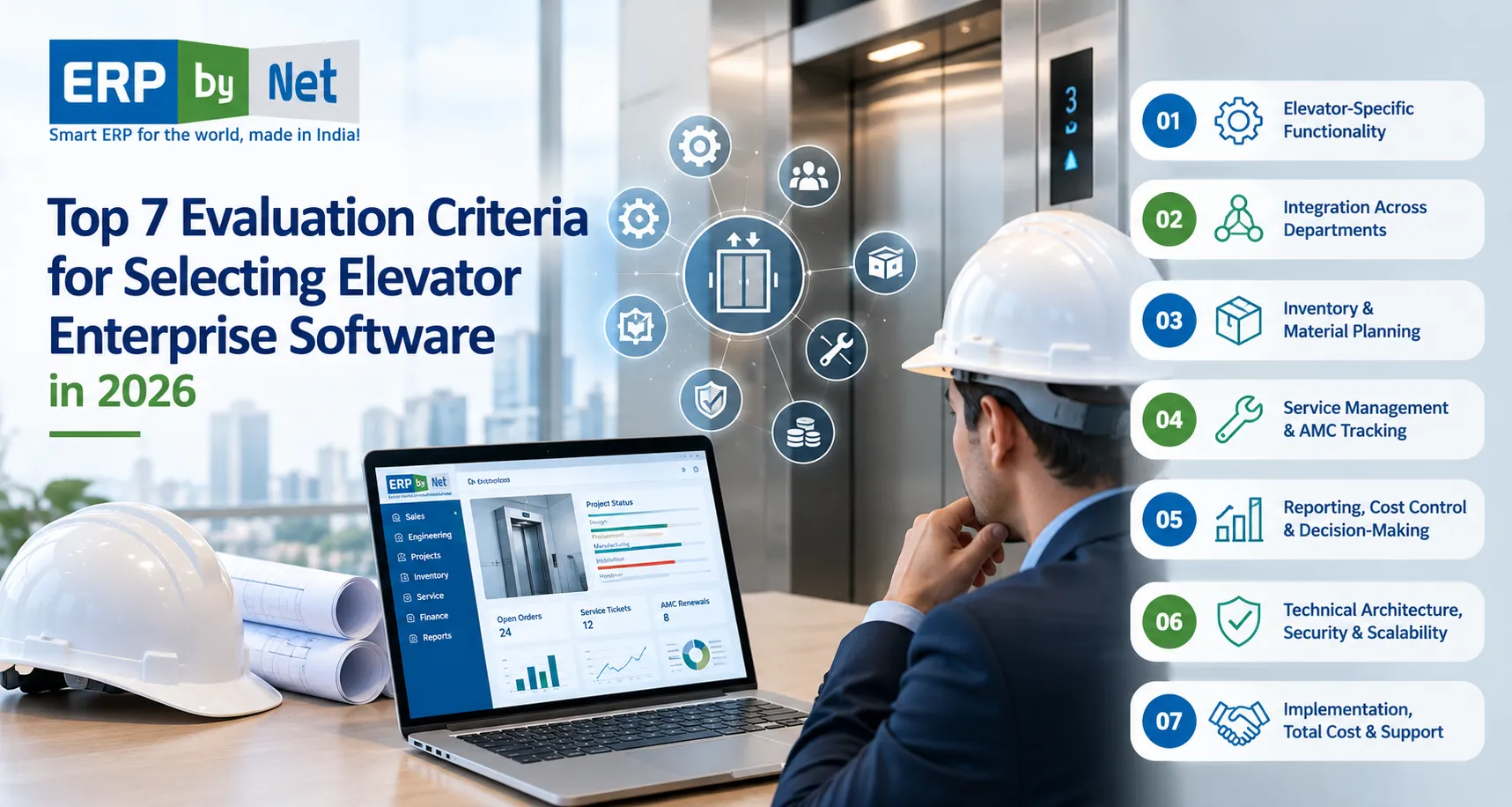
Read More: Top 7 Evaluation Criteria for Selecting Elevator Enterprise Software in 2026

2. Which Elevator Components Can Generate Useful Telemetry?

Not every elevator component generates the same information, and not every fault can be predicted through remote monitoring.

The usefulness of telemetry depends on the elevator’s design, controller compatibility, sensor availability, measurement quality, and the type of maintenance problem being investigated.

The following components illustrate where connected monitoring may provide useful information.

Elevator componentPotential telemetryMaintenance application
Door operatorDoor operating time, repeated fault events, cycle informationInvestigate recurring door problems
Traction motorTemperature, operating behaviour, vibration where measuredIdentify unusual mechanical or thermal conditions
BearingsVibration and temperature measurementsSupport condition-based inspection
Drive systemError codes, operating events and electrical indicatorsInvestigate drive-related abnormalities
Control panelFault logs, system status and controller eventsIdentify recurring control-related problems
Brake systemEquipment-specific diagnostic indicators and inspection recordsSupport maintenance investigation
Elevator operating systemTrip counts, interruptions and usage patternsUnderstand equipment utilization

The presence of a particular data point does not automatically mean that a component’s condition can be reliably predicted.

For example, a motor temperature reading that exceeds a configured threshold may justify investigation. However, determining the underlying cause requires consideration of load, operating conditions, ventilation, sensor accuracy, and the manufacturer’s technical requirements.

Example: Identifying an unusual door-operation pattern

Consider an elevator in a commercial building that completes hundreds of operating cycles during a normal working day.

Over time, its monitoring system begins recording repeated variations in door-operation duration.

Initially, the elevator continues operating. No passenger complaint has been registered, and no major breakdown has occurred.

A telemetry platform can compare the current readings with historical behaviour and identify a developing anomaly.

The maintenance team can then investigate:

  • Whether the door mechanism is operating outside its normal parameters.
  • Whether there are recurring controller events.
  • Whether the issue occurs under particular operating conditions.
  • Whether previous technicians recorded similar observations.
  • Whether adjustment, inspection, or component replacement is necessary.

The important point is that telemetry provides evidence for investigation. It does not independently establish the mechanical cause or authorize a repair.

3. Why IoT Monitoring Alone Is Not Enough for Elevator Companies

Elevator IoT monitoring dashboard showing equipment alerts alongside challenges with duplicate equipment information, incomplete technician details, delayed spare parts, maintenance costs, and fragmented records.

A connected elevator may generate useful information every day, but monitoring equipment is only one part of maintenance management.

The actual challenge begins when a warning needs to become a business action.

Imagine a service company managing 2,000 elevators across multiple cities. Its monitoring platform identifies a potential issue in one unit.

The monitoring team receives the alert. But what happens next?

The service manager needs to identify the customer, check the maintenance agreement, review the equipment’s history, determine the urgency, arrange a qualified technician, and make sure the required parts are available.

If these activities are managed through separate applications, spreadsheets, telephone calls, and messaging platforms, the original alert can lose its operational value.

Common problems with disconnected monitoring and maintenance systems

1. Alerts remain inside monitoring dashboards

An equipment warning may reach the monitoring team without creating an actionable task for the service department.

Someone must manually communicate the issue and follow up on whether it has been investigated.

2. Equipment information is duplicated

The monitoring platform may identify an elevator using one equipment code, while the service system uses another asset number.

Employees then need to establish whether both records refer to the same unit.

3. Technicians receive incomplete information

An assignment that only says “check elevator fault” does not provide sufficient preparation.

Technicians may need the fault history, site address, equipment configuration, previous repair details, and suspected component information.

4. Spare-parts requirements are identified too late

A technician may reach the site and discover that the suspected component is unavailable.

The company then needs another visit, additional coordination, and potentially a longer service interruption.

5. Maintenance costs become difficult to evaluate

Equipment monitoring data may exist separately from labour records, travel expenses, parts consumption, and contract billing.

Management cannot easily connect equipment problems with the actual cost of maintaining each unit.

6. Historical information remains fragmented

The monitoring platform records equipment events, while the ERP or service application records repairs.

If these records are not connected, understanding the complete maintenance history becomes difficult.

The solution is not to replace the IoT monitoring platform with an ERP system. Each system has a different responsibility.

The monitoring platform understands equipment signals. The ERP manages the business processes that follow validated maintenance requirements.

4. How IoT Telemetry Connects Directly with ERP Maintenance Workflows

The most useful integration connects relevant equipment information with the correct operational records.

A telemetry platform should not send every raw sensor reading into an ERP system as a separate maintenance ticket. That would create unnecessary records and potentially overwhelm service teams.

Instead, the integration should identify meaningful events, validate the information, and send actionable maintenance requests.

Step 1: Capture equipment information

The process begins with the elevator controller, sensors, and monitoring devices.

These sources collect relevant information such as:

  • Equipment operating status.
  • Controller-generated error codes.
  • Door operating behaviour.
  • Motor temperature.
  • Vibration measurements, where suitable sensors are installed.
  • Operating cycles and trip information.
  • Repeated interruptions.
  • Relevant power-related events.

The system should capture timestamps and equipment identifiers alongside the measurements.

This information helps establish when an event occurred and which asset generated it.

Step 2: Send data through an IoT gateway

The gateway acts as the communication bridge between elevator equipment and the monitoring environment.

Different elevator manufacturers and controller generations may use different communication protocols.

Consequently, integration planning must consider protocol compatibility, data formats, security, and whether the gateway can access the required information without interfering with the elevator’s control or safety functions.

The gateway may also filter unnecessary information before transmission.

For example, a high-frequency sensor measurement might be analysed locally, while the monitoring platform receives a summary, anomaly event, or selected measurement window.

This approach helps avoid transferring large volumes of unnecessary raw data into enterprise applications.

Step 3: Analyse and validate telemetry

The monitoring platform processes the incoming information.

Depending on the application, it may use:

  • Fixed thresholds.
  • Equipment-specific rules.
  • Historical comparisons.
  • Pattern recognition.
  • Statistical analysis.
  • Machine-learning models.

Suppose a lift records several abnormal door events within a defined period.

The analytics system can compare the current pattern with historical data and identify whether the behaviour deserves further investigation.

However, an alert should contain enough context to support an informed decision.

Useful information includes the equipment ID, event type, timestamp, severity, relevant measurements, and the basis for generating the alert.

Step 4: Exchange actionable information with ERP

Once an event meets the agreed criteria, the monitoring platform can communicate with the ERP system.

This may happen through a REST API, webhook, integration middleware, message broker, or another supported interface.

The ERP then attempts to match the incoming event with the appropriate equipment record.

It can retrieve relevant business information such as:

  • Customer and site details.
  • Equipment identification.
  • Maintenance contract.
  • Warranty status.
  • Previous service history.
  • Open service tickets.
  • Assigned service team.
  • Relevant spare-parts information.

The integration should check whether the same event has already generated a ticket.

This prevents duplicate alerts from creating unnecessary work orders.

Step 5: Create or update a maintenance work order

After validating the incoming information, the business workflow can create a new maintenance request or update an existing case.

The work order may contain:

  • Equipment and site identification.
  • Reported condition.
  • Alert timestamp.
  • Priority for review.
  • Suggested inspection area.
  • Previous related maintenance records.
  • Applicable contract information.
  • Supporting diagnostic data.

The service manager can review the information and decide the next action.

For critical or safety-related events, the relevant approved safety and emergency procedures take priority. An ERP workflow must never delay an urgent response while waiting for routine approval.

Step 6: Coordinate technicians and spare parts

Once the work is approved or appropriately prioritized, the service team can organize the field response.

The business needs to identify:

  • Which qualified technician is available?
  • How far is the technician from the site?
  • What equipment knowledge is required?
  • What parts or tools may be needed?
  • Is the required inventory available?
  • Does the site have access restrictions?

The ERP and connected field-service applications can support assignment, job communication, and inventory coordination.

Step 7: Record the repair and close the workflow

After visiting the site, the technician records the inspection findings and action taken.

The final record may include:

  • Confirmed fault.
  • Root cause, where established.
  • Parts consumed.
  • Labour and travel details.
  • Inspection checklist.
  • Photographs or supporting documents.
  • Repair completion time.
  • Follow-up recommendations.

The maintenance history can then be updated.

If the same issue occurs again, service managers have a more complete record for comparison and investigation.

5. The Complete IoT-to-ERP Maintenance Workflow

Consider the following illustrative situation.

An elevator in a hospital begins showing repeated door-related abnormalities. The monitoring system identifies the pattern before a major service interruption occurs.

A connected maintenance process might work as follows.

Connected elevator maintenance lifecycle

  1. Equipment telemetrySensors and controllers record abnormal door-operation events.
  2. IoT monitoring platformThe system identifies repeated events and generates an actionable alert.
  3. ERP asset identificationThe event is matched with the correct elevator, customer, site, and service contract.
  4. Maintenance work orderA service request is created or an existing case is updated after validation.
  5. Technician coordinationThe service manager arranges the appropriate technician and site visit.
  6. Spare-parts verificationStores and service teams check the availability of relevant components.
  7. Field inspection and repairThe technician investigates the issue and records the confirmed findings.
  8. ERP record updateService history, parts consumption, labour, and job status are updated.
  9. Analytics and improvementManagement reviews recurring issues, response performance, and maintenance costs.

Illustrative workflow. Actual automation depends on monitoring capabilities, integration design, and configured business rules.

The major advantage is continuity.

The information generated by the elevator is no longer isolated from the activities of the people responsible for maintaining it.

6. How ERP Maintenance Workflows Improve Technician Readiness

A predictive alert is useful only when the maintenance team can respond appropriately.

Technician readiness involves much more than assigning someone to a location.

It requires matching the maintenance requirement with the right employee, relevant equipment information, available time, and necessary resources.

Intelligent technician assignment

A service manager should be able to consider:

  • Technician location.
  • Current workload.
  • Availability.
  • Technical skills.
  • Equipment familiarity.
  • Service priority.
  • Travel distance.
  • Contractual response requirements.

For example, a technician who is already attending a nearby site may be a suitable candidate for an additional inspection, provided the person has the necessary qualifications and availability.

Access to equipment history

Before arriving at the site, technicians benefit from understanding previous maintenance activity.

A connected service record can help them review:

  • Earlier complaints.
  • Previous component replacements.
  • Recurring faults.
  • Warranty information.
  • Past inspection findings.
  • Maintenance schedules.

This reduces the need to reconstruct equipment history through phone calls and paper records.

Mobile job updates

Technicians also need a practical way to communicate with the back office.

A field-service application can support:

  • Job acceptance.
  • Site check-in.
  • Work-status updates.
  • Service checklists.
  • Photographs.
  • Repair observations.
  • Parts usage.
  • Job completion.

ERPbyNet’s SmartTechnician supports GPS tracking, geo-fencing, technician assignments, mobile service information, route guidance, and field-team coordination. It is integrated with the AceService service-management module. erpbynet.com+1

These capabilities are relevant to the execution stage of a connected maintenance workflow. They should not be confused with a verified native IoT telemetry ingestion capability.

7. Why Spare-Parts Integration Matters in Predictive Elevator Maintenance

One of the most overlooked aspects of predictive maintenance is material readiness.

A monitoring system may identify a developing problem early, but the service company can still experience a long interruption if the required component is unavailable.

Consider a situation where an elevator requires inspection of a door operator assembly.

The service team identifies a likely component requirement. However, the technician discovers that the part is not available at the nearest warehouse.

The company now needs to arrange procurement, transfer inventory, or schedule another visit.

Earlier fault detection has not automatically solved the operational problem.

Connecting maintenance requirements with inventory

An ERP-linked workflow can help service and stores teams check:

  • Available stock.
  • Reserved stock.
  • Warehouse location.
  • Material condition.
  • Existing allocations.
  • Reorder requirements.
  • Procurement lead time.
  • Supplier availability.

This information helps determine whether a technician can be prepared before the site visit.

How MRP supports maintenance operations

Material Requirements Planning is commonly associated with manufacturing, but inventory and procurement coordination also matter to service organizations.

A business can use historical consumption, confirmed service requirements, lead times, and safety-stock policies to plan material availability.

For example, if a particular component is frequently used across a group of elevators, the stores team can review consumption trends and determine an appropriate replenishment policy.

The objective is not to purchase parts for every potential alert.

It is to balance readiness against inventory carrying costs, obsolescence, and actual maintenance demand.

ERPbyNet’s AceMRP provides material planning, procurement, inventory, warehouse, stock allocation, and purchasing-related capabilities. These functions can support the material-management side of service operations. ERPbyNet

Example: A technician arrives with the required component

Imagine that the monitoring platform identifies a recurring abnormal condition in an elevator’s door system.

The service manager reviews the alert and previous service history. A likely inspection requirement is identified.

Before dispatch:

  1. The service team reviews the relevant equipment information.
  2. The stores team checks the appropriate spare-part inventory.
  3. The required item is reserved or transferred if available.
  4. The technician receives the assignment and relevant job information.
  5. The technician performs the inspection and confirms the actual requirement.

If replacement is necessary, the component consumption is recorded against the service job.

This improves material traceability and helps management understand the relationship between maintenance activity and spare-parts expenditure.

8. How IoT-Connected ERP Helps Manage AMCs and Service Contracts

Elevator maintenance is not limited to equipment condition.

Service companies also need to manage contractual responsibilities, scheduled maintenance, warranty obligations, customer communication, and service costs.

An equipment alert may occur under a comprehensive maintenance contract, a non-comprehensive AMC, or a warranty arrangement.

The financial and operational implications can differ significantly.

Identifying the applicable contract

When a telemetry event reaches the ERP, the business should identify the correct customer and equipment record.

It can then retrieve the applicable contract information.

This helps service managers determine:

  • Whether the elevator is under an active maintenance agreement.
  • Whether the issue falls within the contract’s scope.
  • Whether the equipment is under warranty.
  • Whether additional customer approval is required.
  • Whether parts and labour are covered.
  • Whether any contractual response requirements apply.

The monitoring platform cannot make these commercial decisions independently unless the relevant business rules are available to it.

Understanding maintenance costs

A company that manages hundreds or thousands of elevators needs to understand how much it spends maintaining each unit and contract.

Connected service records can help bring together:

  • Technician labour.
  • Travel expenses.
  • Spare-parts consumption.
  • Repeat visits.
  • Emergency repairs.
  • Warranty claims.
  • Service billing.
  • Contract-specific expenditure.

This helps identify contracts that require unusually high service effort.

For example, a comprehensive AMC with repeated component replacements may generate significant service costs even when its renewal rate remains high.

The connection between equipment history and financial records allows management to investigate why those costs are increasing.

ERPbyNet’s role in service and AMC management

ERPbyNet’s AceService provides service-management capabilities covering contracts, preventive maintenance schedules, callbacks, repair jobs, billing, warranty information, service notifications, and reporting.

Its SmartTechnician application supports field execution, while MyAceService is designed to support customer-facing service interactions. AMC & Field Service Management Software+1

These capabilities provide relevant business-process foundations for managing maintenance work generated through connected monitoring.

A specific IoT platform integration would still need to be evaluated and configured separately.

9. What Should an IoT-to-ERP Integration Architecture Include?

Successful integration requires more than connecting two software applications.

The systems must exchange information consistently, identify the correct equipment, prevent duplicate work orders, and protect sensitive operational data.

A practical architecture should consider the following layers.

1. Equipment connectivity layer

This layer includes:

  • Elevator controllers.
  • Compatible built-in sensors.
  • Additional monitoring devices.
  • IoT gateways.
  • Communication interfaces.

The design must account for differences between elevator models and manufacturers.

2. Data processing layer

The monitoring platform receives and processes equipment information.

Its responsibilities may include:

  • Data normalization.
  • Timestamp management.
  • Event classification.
  • Threshold evaluation.
  • Anomaly detection.
  • Historical comparisons.
  • Alert generation.

3. Integration layer

This is the communication bridge between monitoring software and ERP.

Possible technologies include:

TechnologyPurpose
REST APIExchange structured information between applications
WebhooksNotify another application when a defined event occurs
MQTTLightweight publish-subscribe messaging, often used in IoT environments
Message brokerManage asynchronous event delivery
MiddlewareTranslate data formats and coordinate application communication
Scheduled synchronizationExchange information at defined intervals

The appropriate choice depends on system capabilities, message volumes, latency requirements, and security constraints.

4. ERP business-process layer

The ERP receives the relevant event and applies business rules.

It may:

  • Match the elevator with its asset record.
  • Check the customer and site.
  • Retrieve the applicable contract.
  • Identify an existing service case.
  • Create or update a maintenance work order.
  • Initiate the appropriate review and assignment process.

5. Field-service and inventory layer

The maintenance team coordinates technicians and materials.

The relevant systems should support assignment, job updates, spare-parts checks, and maintenance documentation.

6. Reporting and analytics layer

Management reviews the combined information to understand maintenance performance.

Useful reporting areas include:

  • Fault frequency.
  • Equipment availability.
  • Repeat breakdowns.
  • Response and repair times.
  • Parts consumption.
  • Technician productivity.
  • Contract expenditure.
  • Maintenance cost by elevator.

Read More: What Will Predictive Maintenance Actually Look Like for Elevator Companies in 2026?

IoT-to-ERP Elevator Maintenance Architecture

From equipment monitoring to coordinated maintenance execution

01. Elevator Equipment Sensors · Controllers · Operating data · Fault events
↓
02. IoT Gateway Data collection · Protocol conversion · Secure connectivity
↓
03. Monitoring and Analytics Data processing · Anomaly detection · Event validation
↓
04. Integration Layer APIs · Webhooks · Data mapping · Event synchronization
↓
05. ERP Maintenance Management Equipment records · Service contracts · Work orders · Inventory
↓
06. Field Service and Business Reporting Technician assignment · Repairs · Parts usage · Maintenance history · Cost analysis

Conceptual integration architecture. Actual functionality depends on equipment compatibility, monitoring software, APIs and ERP configuration.

10. Important Data Fields That Must Be Exchanged Between IoT and ERP

A successful integration depends on consistent data mapping.

If the IoT platform identifies an elevator as LIFT-1025, while the ERP identifies the same unit as UNIT-458, the integration needs a reliable mapping between the two identifiers.

Without this, the system could attach an alert to the wrong equipment record.

The following data fields are useful starting points.

Data fieldSourcePurpose
Equipment IDIoT platform / ERPIdentify the elevator
Site IDERP / asset databaseIdentify installation location
Customer IDERPConnect the alert with the customer
Event IDIoT platformTrack a unique monitoring event
Event timestampIoT platformRecord when the event occurred
Fault codeController / monitoring systemIdentify the reported condition
SeverityMonitoring platformSupport prioritization
Sensor readingMonitoring platformProvide technical context
Alert statusIoT platformTrack the event lifecycle
Work-order IDERPConnect the alert with maintenance activity
Technician IDERP / field-service applicationIdentify the assigned technician
Parts consumedERP / service applicationRecord material usage
Resolution statusERP / service applicationRecord the maintenance outcome

Why event identifiers matter

Suppose a controller generates the same fault code five times within a short period.

Should the ERP create five separate maintenance jobs?

Not necessarily.

The integration needs rules to determine whether the events represent:

  • Repeated signals from one unresolved incident.
  • Separate incidents.
  • An escalation of an existing problem.
  • A recurring condition that needs a different investigation.

An event identifier, equipment identifier, timestamp, and event-correlation policy help avoid duplicate records.

The integration should also support acknowledgment, retries, error handling, and reconciliation when one application is temporarily unavailable.

11. Real-World Industry Use Cases for IoT-to-ERP Integration

The value of integration becomes clearer when viewed through everyday elevator maintenance situations.

The following examples are illustrative operational scenarios, not documented ERPbyNet customer outcomes.

Use Case 1: Repeated door faults in a commercial building

A connected elevator records repeated door-operation abnormalities.

The monitoring system identifies the pattern and sends a validated event to the enterprise system.

The service manager reviews previous complaints and arranges an inspection.

The technician receives the equipment history and assignment details.

After inspecting the elevator, the technician records the confirmed cause and corrective action.

The service history is updated for future analysis.

Business value: Better coordination between fault detection, service investigation, and maintenance records.

Use Case 2: Motor temperature variation in a high-rise building

A monitoring platform identifies a temperature pattern outside the configured operating range.

The system generates an alert with supporting measurements.

The service team reviews the equipment information and determines whether a technical inspection is required.

If a site visit is necessary, the appropriate technical personnel are assigned.

The inspection findings are recorded against the elevator’s maintenance history.

Business value: Earlier visibility into unusual equipment behaviour and more informed maintenance planning.

Use Case 3: Repeated breakdowns across multiple elevators

An elevator maintenance company manages several buildings with similar equipment configurations.

The monitoring platform identifies repeated fault patterns across a group of elevators.

The service manager can review whether the events share a common component, operating condition, or maintenance history.

The engineering and service teams can investigate whether a broader maintenance action is justified.

Business value: Better identification of recurring issues across an equipment portfolio.

Use Case 4: Predictive maintenance and spare-parts planning

A monitoring system identifies a condition that may require inspection of a particular component.

The ERP retrieves inventory information and identifies relevant stock availability.

The service manager coordinates with stores and procurement before arranging the visit.

If the component is required after inspection, its consumption is recorded against the work order.

Business value: Better preparation for service visits and improved material traceability.

Use Case 5: Monitoring maintenance performance across AMC contracts

Management wants to identify which service contracts generate the most repeat breakdowns.

The company combines monitoring events with service tickets, parts consumption, labour, and contract information.

This helps management investigate whether certain sites or equipment groups require more maintenance effort.

Business value: More informed AMC cost analysis and service planning.

12. Challenges of Connecting IoT Telemetry with ERP Software

Although integration offers operational advantages, implementation requires careful planning.

A poorly designed connection can create more problems than it solves.

Different elevator manufacturers use different protocols

Elevator equipment may come from different manufacturers and generations.

Some systems expose useful controller information, while others require additional monitoring hardware.

A company managing a mixed fleet should not assume that one gateway or communication protocol will support every installation.

Recommended approach: Conduct a compatibility assessment and identify the equipment groups that can be connected reliably.

Poor-quality sensor data

Sensor readings may contain missing values, inconsistent timestamps, or incorrect measurements.

If the analytics platform relies on inaccurate information, it may generate misleading alerts.

Recommended approach: Establish data validation, calibration requirements, equipment-specific thresholds, and monitoring-quality checks.

Incorrect equipment identification

The monitoring system and ERP may maintain different asset identifiers.

This creates a risk of associating an alert with the wrong elevator or customer.

Recommended approach: Establish a master equipment identity and maintain a reliable mapping across all connected systems.

Duplicate maintenance tickets

A single unresolved condition can generate multiple notifications.

Without event-correlation rules, the ERP may create unnecessary service jobs.

Recommended approach: Use unique event identifiers, duplicate detection, alert grouping, and defined incident-lifecycle rules.

Integration failures and network interruptions

A communication failure may prevent telemetry from reaching the enterprise application.

A maintenance team should not assume that the absence of an alert means the elevator is operating normally.

Recommended approach: Monitor connectivity status, maintain event queues where appropriate, configure retries, and create reconciliation procedures.

Cybersecurity and data access

Connected elevator systems introduce cybersecurity considerations across devices, networks, gateways, APIs, and cloud platforms.

The integration must consider:

  • Secure communication.
  • Authentication and authorization.
  • Access permissions.
  • Encryption where appropriate.
  • Audit logs.
  • Network segmentation.
  • Vendor responsibilities.
  • Software updates.
  • Data retention.

Connected monitoring must not create an uncontrolled pathway into safety-critical elevator control systems.

Employee adoption

Even a well-designed system can fail operationally if service managers and technicians do not use it consistently.

Technicians must understand how to interpret monitoring information, validate suspected problems, and document the actual work performed.

Recommended approach: Involve service personnel during workflow design, testing, and training.

13. How to Implement IoT and ERP Integration: A Practical Roadmap

Elevator companies should avoid connecting every elevator, sensor, and business process simultaneously.

A phased implementation helps establish technical feasibility and operational value before scaling.

Phase 1: Audit the installed elevator base

Begin by understanding which elevators are suitable for connected monitoring.

Document:

  • Manufacturer and model.
  • Controller generation.
  • Site location.
  • Equipment identification.
  • Existing monitoring capabilities.
  • Sensor availability.
  • Communication interfaces.
  • Current maintenance arrangements.

This establishes the actual scope of integration.

Phase 2: Define the maintenance use cases

Do not begin with the assumption that every available sensor needs to be integrated.

Identify the problems that the business wants to address.

Examples include:

  • Repeated door-related faults.
  • Unusual motor temperature.
  • Recurring controller errors.
  • Unexpected interruptions.
  • Repeated emergency visits.
  • Difficulties coordinating spare parts.

Select use cases where reliable data and a defined maintenance response are available.

Phase 3: Assess ERP readiness

Review whether the ERP can manage the business information required by the integration.

Check for:

  • Unique equipment records.
  • Customer and site masters.
  • Contract information.
  • Maintenance history.
  • Service-ticket management.
  • Technician assignments.
  • Inventory records.
  • Work-order status.
  • Reporting capabilities.

If the information is fragmented, clean and standardize it before building the integration.

Phase 4: Define the integration architecture

Work with the IoT provider and ERP implementation team to establish how information will move between applications.

Document:

  • Supported communication protocols.
  • API availability.
  • Event structure.
  • Authentication.
  • Data mapping.
  • Alert priorities.
  • Duplicate detection.
  • Error handling.
  • Retry mechanisms.
  • System availability requirements.

Also establish which system owns each type of information.

For example, the monitoring platform may own raw sensor readings and alert analysis, while the ERP owns customer contracts, maintenance work orders, and service-cost records.

Phase 5: Run a controlled pilot

Select a manageable group of elevators.

Monitor a clearly defined issue and evaluate whether the integration produces useful maintenance information.

Track:

  • Alert accuracy.
  • Duplicate events.
  • Work-order creation.
  • Time between alert and review.
  • Technician preparation.
  • Spare-parts availability.
  • Actual maintenance findings.
  • Repeat incidents.

A pilot should include both successful alerts and cases where the system fails to identify an expected condition.

This provides a more realistic assessment than evaluating only positive examples.

Phase 6: Expand gradually

Once the pilot demonstrates reliable performance, extend the integration to additional equipment groups.

Use the pilot’s findings to improve:

  • Alert thresholds.
  • Event mapping.
  • Work-order rules.
  • Technician assignment.
  • Inventory coordination.
  • Reporting.
  • Employee training.

The goal is to create a repeatable operating model rather than a collection of isolated monitoring connections.

14. KPIs to Measure the Impact of IoT-Connected ERP Maintenance

Installing connected equipment does not automatically improve maintenance performance.

Companies need to compare operational results before and after implementation.

The following indicators can help.

KPIWhat it measuresBusiness relevance
Unplanned downtimeTime equipment remains unavailable due to unexpected issuesMeasures operational disruption
Mean time to repair (MTTR)Average time required to restore equipmentHelps identify response and repair bottlenecks
Mean time between failures (MTBF)Average operating time between defined failuresHelps evaluate reliability trends
Alert-to-review timeTime between alert generation and service-team reviewMeasures monitoring responsiveness
Alert precisionProportion of evaluated alerts that match the defined target conditionEvaluates alert usefulness
False-alarm rateAlerts that do not correspond to the intended conditionHighlights unnecessary investigations
First-visit repair rateEligible jobs completed successfully during the first visitMeasures technician preparation
Repeat fault rateRecurrence of similar faults after maintenanceHighlights unresolved problems
Spare-parts availabilityAvailability of required components when neededMeasures material readiness
Preventive maintenance completionPlanned maintenance tasks completed on scheduleTracks maintenance discipline
Maintenance cost per elevatorRelevant labour, travel, parts, and service expenditureSupports cost management

Why alert-to-work-order time matters

Consider two maintenance companies.

Both receive an alert about the same type of elevator condition.

Company A takes several hours to identify the affected site, check the contract, contact the service manager, and arrange a technician.

Company B has an established integration that makes the alert available against the correct equipment record and initiates the appropriate review workflow.

The difference is not necessarily in the quality of their sensors.

It is in how effectively they convert equipment information into business action.

This is one of the most important operational measurements for companies investing in connected maintenance.

Measure availability carefully

Elevator availability should be defined consistently.

Companies need to distinguish between:

  • Scheduled maintenance periods.
  • Planned shutdowns.
  • Unplanned equipment failures.
  • Emergency interruptions.
  • Monitoring or communication outages.

Without consistent definitions, reported improvements may not reflect actual operational performance.

15. Can IoT and ERP Integration Deliver Zero-Downtime Elevators?

Zero downtime is an attractive objective, especially for hospitals, airports, commercial towers, residential complexes, and other buildings where elevator availability is essential.

However, no monitoring or ERP integration can guarantee that an elevator will never experience an interruption.

Unexpected component failures, power problems, environmental conditions, external damage, communication failures, and other events can still affect equipment operation.

The more realistic objective is to reduce avoidable downtime and improve the organization’s ability to identify, prepare for, and respond to maintenance requirements.

How connected maintenance helps reduce interruptions

Earlier fault identification: Monitoring systems can identify certain unusual conditions before they lead to operational disruption.

Better diagnosis: Historical information and equipment measurements can help technicians investigate the likely cause.

Improved preparation: Technicians can receive relevant equipment history and job information before visiting the site.

Parts readiness: Inventory integration can help teams prepare required components where the need is established.

Faster coordination: Service workflows can reduce delays between monitoring, review, assignment, and field execution.

Better repeat-fault analysis: Historical maintenance records help identify unresolved issues and recurring patterns.

What connected maintenance cannot replace

Even with advanced telemetry and analytics, elevator companies must continue to perform:

  • Required periodic inspections.
  • Manufacturer-recommended maintenance.
  • Safety-critical testing.
  • Qualified technical assessments.
  • Appropriate repairs and replacements.
  • Emergency response procedures.

Predictive monitoring is an additional source of information, not a substitute for safe maintenance practices.

Singapore’s Building and Construction Authority provides an example of how remote monitoring and diagnostics can support lift maintenance through sensors, analytics, anomaly detection, and fault prediction. Its published framework also includes specific approval and performance requirements for qualifying remote-monitoring solutions. Building and Construction Authority+1

16. How ERPbyNet Supports Connected Elevator Maintenance Operations

IoT monitoring helps identify equipment conditions. ERP software helps organize the people, materials, contracts, and business processes required to respond.

For elevator companies, this distinction is important.

A maintenance alert may require several departments to work together:

  • Monitoring team to review the event.
  • Service manager to assess the maintenance requirement.
  • Technician to inspect the equipment.
  • Stores team to arrange required parts.
  • Procurement team to replenish unavailable stock.
  • Finance team to track labour, materials, and billing.
  • Management to evaluate maintenance performance.

ERPbyNet, developed by XECOM Information Technologies, provides an integrated ERP ecosystem for elevator, engineering, manufacturing, and project-based businesses.

Its service-management and operational applications offer relevant capabilities for organizing maintenance activities.

How ERPbyNet Supports Connected Elevator Maintenance Operations

Coordinate service management, field teams, spare-parts planning and financial operations through an integrated ERP ecosystem.

⚙
01 / SERVICE

AceService: Organizing Maintenance and AMC Workflows

Manage service contracts, preventive maintenance schedules, callback requests, repair jobs, warranty tracking, billing and service reporting. AceService helps teams organize maintenance activities after an equipment alert has been reviewed.

  • AMC management
  • Preventive maintenance
  • Callback management
  • Warranty tracking
  • Repair job management
  • Service reporting
Explore AceService →
⌖
02 / FIELD OPERATIONS

SmartTechnician: Coordinating Field Teams

Coordinate technicians through GPS tracking, geo-fencing, job assignments, scheduling, mobile service updates and route guidance. Help service managers monitor field activities and organize maintenance visits across customer locations.

  • GPS tracking
  • Geo-fencing
  • Technician assignments
  • Route guidance
  • Mobile job updates
  • Field coordination
Explore SmartTechnician →
▤
03 / INVENTORY

AceMRP: Supporting Material Readiness

Coordinate material planning, procurement, inventory, warehouse operations, stock allocation and replenishment. Help service and stores teams check spare-parts availability against identified maintenance requirements.

  • Inventory management
  • Material planning
  • Warehouse management
  • Procurement workflows
  • Stock allocation
  • Replenishment planning
Explore AceMRP →
₹
04 / FINANCE

AceFinance: Connecting Service Activity with Financial Information

Manage financial and accounting operations, including accounts payable, accounts receivable and general ledger. Connect financial records with the broader management of service expenses and billing activities.

  • General ledger
  • Accounts payable
  • Accounts receivable
  • Financial accounting
  • Expense management
  • Financial reporting
Explore AceFinance →

One connected business ecosystem. From maintenance management and technician coordination to inventory and financial operations, ERPbyNet helps elevator businesses bring essential processes together.

The bigger picture

ERPbyNet’s value in this context is its ability to connect business processes that are often managed separately.

For an elevator company, the relevant operational sequence can include:

Equipment information → Service review → Maintenance assignment → Spare-parts coordination → Field execution → Service records → Financial reporting.

This creates a useful business foundation for connected maintenance.

However, the exact integration of live telemetry, predictive analytics, and automated work-order generation must be assessed against the selected IoT platform, available APIs, technical requirements, and implementation scope. These should not be assumed to be standard native ERPbyNet features.

17. What Elevator Companies Should Evaluate Before Selecting an IoT-Ready ERP

Choosing an ERP for an IoT-connected maintenance environment requires more than checking whether the software supports service tickets.

The important question is whether the system can support the business processes that follow monitoring events.

Consider these evaluation criteria.

1. Equipment and asset identification

Can the ERP maintain unique equipment records across multiple sites and customers?

Can external monitoring identifiers be mapped to the correct ERP assets?

2. API and integration capabilities

Does the ERP provide documented APIs or other supported integration options?

Can it receive structured events and update relevant business records?

Can failed messages be retried and reconciled?

3. Service-workflow flexibility

Can the system support different event categories, approval requirements, priorities, and maintenance workflows?

Can it prevent duplicate tickets?

4. Technician coordination

Can service managers assign work based on availability, location, skills, and workload?

Can technicians access equipment history and update job outcomes from the field?

5. Inventory and procurement integration

Can the system connect service requirements with stock availability, material allocation, and procurement?

Can it distinguish physical stock from stock already reserved for other requirements?

6. Contract and warranty management

Can the ERP identify the relevant AMC, warranty, and billing conditions for each elevator?

Can it track the service costs associated with each contract?

7. Reporting and analytics

Can management review equipment-related service activity, response times, downtime, repeat faults, and maintenance expenditure?

Can the system combine operational and financial information?

8. Cybersecurity and reliability

Does the proposed architecture include appropriate authentication, permissions, secure communication, audit trails, and error handling?

Does the design maintain the required separation from safety-critical elevator controls?

9. Scalability

Can the integration support additional elevators, sites, gateways, and service teams as the business grows?

10. Implementation and support

Does the implementation provider understand elevator maintenance processes, equipment identification, contract management, inventory coordination, and field-service operations?

A technically successful connection is not enough if the resulting workflow does not fit the way the service business actually operates.

ERPbyNet | IoT-Connected Elevator ERP

Turn Elevator Telemetry into Smarter Maintenance Decisions

Connect IoT alerts with maintenance schedules, service records, technician assignments, and spare parts planning. ERPbyNet helps elevator companies turn equipment data into actionable workflows, detect potential issues earlier, and support more reliable elevator operations.

Contact Us Email Us Explore ERPbyNet
Connect equipment data with proactive service operations.

Conclusion: The Future of Elevator Maintenance Is Connected Equipment and Connected Operations

IoT telemetry is changing how elevator companies understand equipment behaviour. Sensors, connected controllers, gateways, and analytical platforms can provide earlier indications of unusual operating conditions and potential maintenance requirements.

But the real operational benefit comes from connecting those insights with the systems responsible for taking action.

An alert must be associated with the correct elevator. The service team must review it. A suitable technician must be assigned. Required materials must be available. The maintenance findings must be recorded. Management must be able to understand the resulting service activity and costs.

This is where ERP integration becomes important.

By connecting monitoring information with service management, technician coordination, inventory, contracts, and finance, elevator companies can build a more organized maintenance environment.

Zero downtime cannot be guaranteed, and predictive systems cannot replace qualified technicians or mandatory safety procedures. However, better-connected operations can help businesses reduce avoidable delays, improve maintenance readiness, and make more informed decisions.

For elevator companies preparing for this shift, the priority should be to build a reliable connection between equipment intelligence and everyday business operations.

ERPbyNet helps elevator and engineering businesses coordinate service management, field operations, inventory, and financial processes through its integrated ERP ecosystem.

Explore ERPbyNet or contact the team to discuss how its business-management capabilities can support your elevator service operations.

Frequently Asked Questions

FAQs About IoT Telemetry in Elevator Maintenance

Find answers to common questions about elevator IoT monitoring, predictive maintenance, and ERP integration.

1. What is IoT telemetry in elevator maintenance?

IoT telemetry collects operating information from connected elevator controllers, sensors, and monitoring devices. This information can help maintenance teams identify unusual equipment behaviour, review fault patterns, and plan appropriate inspections.

2. How does IoT data integrate with ERP software?

An IoT platform can send validated equipment events to an ERP through APIs, webhooks, or integration middleware. The ERP can associate the information with equipment records and initiate relevant service-management workflows, subject to its configuration.

3. Can IoT telemetry automatically generate elevator maintenance work orders?

Yes, a suitably configured integration can create or update maintenance work orders when defined event conditions are met. However, alert validation, duplicate detection, priority rules, and appropriate human review are important.

4. Which sensors are used for elevator predictive maintenance?

Depending on the elevator and monitoring requirements, systems may use temperature, vibration, position, speed, door-operation, and other equipment-specific sensors. Controllers may also provide useful diagnostic information and fault codes.

5. Does ERP software replace elevator IoT monitoring platforms?

No. IoT platforms collect and analyse equipment information, while ERP software coordinates business operations such as maintenance jobs, contracts, technicians, inventory, and financial records. They perform complementary roles.

6. How does ERP integration help elevator technicians?

It can provide technicians with equipment history, site details, service assignments, maintenance instructions, and relevant parts information. Mobile field-service applications can also help record inspections and repair outcomes.

7. Can IoT integration reduce elevator maintenance costs?

It may help reduce unnecessary visits, improve maintenance preparation, identify recurring issues, and support better spare-parts planning. Actual savings depend on equipment condition, monitoring quality, integration costs, and operational adoption.

8. Is IoT-based predictive maintenance suitable for older elevators?

It can be suitable for some older elevators, but compatibility depends on controller interfaces, sensor requirements, gateway availability, and access to reliable operating information. Some installations may require additional monitoring equipment.

9. What is the difference between elevator remote monitoring and predictive maintenance?

Remote monitoring provides information about equipment status and events. Predictive maintenance uses historical and current equipment information to identify patterns that may indicate developing faults. Not all monitoring systems provide predictive capabilities.

10. Can IoT and ERP integration guarantee zero elevator downtime?

No. Integration can help improve maintenance planning and reduce certain avoidable interruptions, but unexpected failures and other operational risks remain. Required inspections, safety procedures, and qualified maintenance personnel are still essential.

CategoriesElevator Maintenance Management ERP (Enterprise Resource Planning)

Top 7 Evaluation Criteria for Selecting Elevator Enterprise Software in 2026

Key Takeaways

  • Elevator-specific workflows matter more than feature counts when selecting enterprise software.
  • Integration across engineering, inventory, projects, service, and finance reduces disconnected information and manual work.
  • Material planning and procurement capabilities help prevent shortages, excess stock, and installation delays.
  • AMC management, technician mobility, and service history are essential for ongoing elevator maintenance.
  • Total cost, implementation capability, security, and support should be evaluated alongside software functionality.

What You’ll Learn

  • How to evaluate seven critical criteria for selecting elevator enterprise software.
  • How to assess engineering changes, BOMs, material availability, and project workflows.
  • How to compare service management, AMC tracking, and technician mobility.
  • How to use a weighted vendor scorecard and practical demonstration checklist.
  • How ERPbyNet connects elevator business operations through solutions such as SalesPundit, AceMRP, AceService, SmartTechnician, and AceFinance.

Real Insights

  • A long feature list does not guarantee that software fits your actual workflows.
  • A single component shortage can delay an entire elevator installation.
  • Service efficiency alone cannot reveal AMC profitability without labour, travel, and spare-parts costs.
  • Customization, integration, migration, and training can substantially affect the total cost of ownership.
  • The best software choice is the one that demonstrates your critical workflows and supports your business goals.

Selecting enterprise software is a major decision for an elevator company. The right system can help connect quotations, engineering, material planning, installation projects, maintenance contracts, technician operations, and finance. The wrong choice can introduce new complications, including disconnected information, duplicate data entry, expensive customization, and implementation delays.

The challenge is that many ERP platforms offer similar features on paper. Customer management, inventory, accounting, reporting, and purchasing are common capabilities. What matters is whether the software can support the specific workflows of an elevator business and connect the departments responsible for completing them.

For example, an elevator project may be delayed because a critical component is unavailable, even though the installation team has already scheduled its work. A service department may complete a maintenance visit without updating the relevant equipment history. Finance may struggle to calculate project profitability because labour, materials, subcontractor expenses, and billing information are maintained separately.

These are the kinds of operational challenges businesses should investigate before selecting enterprise software.

In this guide, we examine the top seven evaluation criteria for selecting elevator enterprise software in 2026, along with practical vendor evaluation questions, a weighted scorecard, implementation considerations, and a checklist to help you make an informed decision.

Why Elevator Companies Need Specialized ERP Evaluation Criteria

Professional comparing elevator enterprise software vendors using a checklist and evaluation dashboard.

Elevator companies operate across several interconnected business functions. Depending on the business model, these may include manufacturing, product configuration, engineering, installation, modernization, maintenance, and customer support.

Each function generates information that other departments need to complete their work.

Consider a typical elevator project. The sales team receives a customer inquiry and prepares a quotation. Engineering confirms the specifications and prepares the required technical information and bill of materials (BOM). Procurement checks material availability, production plans its activities, and the installation team coordinates delivery and site readiness.

After installation and handover, the same equipment may require preventive maintenance, breakdown support, warranty tracking, spare-parts management, and annual maintenance contract (AMC) renewals.

When these processes operate through disconnected applications, spreadsheets, and manual communication, employees may need to enter the same information multiple times or contact other departments to confirm the latest status.

Enterprise software should help reduce these information gaps by supporting the workflows that matter to the business.

What Should Elevator Enterprise Software Manage?

Business functionKey requirements to evaluate
Sales and quotationsCustomer inquiries, technical requirements, pricing, approvals, and order conversion
EngineeringProduct configuration, technical specifications, BOMs, drawings, and revisions
Inventory and procurementStock availability, material requirements, purchase orders, supplier lead times, and allocation
ManufacturingProduction planning, material readiness, scheduling, and order tracking
Installation projectsSite readiness, project milestones, work progress, expenses, and handover
Service and maintenanceEquipment history, preventive maintenance, complaints, warranties, and AMCs
Finance and accountingProject costs, billing, receivables, payables, and financial reporting
ManagementOperational dashboards, performance indicators, exceptions, and decision-making information

Not every company needs the same combination of capabilities. An elevator maintenance contractor may prioritize service management and technician scheduling, while a manufacturer may require deeper engineering and material planning functionality.

The evaluation process should begin by identifying the business’s current requirements, operational challenges, and expected growth.

1. Evaluate Elevator-Specific Functionality and Workflow Coverage

The first criterion is whether the software supports the actual workflows of your elevator business.

A generic ERP may offer customer records, purchasing, inventory, and accounting. However, these features alone do not establish that the system can manage customized elevator configurations, project-specific material requirements, installation milestones, equipment-level service history, or maintenance contracts.

Instead of evaluating features individually, examine how the software handles a complete business process.

Start by Identifying Your Business Requirements

Before comparing vendors, identify which activities your company performs.

Elevator manufacturing: The system may need to support product configuration, engineering specifications, BOMs, procurement, production planning, and delivery coordination.

Installation and modernization: Evaluate quotation management, site surveys, material requirements, project scheduling, installation progress, and handover documentation.

Maintenance and service: Focus on equipment records, service requests, preventive maintenance, technician assignments, contract coverage, warranty history, and renewal management.

Integrated elevator operations: If your company manages manufacturing, installation, and maintenance, evaluate how these processes share information and support financial reporting.

The software should be assessed against your actual operating model rather than an idealized list of features.

Test a Complete Elevator Project Workflow

Imagine that your company receives an order for a customized elevator in a commercial building. After the order is approved, the customer requests a specification change that affects a component and its delivery schedule.

During the vendor demonstration, ask the team to show how the system handles this change.

  • Can the team retrieve the original quotation and approved specifications?
  • Can the revised requirements be recorded and approved?
  • Can the relevant engineering records and BOM be updated?
  • Can the change’s impact on material requirements and existing purchase orders be evaluated?
  • Can production and installation teams identify the latest approved information?
  • Can the business review any resulting cost or schedule changes?

This scenario helps determine whether the software supports connected processes or simply stores information in separate modules.

Questions to Ask ERP Vendors

  • Which elevator-specific workflows does the proposed solution support?
  • Which capabilities are available as standard functionality?
  • Which requirements need configuration, customization, or third-party applications?
  • How are engineering changes and approvals managed?
  • Can users trace an order through its relevant operational stages?
  • Which activities still require manual data entry or spreadsheets?

What to look for: A vendor should demonstrate your priority workflows, explain any limitations, and identify the work required to meet your requirements. Do not treat a feature list as proof that the complete process will work as expected.

Read More: Elevator ERP vs. Standalone Service Software: 7 Differences That Matter as You Grow

2. Check Integration Across Engineering, Inventory, Projects, Service, and Finance

The second criterion is how effectively the software connects departments that depend on the same business information.

In elevator operations, a decision made in one department can affect several others. An engineering revision may change material requirements. A procurement delay may affect installation. An installation delay may affect billing milestones. A service visit may generate labour and spare-parts costs that need to be recorded correctly.

When these activities are disconnected, employees spend time reconciling records instead of addressing operational issues.

Evaluate How Information Moves Between Departments

Consider an elevator installation project.

Sales creates an order, engineering confirms the specifications, procurement purchases the required materials, and the project team coordinates delivery and installation.

During execution, management needs to know which materials are available, which are allocated to other projects, which remain on purchase orders, and which shortages could affect the installation schedule.

After handover, the service team needs access to relevant equipment information and maintenance records. Depending on the business requirements and system configuration, service transactions may also need to connect with inventory and finance.

The objective is not necessarily to display every function on a single screen. It is to ensure that authorized users can access consistent information and that the required transactions move between departments correctly.

Evaluate Three Types of Integration

Functional integration: Can departments access relevant shared information without repeatedly creating the same records?

For example, can the service team identify the elevator and contract associated with a complaint while the warehouse team checks the availability of the required replacement part?

Transaction integration: Can an activity in one process trigger or update the appropriate records in another?

For example, can approved material demand inform purchasing decisions, or can a recorded goods receipt update inventory according to the configured workflow?

Financial integration: Can relevant operational transactions feed into financial processes with appropriate controls?

For example, can project purchases, service expenses, and billing information be associated with the correct records for financial review?

Questions to Ask

  • Which modules share data natively?
  • Which integrations require additional development or third-party connectors?
  • How frequently is information synchronized?
  • How are failed transactions identified and corrected?
  • Which system is the authoritative source for each important record?
  • Can users trace transactions across departments?
  • How are duplicate records and conflicting updates handled?

Request a diagram showing the proposed software architecture and its connections to existing accounting systems, customer applications, mobile tools, and other business software.

Do not assume that two products are fully integrated simply because the same vendor provides them. Ask for a demonstration of the specific information flows your business needs.

What to look for: Teams should be able to follow important records across departments, identify the source of information, and understand how changes affect subsequent activities.

3. Assess Inventory, Procurement, and Material Planning Capabilities

Elevator ERP inventory and material planning dashboard showing warehouse stock, procurement, deliveries, and installation operations.

The third criterion is how well the software supports material availability and purchasing decisions.

For an elevator manufacturer or installation contractor, a shortage of one essential component can delay a larger project. At the same time, excessive purchasing can increase working-capital requirements and storage costs.

A suitable system should therefore support more than basic stock counting. It should help the business evaluate material demand, inventory commitments, incoming supply, supplier lead times, and project requirements.

Check Whether the System Understands Material Demand

During evaluation, determine whether the software can distinguish between:

  • Physical stock recorded in the warehouse.
  • Stock already reserved or allocated to existing orders.
  • Materials expected from open purchase orders.
  • Components required for approved projects or production orders.
  • Items with supplier lead times that affect purchasing dates.
  • Materials affected by revised specifications or quantities.

These distinctions are important because the quantity physically available in a warehouse may not represent the quantity available for a new project.

For example, suppose a warehouse has 20 units of a component. Twelve units are allocated to existing elevator projects, while another four are expected from a supplier.

The purchasing team must consider existing commitments, incoming supply, and required delivery dates before deciding whether additional stock is needed. The exact calculation depends on the company’s planning rules and the timing of its demand.

Evaluate the Material Planning Workflow

Ask the vendor to demonstrate how a project or production order generates material requirements and how the system evaluates available stock and incoming supply.

Then introduce a realistic exception: a critical component has a long supplier lead time, and engineering revises the required quantity.

Can the team identify the changed requirement, evaluate its effect on procurement, and determine whether the planned project schedule remains achievable?

Also consider whether the system supports your purchasing and production model, including make-to-order manufacturing, project-specific procurement, replenishment of common components, or a combination of these approaches.

Questions to Ask

  • Can material requirements be linked to specific projects or orders?
  • Does the system support the BOM structures used by our business?
  • Can planning account for stock, reservations, open purchase orders, and lead times?
  • How are shortages and purchasing exceptions identified?
  • How are engineering revisions reflected in material planning?
  • Does the warehouse workflow support the required receiving, issuing, and stock-tracking controls?
  • Can material transactions be traced to the appropriate order or project?

Barcode scanning can improve transaction accuracy, but it does not replace sound inventory processes. Confirm what is scanned, when stock balances update, how incorrect scans are handled, and whether the workflow matches your warehouse requirements.

ERPbyNet’s AceMRP is positioned around material requirements planning, inventory, procurement, warehouse operations, and manufacturing coordination. These are relevant areas to evaluate when assessing material planning requirements for an elevator business.

What to look for: The system should help planners understand demand, identify potential shortages, and make purchasing decisions using relevant stock, commitment, and timing information.

4. Examine Service Management, AMC Tracking, and Technician Mobility

The fourth criterion is how effectively the software supports service obligations after an elevator is installed.

For maintenance contractors, service operations may represent the core business. For manufacturers and installation companies, service becomes an important ongoing responsibility after equipment handover.

The evaluation should cover equipment records, maintenance scheduling, complaint handling, technician assignment, service documentation, warranty conditions, contract renewals, and service-related costs.

Evaluate the Complete Service Lifecycle

Ask the vendor to demonstrate a complaint from registration to closure.

The process should allow the team to identify the relevant elevator, customer, location, contract, and service history. Depending on the proposed solution, it may also involve ticket prioritization, technician assignment, visit documentation, parts usage, approval, and billing.

Do not evaluate only the initial complaint screen. Follow the record through the steps needed to complete the work.

Check Preventive Maintenance and AMC Management

For companies managing annual maintenance contracts, the system should support the contract information and maintenance processes required by the business.

Evaluate whether it can record contract coverage, renewal dates, billing terms, scheduled maintenance, and service history. Check how the system distinguishes covered maintenance from chargeable repairs or work outside the agreed contract.

Renewal reminders are useful, but effective contract management also depends on accurate records, clearly assigned follow-up responsibilities, and timely access to relevant information.

Evaluate Mobile Technician Workflows

Where technicians use mobile applications, test the application under realistic working conditions.

Check whether technicians can:

  • View assigned jobs and relevant equipment information.
  • Record completed work and update job status.
  • Complete required service checklists.
  • Capture photographs and supporting records where needed.
  • Record spare-parts usage and other job details.
  • Communicate job progress to supervisors.
  • Work effectively under limited connectivity, if offline operation is required.

Do not assume that every mobile application supports offline operation or offers identical features. Confirm the capabilities of the proposed product and configuration.

Questions to Ask

  • Can service history be retrieved by elevator or site?
  • Can preventive maintenance be scheduled?
  • How are contract coverage and chargeable work distinguished?
  • Can technicians access and update information in the field?
  • How are overdue jobs and missed visits identified?
  • Can labour and material costs be associated with service records?
  • How are warranty history and contract renewals managed?

ERPbyNet describes AceService for service management and SmartTechnician for mobile technician operations. Evaluate the specific functions required by your service team, including the connections between field activities, service records, inventory, and finance.

What to look for: Service managers should be able to monitor planned and reactive work, technicians should be able to record meaningful job information, and office teams should have access to the resulting records.

5. Evaluate Reporting, Cost Control, and Decision-Making

The fifth criterion is whether the software helps management make decisions using consistent and relevant information.

A dashboard may look impressive while offering limited operational value. The important question is whether its metrics are clearly defined, based on reliable data, and useful for decisions your business needs to make.

For elevator companies, these decisions may involve project profitability, material shortages, installation progress, outstanding service work, AMC renewals, receivables, and procurement commitments.

Focus on Business Decisions Rather Than Dashboard Quantity

Start by identifying the decisions your management team makes regularly.

For example:

  • Which installation projects are at risk of missing their target dates?
  • Which projects have costs exceeding their budgets?
  • Which materials could delay upcoming installations?
  • Which maintenance visits are overdue?
  • Which contracts need renewal follow-up?
  • Which customer balances require attention?
  • Which service contracts generate significant repeat-visit or parts costs?

Ask vendors to demonstrate how the proposed system would answer these questions.

Verify KPI Definitions

A metric is only useful when the business understands what it measures.

For example, project cost may include material purchases but exclude labour, subcontractors, travel, or certain overheads. A profitability report may therefore be misleading if its cost definition does not match the company’s requirements.

Similarly, an overdue-service report depends on accurate schedules, job statuses, and clearly defined rules for determining when a task becomes overdue.

Before accepting a dashboard, ask:

  1. Which records and transactions feed each metric?
  2. How frequently is the information updated?
  3. What filters and exclusions apply?
  4. Can users trace the metric to its underlying records?
  5. Who can change the metric’s definition?
  6. Can the result be reconciled with relevant operational or financial records?

Evaluate Role-Based Reporting

Different departments require different information.

A service manager may need overdue maintenance, technician workloads, unresolved complaints, and repeat visits. Finance may need receivables, payables, billing status, and project costs. Senior management may need a consolidated view of performance and risk.

Evaluate whether the system can present appropriate information to different roles while maintaining consistent definitions and access controls.

What to look for: Managers should be able to move from a summary indicator to the underlying records, understand why a problem exists, and identify the next action without repeatedly combining data from separate spreadsheets.

6. Verify Technical Architecture, Security, and Scalability

The sixth criterion is whether the software can operate within your technical environment and remain suitable as your business evolves.

A system may meet today’s requirements but become difficult to maintain if integrations are fragile, access controls are inadequate, data cannot be exported appropriately, or routine changes require extensive redevelopment.

Technical evaluation should involve IT, operations, and business stakeholders.

Confirm Deployment and Infrastructure Requirements

Determine whether the proposed system is cloud-hosted, on-premises, or available through another deployment arrangement. Evaluate the options actually offered for the product and configuration being considered.

Ask about infrastructure responsibilities, browser and device requirements, connectivity dependencies, updates, backup arrangements, recovery procedures, and the costs of maintaining the environment.

A cloud deployment does not automatically mean every workflow will operate without connectivity. Mobile applications and site operations may have different technical dependencies.

Review Security and Access Controls

Ask the vendor to explain:

  • How user identities and permissions are managed.
  • Whether access can be restricted by role and responsibility.
  • How sensitive data is protected in transit and at rest.
  • What audit records are available for important changes and transactions.
  • How backups are managed and restoration is tested.
  • How security incidents are handled and communicated.
  • Which security responsibilities belong to the provider and which remain with your organization.

Request relevant documentation and written answers rather than relying solely on verbal assurances.

Test Integration and Data Portability

If your business already uses accounting software, customer portals, document systems, or specialist applications, determine how these will coexist with the new ERP.

Ask about available APIs, supported interfaces, synchronization frequency, error handling, and integration maintenance costs.

Also establish how your business can retrieve its data if it changes software providers. Confirm export formats, included records, associated documents, contractual restrictions, and applicable exit costs.

Assess Future Growth

Scalability involves more than supporting additional users. Your company may add branches, service territories, product variants, warehouses, transaction volumes, or business entities.

Ask how the proposed configuration would handle these changes. Request evidence relevant to your expected usage rather than accepting an unqualified claim that the system is scalable.

What to look for: The vendor should provide a clear technical architecture, explain security and integration responsibilities, demonstrate the required access controls, and document how the system can accommodate foreseeable changes.

7. Compare Implementation Capability, Total Cost of Ownership, and Vendor Support

The seventh criterion is whether the provider can implement and support the solution within an acceptable commercial and operational framework.

Even functionally suitable software can disappoint if the implementation scope is unclear, business users are unprepared, data migration is underestimated, or essential integrations are left unresolved.

Evaluate the implementation plan and the vendor’s delivery capability alongside the software itself.

Understand the Total Cost of Ownership

Do not compare vendors solely by their initial licence or subscription prices.

A more complete cost assessment may include:

Cost categoryWhat to evaluate
SoftwareLicence, subscription, module, or usage charges
ImplementationDiscovery, process mapping, configuration, and deployment
CustomizationDevelopment and testing of requirements outside standard functionality
IntegrationConnecting existing applications and external services
Data migrationCleansing, mapping, importing, and validating records
TrainingPreparing users, administrators, and process owners
InfrastructureHosting, devices, connectivity, and other required resources
Ongoing supportSupport plans, maintenance, updates, and service arrangements
Internal effortEmployee time for workshops, testing, training, and change management
Future changesAdditional modules, users, integrations, and enhancements
Exit and transitionData extraction, transition assistance, and applicable contractual fees

The relevant categories depend on the deployment and commercial model. Request a written cost breakdown over an agreed period, such as three to five years, and document the assumptions behind each estimate.

Evaluate the Implementation Scope

Ask the provider to identify which processes are included, what is excluded, what the customer must supply, and which dependencies could affect delivery.

Data migration may depend on the quality of existing customer, equipment, inventory, contract, and financial records. Integrations may depend on access to third-party systems. Reporting may require agreement on definitions before development begins.

These dependencies should be discussed before contract approval.

Assess Vendor and Support Capability

Ask for information about the implementation team’s experience with comparable workflows and its approach to requirements gathering, configuration, testing, training, and post-launch support.

Request customer references where appropriate. Ask about the implementation scope, similarities to your business, major challenges, and how issues were handled.

Review the support agreement for response commitments, escalation procedures, support hours, responsibilities, and exclusions. Distinguish between an advertised response time and a guaranteed resolution time.

Questions to Ask Before Signing

  • What exactly is included in the implementation?
  • Which requirements need customization or third-party software?
  • What data must the customer prepare?
  • What testing and acceptance criteria will be used?
  • Who is responsible for training and change management?
  • What support is included after go-live?
  • How are defects, enhancements, and new requirements handled?
  • What are the contract’s renewal, termination, and data-export terms?

ERPbyNet provides ERP solutions for elevator, engineering, manufacturing, and project-based businesses. Review its official website and request a proposal that confirms the required modules, integrations, implementation responsibilities, costs, and support arrangements.

What to look for: The proposal should clearly distinguish standard functionality, configuration, customization, integrations, delivery responsibilities, ongoing costs, and contractual commitments.

How to Score Elevator Enterprise Software Vendors

After defining your requirements, use a weighted scorecard to compare shortlisted systems. This reduces the risk of choosing a product based on presentation quality, brand recognition, or the preferences of one department.

The following weights are a suggested starting point for an elevator company evaluating an integrated ERP. They are not an industry benchmark. Adjust them according to your business model and priorities.

Evaluation criterionSuggested weight
Elevator-specific functionality20%
Integration across departments15%
Inventory and material planning15%
Service and AMC management15%
Reporting and cost control10%
Technical architecture and security10%
Implementation and vendor support15%
Total100%

Score each criterion from 1 to 5:

  • 1 — Does not meet requirements: The capability is missing or unsuitable.
  • 2 — Major gaps: Significant limitations or workarounds remain.
  • 3 — Meets baseline: The requirement is met, but some concerns remain.
  • 4 — Strong fit: The capability is demonstrated and supported by relevant evidence.
  • 5 — Excellent fit: The capability is convincingly demonstrated against the company’s requirements.

Use this formula to calculate the weighted score:

Weighted score = (Criterion rating ÷ 5) × Criterion weight

For example, a rating of 4 out of 5 on a criterion weighted at 20% contributes 16 points to the overall result.

Repeat the calculation for every criterion and add the contributions. When the weights total 100%, the final score is expressed on a 100-point scale.

A high overall score should not override a critical failure. A system that scores well overall but cannot meet a mandatory security requirement or essential business workflow should not automatically win.

Record supporting evidence alongside each score, including demonstration notes, documents, unresolved questions, and assumptions requiring confirmation.

Vendor Demonstration Checklist for Elevator ERP

A software demonstration should resemble your business rather than simply follow a standard vendor presentation.

Give every shortlisted provider the same core scenarios and evaluation questions. This makes the results easier to compare.

Use the following checklist during demonstrations:

  • Create or review a quotation for a configured elevator.
  • Demonstrate the approved specification and engineering records.
  • Revise a BOM and show the impact on material requirements.
  • Identify available stock, allocated materials, and potential shortages.
  • Show how procurement and production receive relevant updates.
  • Track an installation project, site activities, and completion status.
  • Register a service complaint and retrieve the equipment history.
  • Schedule maintenance and review AMC or warranty information.
  • Record a technician visit and required parts usage.
  • Show how relevant operational transactions reach finance.
  • Open a management report and trace a KPI to its source records.
  • Explain access controls, integration failures, backups, and data export.

Not every vendor needs to demonstrate every scenario in the same session. A service-focused contractor may prioritize maintenance and field operations, while a manufacturer may devote more time to engineering, material planning, and production.

However, essential requirements should be tested before selection rather than deferred until after the contract is signed.

What If a Vendor Cannot Demonstrate a Requirement?

A missing demonstration does not necessarily prove that the software cannot meet the requirement. The capability might depend on configuration, customization, an integration, or a separate module.

Ask the vendor to classify the proposed approach clearly:

  • Available as standard functionality.
  • Available through configuration.
  • Requires customization or development.
  • Requires a third-party product.
  • Not currently supported.
  • Requires further technical validation.

Then evaluate the cost, complexity, maintenance implications, and delivery risk associated with that approach.

Read More: What Will Predictive Maintenance Actually Look Like for Elevator Companies in 2026?

Common Mistakes to Avoid When Selecting Elevator ERP

Even a structured evaluation process can fail if the team overlooks implementation and adoption issues.

Choosing the Software With the Longest Feature List

More features do not automatically mean a better fit. A platform with extensive functionality may still be unsuitable if it cannot support your critical workflows without costly modifications.

Prioritize demonstrated requirements over the number of features in a brochure.

Evaluating Departments Separately

Individual module demonstrations can make each function appear effective while hiding gaps between them.

Test the handoffs that matter: quotation to engineering, engineering to material planning, material planning to procurement, installation to handover, and service activity to finance.

Ignoring Existing Data Quality

Customer records, equipment identifiers, inventory balances, contracts, and financial data may contain duplicates or inconsistencies.

A migration plan should identify which records will be transferred, who will cleanse them, how accuracy will be validated, and how exceptions will be handled.

Underestimating Customization

Customization may solve a current problem but introduce additional development, testing, documentation, and maintenance responsibilities.

Before approving it, ask whether standard functionality or configuration could meet the requirement. Where customization is necessary, document ownership, testing, upgrade implications, and support responsibilities.

Focusing Only on the Purchase Price

A lower initial quote may exclude integrations, training, migration, or ongoing support.

Compare equivalent scopes and calculate the expected cost over a common period.

Excluding Employees From the Evaluation

The people who prepare quotations, manage stores, coordinate installations, schedule maintenance, and process accounts understand where workarounds occur.

Include representatives from these teams in requirements gathering, demonstrations, testing, and acceptance decisions.

Assuming Implementation Ends at Go-Live

Go-live marks the beginning of live operational use, not the end of the improvement process.

Users may need additional training, data issues may emerge, and workflows may require refinement. Agree on post-launch support, responsibility for defects, training arrangements, and a process for prioritizing enhancements.

A Step-by-Step Process for Selecting Elevator Enterprise Software

A clear selection process helps the business make a considered decision without allowing demonstrations or internal preferences to determine the outcome.

Step 1: Document Current Operational Problems

Identify delays, duplicate data entry, manual reports, stock issues, service gaps, and other problems the new system must address.

Prioritize the problems that have the greatest effect on cost, customer service, project execution, and employee workload.

Step 2: Define and Prioritize Requirements

Separate mandatory requirements from desirable features. Assign an owner to each requirement and document how it will be validated.

Include requirements from sales, engineering, procurement, inventory, installation, service, finance, and IT where relevant.

Step 3: Shortlist Suitable Vendors

Review industry fit, product scope, technical compatibility, implementation capability, and commercial suitability.

Remove vendors that cannot meet essential requirements before investing substantial time in demonstrations.

Step 4: Run Scenario-Based Demonstrations

Use consistent business examples and record the evidence, gaps, dependencies, and questions raised by each demonstration.

Ask vendors to demonstrate both normal transactions and exceptions, such as specification changes, material shortages, overdue service visits, and failed integrations.

Step 5: Compare Costs and Risks

Review total cost of ownership, migration effort, customization, integrations, security, vendor support, and contractual terms.

Document the assumptions behind each estimate and identify unresolved risks before making the final decision.

Step 6: Validate the Preferred Solution

Resolve critical gaps, check references, agree on scope, and document acceptance criteria before signing.

Confirm which capabilities will be delivered, which require additional work, and how completion will be verified.

Step 7: Prepare for Implementation

Confirm data ownership, responsibilities, testing, training, deployment, support, and post-launch review arrangements.

A well-prepared implementation plan helps reduce disruption and makes it easier to measure whether the new system is delivering the intended business value.

How ERPbyNet Fits Into the Evaluation

ERPbyNet provides ERP solutions for elevator companies, engineering businesses, manufacturing organizations, and project-based operations. Its published product ecosystem covers sales, engineering-related workflows, material planning, production, installation, service, technician operations, and finance.

For a company evaluating elevator enterprise software, the important question is how the proposed combination of modules maps to its actual requirements.

Relevant products to investigate include:

  • SalesPundit: Evaluate its suitability for inquiry management, quotations, pricing, sales workflows, and the transition from customer requirements to orders.
  • AceMRP: Assess its fit for material requirements planning, inventory, procurement, warehouse operations, and manufacturing coordination.
  • AceService: Evaluate maintenance contracts, preventive maintenance, callback tickets, service requests, and warranty-related workflows.
  • SmartTechnician: Assess the mobile workflows required for technician assignments, job updates, field reporting, and coordination.
  • AceSiteManager and SiteApp: Review their suitability for installation scheduling, activity tracking, site execution, and project monitoring.
  • AceFinance: Examine the financial processes required for accounting, payables, receivables, budgets, and related reporting.

These products serve different purposes, and not every company needs all of them. The appropriate selection depends on the business processes being implemented and the capabilities confirmed for the proposed configuration.

Visit the ERPbyNet Elevator ERP Software page to review its elevator-focused positioning and published functionality.

As with any shortlisted provider, evaluate ERPbyNet using the same requirements, demonstration scenarios, cost comparisons, and evidence standards applied to other vendors. This ensures the decision is based on operational suitability rather than marketing claims.

“`html
ERPbyNet | Elevator Enterprise ERP

Choose Elevator ERP That Grows With Your Business

Evaluate more than features. Look for software that connects quotations, engineering, production, inventory, installations, service, AMCs, and finance to support your elevator business as it grows. Explore how ERPbyNet brings these operations together.

Contact Us Email Us Explore ERPbyNet
Make a smarter software decision for long-term growth.
“`

Conclusion: Choose Elevator Enterprise Software That Fits Your Business

Selecting elevator enterprise software in 2026 should be a structured business decision, not a contest between feature lists or product demonstrations.

The seven evaluation criteria provide a practical framework: elevator-specific functionality, integration across departments, material planning, service management, reporting, technical suitability, and implementation capability. Together, they help determine whether a proposed system can support your company’s workflows and future requirements.

Before committing, identify your most important operational problems, define how success will be measured, and ask shortlisted vendors to demonstrate the processes that matter most. Compare the evidence, costs, dependencies, and risks using a consistent scorecard. Make critical gaps visible before they become expensive implementation problems.

Explore ERPbyNet to review its elevator ERP capabilities, or contact the team to discuss your requirements and arrange a product discussion.

Frequently Asked Questions

What should elevator companies look for when selecting enterprise software?

Elevator companies should evaluate industry-specific workflows, engineering and BOM management where applicable, material planning, installation project tracking, service and AMC management, technician mobility, financial integration, reporting, security, implementation capability, and total cost of ownership. The relative importance of each criterion depends on whether the company manufactures elevators, installs them, maintains them, or performs several of these activities.

Is elevator-specific ERP better than generic ERP software?

Not automatically. An elevator-focused solution may align more closely with industry workflows, but the actual fit must be demonstrated. A generic ERP may be suitable if it meets the company’s requirements through standard functionality and manageable configuration. Compare both options against the same mandatory requirements, operational scenarios, integration needs, and long-term costs.

How much does elevator enterprise software cost in 2026?

There is no single price that applies to every elevator company. Costs depend on the selected modules, number and type of users, deployment model, customization, integration, data migration, training, support, and contract terms. Request a detailed proposal and compare total cost of ownership over the same period using equivalent scope and assumptions.

How long does elevator ERP implementation take?

Implementation time depends on business complexity, module selection, data quality, customization, integrations, testing, and user readiness. Request a project plan identifying phases, dependencies, customer responsibilities, milestones, acceptance criteria, and assumptions. Ask the vendor to explain which factors could affect the proposed schedule.

Can elevator ERP connect service operations with inventory and finance?

It can when the selected software and implementation support the required workflows. Test whether service records can connect to equipment, contract details, parts usage, stock transactions, and relevant financial processes. Confirm the precise integrations and transaction flows rather than assuming all modules automatically share every type of information.

Should we replace our existing service software when implementing ERP?

Not necessarily. Retaining and integrating a suitable service application may be appropriate if it meets your operational needs and exchanges information reliably with the proposed ERP. Consolidation may make sense when disconnected applications create significant duplication or workflow gaps. Compare integration costs, functionality, data ownership, reporting, and migration risk before deciding.

How should we evaluate ERP vendor demonstrations?

Give every shortlisted vendor the same priority scenarios and ask it to demonstrate each process from beginning to end. Include normal transactions, changes, exceptions, approvals, reporting, and relevant integrations. Record whether each requirement is met through standard functionality, configuration, customization, or a third-party application. Request follow-up evidence for unresolved critical requirements.

What security checks should be completed before selecting ERP software?

Review access controls, identity management, data protection, audit records, backup and recovery, incident handling, integration security, and data portability. Ask for relevant documentation and clarify which responsibilities belong to the provider and which remain with your organization. The checks should reflect your data sensitivity, operating environment, and applicable legal or contractual obligations.

What is the most important factor when comparing two ERP vendors?

The most important factor is whether the proposed solution meets your critical business requirements with acceptable implementation risk and total cost. A weighted scorecard helps organize the comparison, but mandatory requirements must remain non-negotiable. A strong overall score should not compensate for a failure to meet an essential business workflow, security requirement, or integration need.

How can we reduce the risk of choosing the wrong ERP?

Define requirements before vendor demonstrations, involve representatives from affected departments, use realistic scenarios, verify important claims, review total costs, check references, and document implementation responsibilities. Before signing, resolve critical gaps and agree on deliverables, acceptance criteria, support arrangements, and data ownership. These steps cannot eliminate every risk, but they help expose assumptions and limitations early.

CategoriesElevator Maintenance Management ERP (Enterprise Resource Planning)

Elevator ERP vs. Standalone Service Software: 7 Differences That Matter as You Grow

Key Takeaways

  • Standalone service software focuses on maintenance operations, including complaints, technician scheduling, and service history.
  • Elevator ERP connects service with wider business processes, including inventory, procurement, projects, and finance.
  • AMC profitability depends on more than renewal tracking; labour, travel, spare parts, and repeat visits also affect costs.
  • Disconnected systems create data duplication and manual work across service, stores, purchasing, and accounts.
  • The right software depends on business complexity, integration needs, and future growth plans.

What You’ll Learn

  • How elevator ERP differs from standalone service software across seven key business areas.
  • How to connect AMC contracts, technician activity, and service costs.
  • Why spare-parts availability and procurement integration matter for faster repairs.
  • When to retain, integrate, or replace existing service software.
  • How ERPbyNet connects AceService, SmartTechnician, AceMRP, and AceFinance to support coordinated elevator operations.

Real Insights

  • Closing a service ticket does not automatically complete billing or cost tracking.
  • A technician visit can fail to resolve a breakdown if the required spare part is unavailable.
  • High AMC revenue does not always mean high profitability when repeat visits and repair costs increase.
  • Installation and maintenance records need continuity to support accurate service history and future repairs.
  • Connected workflows reduce the effort needed to coordinate service, inventory, projects, and finance.

Running an elevator service business involves more than scheduling maintenance visits and closing breakdown tickets. As your customer base grows, you must coordinate AMC contracts, technician assignments, spare parts, purchasing, installation projects, service billing, and financial reporting. When these activities are managed through separate applications, spreadsheets, and manual updates, keeping every department aligned becomes increasingly difficult.

Standalone service software can help elevator contractors organize day-to-day maintenance operations, manage complaints, schedule technicians, and track service history. However, as the business expands, service management is only one part of the operational picture. Management also needs to understand how service activities affect inventory, procurement, cash flow, contract costs, and overall profitability.

This is where the difference between elevator ERP and standalone service software becomes important.

An elevator ERP can connect service operations with the wider business, while standalone service software primarily focuses on the service workflows it is designed to manage. The right choice depends on the complexity of your operations, your existing systems, and how much integration your business needs.

In this guide, we explore seven important differences, practical examples, and the situations in which each approach makes sense for elevator service contractors.

What Is Elevator ERP Software?

Elevator ERP software is a business management system designed to connect the processes involved in running an elevator company. Depending on its modules and configuration, it can bring together sales, quotations, installation projects, material planning, inventory, maintenance contracts, technician management, service billing, and financial operations.

For an elevator service contractor, this means the business can manage not only maintenance activities but also the commercial and operational processes surrounding those activities.

For example, when a customer reports a lift breakdown, the business may need to:

  • Check the elevator’s service history and contract coverage.
  • Assign a suitable technician.
  • Identify the required spare parts.
  • Record labour, material consumption, and the repair outcome.
  • Determine whether the work is included in the AMC or requires additional billing.
  • Update the relevant service records and financial information.
  • Review the cost of the service activity.

An integrated ERP can connect these steps when the relevant functionality and workflows are configured.

For companies that also install elevators, manage modernization projects, or manufacture components, ERP can connect maintenance operations with the rest of the elevator lifecycle.

What Is Standalone Service Software?

Standalone service software is an application primarily designed to manage service delivery. Depending on the product, it may include complaint registration, work orders, preventive maintenance schedules, technician dispatch, mobile job reports, customer communication, equipment history, and service performance reporting.

Elevator-focused service platforms may also provide AMC and CMC contract management, lift-wise service records, renewal reminders, and spare-part tracking.

These capabilities can be sufficient for a maintenance-focused business that wants to organize its field workforce and improve service execution without implementing a broader ERP system.

However, standalone does not necessarily mean disconnected. Some service applications integrate with accounting systems, inventory platforms, or ERP software through APIs or other interfaces. The important question is whether those integrations meet your operational requirements and keep business information consistent.

The difference is therefore not simply the number of features. It is the scope of the system and how effectively it connects service activities with the wider business.

Read More: What Will Predictive Maintenance Actually Look Like for Elevator Companies in 2026?

Elevator ERP vs. Standalone Service Software: Quick Comparison

Comparison of standalone elevator service software and elevator ERP covering work orders, maintenance scheduling, AMC management, inventory, procurement, finance, installation, reporting, and profitability.
Business requirementStandalone service softwareElevator ERP
Breakdown complaints and work ordersUsually a core functionAvailable when service management is included
Preventive maintenance schedulingCommonly supportedDepends on service module and configuration
Technician assignment and mobile reportingCommonly supportedDepends on field-service capabilities
AMC and CMC managementAvailable in many specialist productsCan connect contracts with broader business processes
Spare parts and service inventoryVaries by productCan connect stock with purchasing and inventory operations
Procurement and material planningOften limited or integrated externallyTypically supports broader purchasing workflows
Installation project managementMay require another applicationCan connect installation with sales, materials, and finance
Service billing and accountingMay require integrationCan connect service transactions with financial processes
Job-wise cost and profitabilityDepends on available reporting and integrationsCan consolidate operational and financial data
Cross-department reportingPrimarily service-focused unless integratedCan provide broader reporting across connected functions

Note: These are typical differences between software approaches, not universal limitations. Always verify the functionality of the individual product being evaluated.

7 Differences Between Elevator ERP and Standalone Service Software

1. Service Operations vs. Complete Business Management

The first difference is the scope of business operations each system is designed to manage.

Standalone service software focuses primarily on delivering maintenance and repair services. It helps the service department organize complaints, assign technicians, schedule visits, record work completed, and maintain equipment histories.

For a contractor handling a manageable number of maintenance contracts, this focus may be exactly what is needed.

However, as the company grows, service operations become increasingly dependent on other departments. A technician may need a replacement component from inventory. The warehouse may need to replenish that component. Procurement may need to compare suppliers. Finance may need to invoice the customer or record the cost of the repair.

If these processes run in separate systems, employees may have to transfer information manually or reconcile records at the end of the month.

An elevator ERP aims to connect these activities through shared business data and workflows.

Example:

An elevator service company receives a breakdown complaint for a lift covered by an AMC.

With standalone service software, the team may register the complaint, assign a technician, record the repair, and close the ticket.

With a suitably configured elevator ERP, the same workflow may also connect the service record to contract details, spare-part transactions, purchasing requirements, chargeable work, and financial reporting.

The difference becomes more valuable when several departments need to act on the same service event.

When it matters: Consider ERP when your team is spending increasing time coordinating between service, stores, purchasing, project management, and accounts rather than executing the work itself.

2. AMC Management vs. Contract Cost and Profitability Management

Annual Maintenance Contracts generate recurring revenue for elevator service contractors. Managing those contracts requires more than storing customer details and sending renewal reminders.

Each contract may have different pricing, service frequency, response commitments, coverage conditions, billing schedules, and renewal dates. Comprehensive and non-comprehensive contracts can also create different financial responsibilities.

Standalone service software can help organize AMC records, schedule preventive maintenance, track complaints, and alert teams about upcoming renewals. Specialist products may provide detailed contract coverage and service-performance reporting.

The next question is whether management can connect those records with the actual cost of delivering the contract.

To evaluate AMC profitability, a contractor may need to consider:

  • Contract revenue and billing schedules.
  • Technician labour and travel expenses.
  • Spare parts consumed during maintenance and repairs.
  • Repeat visits and recurring faults.
  • Subcontractor charges, where applicable.
  • Additional billable work and customer collections.
  • Contract renewals and changes in service requirements.

A broader ERP can bring operational and financial data together when the relevant transactions are recorded and linked correctly.

Example: A contract that generates revenue but consumes too many resources

Imagine a contractor has an AMC worth ₹1,20,000 per year. During the year, the company incurs ₹45,000 in labour and travel costs and ₹30,000 in spare-part costs.

The remaining ₹45,000 is the contribution before other applicable costs, such as overheads and administrative expenses.

If repeat breakdowns or unplanned component replacements increase the costs, the apparent attractiveness of the contract may change.

The following figures are illustrative:

Contract measureAmount
Annual contract revenue₹1,20,000
Labour and travel₹45,000
Spare parts₹30,000
Contribution before other costs₹45,000

A service application may provide the work history and parts information needed for this analysis. An integrated ERP can make the analysis easier when it connects these transactions to billing and financial records.

When it matters: If your business manages a growing AMC portfolio, evaluate whether your software can help you understand contract costs, identify recurring service problems, and support better renewal and pricing decisions—not just track expiry dates.

3. Technician Dispatch vs. Connected Spare Parts and Inventory Management

Technician scheduling is essential, but sending a technician to a site does not guarantee that the repair can be completed.

The technician may need a door operator component, sensor, controller part, contactor, or another replacement item. If the required material is unavailable, the company may need another visit, urgent procurement, or a transfer from another branch.

Standalone service applications can provide useful parts tracking, van stock management, inventory records, and reorder alerts. Their capabilities vary, so it is important to establish how deeply these functions are integrated with purchasing and warehouse operations.

An ERP can connect service requirements with inventory and procurement processes.

For example, the workflow may involve:

  1. A technician records the replacement part required for a repair.
  2. The system checks available stock at the relevant warehouse or location.
  3. The store reserves or issues the required material.
  4. If stock is insufficient, a purchase requirement can be generated according to the configured workflow.
  5. The material transaction updates inventory records.
  6. The service job retains the information required for cost analysis and billing.

This connection helps the business manage both the immediate repair and the supply process supporting it.

Without reliable stock and service records, contractors may face unnecessary emergency purchases, duplicate orders, excess stock, and delays caused by missing components.

When it matters: ERP becomes particularly relevant when your company operates multiple branches, maintains a substantial spare-parts inventory, supports installation projects alongside maintenance, or needs better coordination between service teams and purchasing.

4. Individual Service Jobs vs. Installation Projects and the Complete Elevator Lifecycle

Many elevator companies do more than maintain installed equipment. They also handle new installations, modernization, replacement projects, and long-term service contracts.

These activities are connected.

An installation project begins with a customer enquiry and quotation. It may then involve site surveys, engineering, material planning, procurement, installation scheduling, testing, commissioning, and handover. After handover, the elevator may enter a warranty period or an AMC arrangement.

If each stage is managed in a separate application, the company may have to re-enter customer details, equipment information, project documents, and service requirements.

A connected elevator ERP can help maintain continuity between these stages, provided the relevant modules are implemented.

Consider what happens when an installation is completed:

  • The project team records completion and handover details.
  • Equipment information is retained for future reference.
  • Warranty obligations and service requirements can be established.
  • The service team gains access to relevant installation records.
  • AMC onboarding can follow the company’s defined process.
  • Management can review project costs alongside subsequent service activity.

This relationship matters because the quality of installation records can affect future maintenance work. Technicians may need to understand which components were installed, what work was performed, and whether the equipment has a known history of faults or modifications.

Standalone service software can manage the maintenance stage effectively, but broader installation and project management may require another application or an integration.

When it matters: If your company handles installation, modernization, and maintenance together, evaluate whether your software can preserve information from the initial sale through project completion and after-sales service.

5. Service Reports vs. Integrated Billing and Financial Management

Closing a service ticket and completing the financial transaction associated with that job are two different activities.

After a technician completes a repair, the business may need to determine whether the work is covered by the AMC, warranty, or another agreement. If it is chargeable, the office may need to prepare an estimate, obtain approval, issue an invoice, and follow up on payment.

The company may also need to record labour, parts, travel, and subcontractor expenses.

Standalone service software may support estimates, chargeable repairs, invoices, payment tracking, or integrations with accounting software. The level of financial functionality varies considerably.

ERP connects these operational activities with broader accounting processes when the relevant modules and rules are configured.

This can help finance teams work with service information rather than relying on separate spreadsheets and manually prepared summaries.

For example, a repair job may require the following records:

Service activityBusiness information generated
Complaint registrationCustomer, equipment, and issue details
Technician assignmentResource allocation and service commitment
Repair completionWork performed and job status
Material consumptionParts issued and associated cost
Labour recordingTime spent on the job
Chargeable work approvalCustomer-approved scope and charges
Invoice generationAmount billed and payment terms
Payment receiptCollection status and outstanding balance

When these records are connected, management can better understand the relationship between service delivery, customer billing, and financial performance.

When it matters: Consider ERP if service information frequently has to be re-entered into accounting software, invoices are delayed because job details are incomplete, or managers struggle to reconcile service costs and revenue.

6. Department-Level Reporting vs. Business-Wide Decision-Making

Standalone service software can provide valuable operational reports. Depending on the product, these may include pending complaints, preventive maintenance completion, technician workload, response times, repeat breakdowns, and AMC renewals.

These reports help service managers improve daily execution.

However, senior management may need to answer broader questions:

  • Which service contracts consume the most resources?
  • Which spare parts are frequently unavailable?
  • Are urgent purchases increasing maintenance costs?
  • How do installation commitments affect technician availability?
  • Are service invoices being raised promptly?
  • Which branches have the highest outstanding collections?
  • How does service performance affect customer retention?

Answering these questions may require combining service records with purchasing, inventory, project, sales, and accounting data.

An ERP can support cross-functional reporting by bringing these records into a connected environment. The quality of the analysis still depends on accurate data, appropriate reporting configuration, and consistent processes.

A dashboard alone does not guarantee better decisions. The underlying records must be complete and meaningful.

When it matters: If management regularly exports data from multiple applications and combines it in spreadsheets to prepare reports, investigate whether integrated reporting could reduce manual effort and improve decision-making.

7. Managing Current Workloads vs. Supporting Sustainable Business Growth

Standalone service software can be a sensible choice for a small or growing maintenance contractor. It may be faster to adopt, simpler to operate, and more affordable than implementing a broader business system.

The challenge arises when the business expands beyond the workflows the application was originally selected to manage.

For example, a contractor may initially need only complaint tracking and maintenance scheduling. Later, the company adds branches, employs more technicians, manages larger AMC portfolios, expands spare-parts operations, or begins handling installation projects.

At this stage, additional requirements may emerge:

  • More detailed user roles and approval processes.
  • Shared customer and equipment records across branches.
  • Centralized inventory and procurement.
  • Integrated billing and accounting.
  • Project-level cost tracking.
  • More advanced management reporting.
  • Connections with existing CRM, finance, or service applications.

There are several ways to address these needs. The company can extend its existing software, integrate additional applications, adopt an ERP, or use an ERP alongside specialist field-service software.

The best approach depends on the actual gaps, the cost of maintaining integrations, migration effort, user adoption, and the capabilities of the products under consideration.

ERP should not be selected simply because a company has reached a particular employee count or contract volume. It should be considered when the benefits of connecting wider business processes justify the investment.

When it matters: Review your software architecture when new branches, teams, or business activities create repeated data entry, reporting delays, unclear responsibilities, or increasing integration and maintenance costs.

Read More : How an Elevator Company Managed Engineering Dependencies Across Customized Lift Orders

A Practical Example: What Changes as an Elevator Contractor Grows?

Consider an elevator company that begins with a small maintenance team managing complaints and preventive maintenance visits through a specialist application.

At first, this arrangement may work well. The team knows its customers, the number of contracts is manageable, and accounting is handled separately.

As the company expands, it adds technicians, serves more locations, maintains a larger spare-parts inventory, and takes on installation and modernization projects.

Now, the same service event affects several departments.

A technician replaces a component. The store needs to record the stock movement. Purchasing needs to replenish stock if the balance falls below the required level. The service manager needs to check whether the repair falls within the AMC. Accounts needs the information required to bill any chargeable work. Management needs to understand the actual cost of the job.

If each department maintains separate records, the company must reconcile them to understand what happened.

With a properly integrated ERP environment, these transactions can be linked through shared records and configured workflows. The service team can concentrate on resolving the complaint while other departments work with the associated operational and financial information.

The value is not simply having more features. It is reducing the effort required to coordinate the business as its complexity increases.

Should You Choose Elevator ERP or Standalone Service Software?

There is no single answer for every elevator contractor. The decision should be based on your business model and the problems you need to solve.

When standalone service software may be enough

A specialist service application may be appropriate if:

  • Your primary requirement is preventive maintenance and breakdown management.
  • Your team needs better technician scheduling and mobile service reports.
  • Your inventory and accounting processes already work well.
  • You have limited requirements for installation project management.
  • Your existing systems integrate reliably where information needs to be shared.
  • You do not need extensive cross-department reporting.

In this situation, replacing a working service application with an ERP may introduce unnecessary cost and disruption.

When elevator ERP deserves serious consideration

An elevator ERP may be a better fit when:

  • You manage installation, modernization, and maintenance operations together.
  • AMC contracts need to connect with service activity, costs, and billing.
  • Spare parts, purchasing, and field operations require coordinated workflows.
  • Finance spends considerable time reconciling data from different systems.
  • Management needs a consolidated view of projects, inventory, service, and accounts.
  • Your business is expanding across branches or operating units.
  • You need a consistent source of business information across departments.

What if you already use standalone service software?

You do not necessarily need to replace it.

First, document the workflows that work well and identify where information is lost, duplicated, or delayed. Then assess whether your current service application can integrate with your ERP or accounting system.

Compare three approaches:

  1. Keep the current application: Suitable when its functionality meets your requirements and the remaining gaps are minor.
  2. Integrate service software with ERP: Suitable when specialist field-service capabilities are valuable and reliable data exchange is achievable.
  3. Consolidate into an ERP environment: Suitable when multiple disconnected applications create significant operational overhead and the ERP can meet your service requirements.

Evaluate data ownership, integration reliability, mobile usability, reporting, implementation cost, and the availability of specialist features before making a decision.

How ERPbyNet Supports Connected Elevator Operations

ERPbyNet is an elevator ERP solution designed for elevator manufacturers, installation companies, modernization contractors, and maintenance service providers. Its broader business-management approach connects relevant processes across service, projects, inventory, and finance.

For companies evaluating a move beyond standalone service software, the important question is how those capabilities address their specific operational challenges.

AceService: AMC and Service Management

AceService supports service workflows such as AMC contract management, preventive maintenance scheduling, callback tickets, service requests, warranty tracking, renewal tracking, and service reporting.

These capabilities are relevant to contractors who need structured maintenance operations and a more consistent record of service activity.

SmartTechnician: Mobile Field Operations

SmartTechnician supports technician assignments, mobile ticket management, service checklists, job-status updates, GPS-enabled tracking, and field coordination.

The objective is to give technicians and supervisors better access to the information they need while reducing dependency on manual updates between the field and office.

AceMRP: Inventory and Material Planning

AceMRP supports material requirement planning, inventory management, procurement planning, warehouse operations, and barcode-enabled inventory tracking.

For service organizations with substantial spare-parts requirements or combined installation and maintenance operations, these capabilities can help connect material availability with wider business requirements.

AceFinance: Financial Management

AceFinance supports financial processes including general ledger, accounts payable, accounts receivable, budgets, assets, GST-related functionality, and financial reporting.

Connecting operational transactions with finance can help businesses reduce duplicate entry and improve the consistency of their financial records.

Connected Project and Business Processes

ERPbyNet also provides capabilities for elevator project management, site surveys, quotations, production, and installation workflows.

For businesses that handle both new installations and ongoing maintenance, these processes can help preserve continuity between the customer order, project execution, handover, and subsequent service activities.

The appropriate configuration depends on the company’s requirements, implementation scope, and the functionality selected.

Explore the ERPbyNet Elevator ERP solution to understand the platform’s capabilities.

How to Evaluate Elevator ERP and Service Software Before Buying

Before selecting a system, prepare a checklist that reflects your actual workflows. A product demonstration should show how the software handles your business scenarios rather than simply presenting a list of features.

Evaluate the following areas:

  • Service operations: Can the system register complaints, schedule preventive maintenance, assign technicians, and retain lift-wise service history?
  • Contract management: Can it distinguish contract coverage, renewal dates, billing terms, and chargeable repairs?
  • Mobile usability: Can technicians access assignments, record work, capture relevant evidence, and update job status efficiently?
  • Inventory: Can the system record parts consumption and provide reliable stock information across relevant locations?
  • Procurement: Can material shortages trigger a controlled purchasing process?
  • Finance: Can service costs, approved charges, invoices, and payments be connected appropriately?
  • Project management: Can the company track installation milestones, material requirements, site progress, and project costs where required?
  • Reporting: Can managers obtain meaningful service and financial reports without extensive manual consolidation?
  • Integration: If multiple systems are required, how are records synchronized, errors handled, and duplicate entries prevented?
  • Implementation: What data must be migrated, what processes need to change, and what training will users require?

Ask vendors to demonstrate a realistic scenario from your business: a breakdown under an AMC, a part unavailable in stock, a subsequent purchase, completion of the repair, and the resulting service and financial records.

This provides a much better basis for comparison than a feature checklist alone.

ERPbyNet | Elevator ERP

Ready to Grow Beyond Standalone Service Software?

Connect elevator projects, production, inventory, field service, AMC contracts, and finance on one integrated platform. With ERPbyNet, your teams can work with connected information as your elevator business grows.

Contact Us Email Us Explore ERPbyNet
One connected platform. More coordinated operations.

Conclusion: Choose Software That Fits Your Next Stage of Growth

Standalone service software can be an effective solution for elevator contractors who need to organize maintenance visits, manage complaints, and coordinate technicians. As operations become more complex, however, service execution increasingly depends on inventory, purchasing, project activities, contract administration, and finance.

The right decision is not about choosing the system with the longest feature list. It is about understanding where your current processes work, where information becomes disconnected, and what your business needs to manage more effectively.

If your primary challenge is field-service execution, a specialist service application may be sufficient. If your business needs service, inventory, project, and financial processes to work together, elevator ERP deserves closer consideration. In some cases, integrating the two approaches will provide the best outcome.

ERPbyNet brings together relevant capabilities for elevator service, AMC management, technician operations, material planning, project management, and finance. Assess how these capabilities align with your workflows, growth plans, and existing systems before deciding on the right implementation.

Ready to evaluate a more connected approach to elevator business management?

Explore ERPbyNet Elevator ERP Software or contact the ERPbyNet team to discuss your requirements.

Frequently Asked Questions

1. What is the difference between elevator ERP and standalone service software?

Standalone service software primarily manages maintenance activities such as work orders, technician scheduling, complaints, and service history. Elevator ERP can connect these activities with broader processes such as purchasing, inventory, installation projects, billing, and finance. The exact capabilities depend on the products and modules selected.

2. Can standalone service software manage AMC contracts?

Yes. Many service-management applications support AMC contracts, preventive maintenance schedules, renewal reminders, service requests, and contract reporting. The key consideration is whether the software also meets your requirements for contract billing, parts consumption, financial analysis, and integration with other business processes.

3. Is elevator ERP suitable for small service contractors?

It can be, but a small contractor does not automatically need a full ERP. If the business mainly needs complaint tracking, technician scheduling, and maintenance records, standalone service software may be sufficient. ERP becomes more relevant when the business needs broader operational integration or expects its current systems to become difficult to manage as it grows.

4. Can elevator ERP track spare parts used during maintenance?

This depends on the ERP’s inventory and service functionality. A suitably configured system can record material issued against a service job, update inventory balances, and connect consumption data with purchasing and job-cost records. Contractors should verify support for their warehouses, technician vehicles, and required stock-control processes.

5. Can ERP help improve AMC profitability?

ERP can support AMC profitability analysis by connecting contract revenue with recorded labour, spare parts, purchasing, and other relevant costs. However, useful results depend on accurate transaction recording, correct cost allocation, and appropriate reporting. Software alone cannot guarantee higher profitability.

6. Should elevator companies replace their existing service software with ERP?

Not necessarily. If the existing application provides strong field-service functionality, integrating it with ERP may be the better option. Replacement or consolidation should be considered when the existing setup creates significant data duplication, reporting difficulties, or workflow gaps that a suitable ERP can resolve.

7. How does elevator ERP help service contractors as they grow?

A suitably implemented ERP can help growing contractors connect service operations with inventory, purchasing, installation projects, and financial processes. This can reduce manual reconciliation, improve access to shared business information, and support more consistent processes across departments and branches.

8. What should elevator contractors prioritize when selecting ERP software?

Prioritize the workflows that matter most to your business: AMC and service management, technician mobility, spare-parts control, purchasing, financial integration, project management, reporting, and scalability. Evaluate each vendor against real operating scenarios, implementation requirements, and the total cost of ownership.

CategoriesAI-Powered ERP ERP (Enterprise Resource Planning)

What Will Predictive Maintenance Actually Look Like for Elevator Companies in 2026?

Key Takeaways

  • Predictive maintenance identifies potential faults earlier using equipment data, operating patterns, and historical service records.
  • IoT sensors, connected controllers, and AI analytics can help detect unusual elevator behaviour and recurring faults.
  • Predictive maintenance complements preventive maintenance; it does not replace required inspections or safety procedures.
  • Technician readiness and spare-parts availability determine how effectively teams respond to maintenance alerts.
  • Connected service and ERP workflows help turn maintenance insights into actionable work orders, service records, and cost tracking.

What You’ll Learn

  • How IoT monitoring and AI-based fault detection support elevator maintenance decisions.
  • How to identify recurring component failures and potential maintenance risks.
  • Why asset history, accurate fault records, and reliable data matter for predictive maintenance.
  • How to connect maintenance alerts with technician scheduling, spare parts, and AMC management.
  • How ERPbyNet supports the operational workflow through connected service, field-team, inventory, and financial information.

Real Insights

  • An alert has limited value unless it leads to the right maintenance action.
  • Repeated service complaints may reveal a developing component problem that isolated reports can miss.
  • Predictive insights cannot compensate for incomplete equipment records or unreliable service data.
  • Unnecessary technician visits and emergency spare-parts purchases can reduce AMC profitability.
  • Successful predictive maintenance connects equipment intelligence with service execution, safety, and measurable business outcomes.

Elevator breakdowns rarely affect just one part of a business. A faulty door operator can disrupt passenger movement, trigger emergency service calls, require an unplanned technician visit, and increase maintenance costs. If the required spare part is unavailable, the repair may take even longer. For elevator companies managing hundreds or thousands of installed units, these recurring issues can put pressure on service teams, customer relationships, and annual maintenance contract (AMC) profitability.

Traditional maintenance practices remain essential for equipment safety and reliability. However, fixed service schedules alone may not reveal every developing fault between visits. This is where predictive maintenance is becoming increasingly important.

In 2026, predictive maintenance for elevators is increasingly associated with connected equipment, Internet of Things (IoT) sensors, artificial intelligence (AI), machine-learning models, remote diagnostics, and equipment performance data. These technologies help maintenance teams identify unusual operating patterns, investigate potential problems earlier, and plan interventions before some faults cause service disruption.

For elevator manufacturers, installation contractors, modernization companies, and maintenance providers, the opportunity extends beyond detecting faults. The real challenge is turning maintenance insights into practical action: assigning the right technician, arranging spare parts, prioritizing service calls, documenting repairs, and understanding the cost of maintaining each unit.

Predictive maintenance is not simply about predicting when an elevator component might fail. It is about connecting equipment intelligence with the service and business processes required to respond effectively.

Why Traditional Elevator Maintenance Is No Longer Enough

Elevator maintenance has traditionally relied on periodic inspections, preventive maintenance schedules, technician experience, customer complaints, and breakdown reports. These activities remain important because elevators are safety-critical systems that require appropriate inspection, servicing, testing, and compliance with applicable requirements.

The limitation is that a scheduled visit provides a snapshot of equipment condition. A component may appear to operate normally during inspection but begin showing abnormal behaviour several days later.

For example, a door operator may start taking longer to open or close, experience repeated interruptions, or generate recurring controller faults. If these changes are not identified and investigated early, the issue may eventually result in a service call or an elevator shutdown.

The problem becomes more complex when maintenance information is scattered across spreadsheets, technician messages, paper reports, customer complaint records, and separate inventory systems.

Common maintenance challenges faced by elevator companies

  • Unexpected breakdowns: Equipment develops faults between scheduled maintenance visits, creating urgent service requirements.
  • Recurring component failures: The same lift experiences repeated problems because previous faults are not analysed across service visits.
  • Delayed technician deployment: Service managers lack sufficient information to determine which technician should handle a particular issue.
  • Spare-parts shortages: A technician reaches the site but cannot complete the repair because the required component is unavailable.
  • Limited asset history: Technicians struggle to access previous repairs, installed component details, warranty information, and recurring fault records.
  • Rising AMC costs: Frequent emergency visits, additional labour, travel, and replacement parts reduce the profitability of maintenance contracts.
  • Inconsistent customer communication: Building managers may not receive timely updates about fault diagnosis, technician arrival, or equipment restoration.

These challenges demonstrate why maintenance improvement requires more than scheduling additional visits. Companies need better information about equipment condition, a reliable method of evaluating maintenance risks, and a coordinated process for responding to identified issues.

What Is Predictive Maintenance in the Elevator Industry?

Predictive maintenance is a maintenance approach that uses equipment condition, operating data, historical records, and analytical techniques to identify signs of potential failure and help determine when intervention may be appropriate.

Unlike purely reactive maintenance, which responds after a breakdown, predictive maintenance attempts to identify developing problems before they significantly affect equipment operation. Unlike conventional time-based preventive maintenance, it uses evidence about equipment behaviour to inform maintenance decisions.

Connected elevators may provide data through controllers, built-in diagnostics, operating logs, and additional sensors. Depending on the equipment and monitoring system, this information may include error codes, door cycles, operating patterns, vibration, temperature, and other relevant indicators.

Analytics systems can examine these signals for unusual behaviour. When a potentially significant pattern is detected, the monitoring platform may generate an alert, suggest a diagnostic action, or recommend that a technician inspect the equipment.

It is important to understand that an alert is not always a confirmed diagnosis. A technician may still need to inspect the equipment, verify the suspected issue, and determine the appropriate corrective action.

How predictive maintenance works

  1. Collect equipment data: Gather relevant information from connected elevator controllers, sensors, operating logs, and service records.
  2. Establish normal operating patterns: Understand how the equipment behaves under its usual operating conditions.
  3. Identify anomalies: Detect unusual changes, recurring error patterns, or signs of deterioration.
  4. Assess maintenance priority: Evaluate the potential impact, urgency, confidence of the alert, and equipment condition.
  5. Plan an intervention: Decide whether further diagnosis, remote troubleshooting, or an on-site inspection is required.
  6. Execute the work: Assign a qualified technician and arrange the required tools and spare parts.
  7. Record the outcome: Document the confirmed fault, work performed, parts consumed, and final equipment status.
  8. Improve future decisions: Use verified outcomes and subsequent equipment data to refine maintenance rules and analytical models where supported.

This creates a feedback loop in which equipment information supports maintenance decisions, and completed service work contributes to a more reliable history of equipment performance.

Predictive vs. Preventive vs. Reactive Elevator Maintenance

These maintenance approaches serve different purposes. Predictive maintenance does not eliminate the need for preventive servicing or emergency repairs.

ComparisonReactive maintenancePreventive maintenancePredictive maintenance
Main triggerA breakdown or reported faultA scheduled interval or prescribed taskEquipment condition, data patterns, or analytical alerts
Planning approachOften urgent and unplannedPlanned in advancePrioritized using available condition information
Data requirementsFault reports and repair recordsMaintenance schedules and inspection recordsRelevant operating data, condition indicators, and historical records
Main advantageAddresses an existing failureHelps maintain equipment through planned servicingCan identify developing problems earlier
Main limitationMay result in unexpected downtimeMay not identify every fault between visitsDepends on suitable data, monitoring, and reliable interpretation
Technician workflowRespond and repairInspect and service according to planInvestigate alerts and carry out condition-informed interventions
Business objectiveRestore operationMaintain equipment conditionImprove maintenance timing and reduce avoidable disruption

Why elevator companies need a combined approach

A maintenance strategy should not depend on only one method.

Preventive maintenance remains necessary for prescribed inspections, lubrication, testing, adjustments, cleaning, and other manufacturer-recommended or legally required activities. Predictive maintenance adds another layer by identifying potential issues that may require attention between scheduled visits or influence the scope of the next visit.

Reactive maintenance also remains necessary because not every failure can be anticipated.

The most effective approach combines planned maintenance, condition monitoring where available, timely fault response, and reliable service documentation.

How Predictive Maintenance Will Work in 2026

Elevator predictive maintenance workflow showing IoT sensors, AI fault detection, component condition assessment, remote monitoring, and maintenance scheduling.

Predictive maintenance is becoming more practical as connected equipment, cloud-based monitoring, data analytics, and digital service workflows mature.

1. IoT sensors and connected elevator controllers

IoT enables equipment and sensors to transmit relevant operating information to connected systems. Depending on the elevator model and monitoring configuration, this information may come from existing controllers, built-in diagnostic features, or additional sensors.

For maintenance teams, the value lies in understanding what happens between site visits.

Instead of relying exclusively on a technician’s last inspection, a connected monitoring system may help reveal changes in operating behaviour, recurring faults, or abnormal readings that warrant further investigation.

Potential applications include:

  • Monitoring relevant operating and fault indicators.
  • Recording controller errors and equipment events.
  • Tracking usage patterns where supported.
  • Identifying changes in sensor readings.
  • Supporting remote diagnostics and maintenance prioritization.

However, not every elevator has the same connectivity, sensors, controller interfaces, or access to equipment data. Older installations may require compatible monitoring hardware, integration work, or other technical changes before these capabilities become available.

2. AI-powered fault detection and anomaly analysis

AI and machine-learning techniques can analyse equipment data to identify patterns that may be difficult to detect through manual review alone.

A system might examine repeated fault codes, changes in operating cycles, unusual vibration measurements, or deviations from previously observed behaviour. Depending on the model and available evidence, it may flag a developing issue for investigation.

The practical value is not that AI can guarantee a breakdown will be predicted. It is that analytics can help maintenance teams identify potentially significant patterns earlier and focus their attention where it may be most useful.

For example, imagine an elevator with a history of intermittent door faults. A conventional service report may record each incident separately. An analytical system may help identify a recurring pattern across those events, prompting a more detailed inspection of the door mechanism, sensors, alignment, or associated controls.

Research published in Sensors in June 2026 examines physics-informed neural networks for elevator degradation diagnosis and early warning. The research highlights limitations in conventional fixed-threshold and rule-based approaches when detecting progressive degradation under changing operating conditions.

Source: Physics-Informed Neural Network-Based Elevator Degradation Diagnosis and Early Warning.

3. Component condition assessment and remaining useful life

One potential application of predictive maintenance is estimating the remaining useful life of a component. This means estimating how long a component may continue operating before it reaches a defined maintenance or replacement condition.

Such estimates may use equipment usage, observed degradation, historical failures, operating conditions, and engineering knowledge.

For elevator companies, these estimates can help inform maintenance planning and component replacement decisions. They should not be treated as guaranteed failure dates.

A predicted replacement window may change when operating conditions change, new data becomes available, or an inspection reveals a different condition from the one expected.

The appropriate decision must consider the manufacturer’s recommendations, the applicable safety requirements, the reliability of the available evidence, and the judgement of qualified personnel.

4. Remote monitoring and condition-based servicing

Remote monitoring allows service teams to review equipment information without relying exclusively on a physical site visit.

When supported by the elevator and monitoring platform, remote diagnostics may help a service team understand an issue before dispatching a technician. Some faults may be resolved through approved remote actions, while others require an on-site inspection or repair.

The information can also help service managers prepare for a visit by identifying the suspected issue, reviewing relevant service history, and checking whether particular tools or spare parts may be needed.

Remote monitoring should not be confused with remote control of every elevator function. Available actions depend on the equipment, system configuration, security controls, and manufacturer permissions.

5. Predictive maintenance scheduling

Predictive insights can help service managers decide which maintenance tasks need earlier attention and which can be incorporated into an upcoming scheduled visit, where appropriate.

A useful scheduling decision considers several factors:

  • The seriousness and confidence of the alert.
  • The potential consequences of continued operation.
  • The urgency of inspection or intervention.
  • Technician availability and required qualifications.
  • Spare-parts availability.
  • Site access and customer coordination.
  • Existing maintenance commitments and service-level agreements.

Safety-critical warnings must be escalated according to approved procedures. A scheduling algorithm must never override a required safety action simply to optimize technician utilization.

The goal is to improve maintenance planning without compromising equipment safety or prescribed servicing.

Which Elevator Components Can Benefit from Predictive Monitoring?

Predictive maintenance opportunities depend on the component, available measurements, equipment configuration, and quality of historical data. Not every component can be monitored effectively using the same technique.

Elevator component or systemPotential indicatorsPossible maintenance value
Door operator and door mechanismRepeated door faults, abnormal operating time, cycle behaviour, or suitable sensor readingsInvestigate recurring door issues before they cause repeated interruptions
Traction machine and motorVibration, temperature, operating behaviour, and other suitable measurementsIdentify unusual conditions that may warrant mechanical or electrical inspection
Bearings and rotating componentsVibration trends, temperature changes, and noise reported during inspectionSupport condition assessment where appropriate sensors and baselines are available
Drive and control systemsError codes, operating events, power-related indicators, and fault historyIdentify recurring control or drive issues for diagnosis
Brake systemRelevant diagnostics, inspection findings, and equipment-specific condition indicatorsSupport maintenance investigations; safety-critical brake checks remain essential
Electrical componentsTemperature, electrical measurements, alarms, and historical fault recordsHelp identify abnormal conditions that require qualified investigation
Lift-wide operating systemTrip patterns, interruptions, controller events, and service historyUnderstand usage patterns and prioritize maintenance across an equipment portfolio

Example: Detecting a recurring door-operator issue

Consider a commercial building where one elevator experiences repeated door-related service calls.

Initially, each incident appears to be an isolated fault. The technician resets the system, records the visit, and returns the elevator to service. A few days later, the same complaint occurs again.

A more data-driven approach would connect the information across visits.

  • Step 1: Review the controller events, where available, and previous service reports.
  • Step 2: Check whether the fault is recurring under similar operating conditions.
  • Step 3: Investigate the door mechanism and related components using approved diagnostic procedures.
  • Step 4: Determine whether maintenance, adjustment, repair, or component replacement is required.
  • Step 5: Record the confirmed cause, action taken, and parts consumed.
  • Step 6: Monitor subsequent performance to determine whether the problem has been resolved.

This example illustrates how historical evidence and monitoring can support earlier diagnosis. It does not mean every recurring door fault can be predicted automatically.

What Predictive Maintenance Means for Elevator Service Teams

The impact of predictive maintenance depends on what happens after a potential fault is identified.

An alert that remains in a monitoring dashboard may provide limited operational value if the service manager cannot assign work, check stock, arrange site access, or record the result.

For this reason, maintenance intelligence needs to connect with everyday service operations.

1. Better technician allocation

Service managers need to consider more than geographic proximity when assigning work. The nature of the fault, technician skills, workload, location, site access, and contractual response commitments can all influence the assignment.

When an alert contains useful diagnostic information, the service manager can review the suspected problem before dispatch. This can help select an appropriately qualified technician and prepare for the visit.

2. Improved first-visit repair preparation

A technician may lose valuable time when arriving at a site without the necessary information, tools, or replacement components.

A connected service workflow can bring together:

  • Equipment identification and site details.
  • Previous fault reports and repair history.
  • Suspected component or system involved.
  • Required tools and safety procedures.
  • Spare-parts availability.
  • Customer contact and site access information.

This preparation can improve the chances of completing a repair during the first visit when the diagnosis is accurate and the required resources are available.

3. Better spare-parts planning

Predictive maintenance may help purchasing and stores teams prepare for likely maintenance requirements.

Suppose multiple elevators of a similar configuration begin showing a recurring component issue. After validating the pattern, the service manager may coordinate with engineering and procurement to assess likely parts demand and replenishment requirements.

This does not mean companies should automatically purchase parts whenever an alert appears. Procurement decisions should consider alert confidence, equipment criticality, lead time, existing stock, alternative parts, and the cost of holding inventory.

4. Stronger AMC and CMC management

Annual maintenance contracts (AMCs) and comprehensive maintenance contracts (CMCs) often involve recurring visits, complaint handling, labour costs, travel, and component consumption.

When service records are incomplete, a company may struggle to determine which contracts generate repeated emergency work or require unusually high maintenance expenditure.

Connecting fault histories, work orders, parts usage, technician time, and contract information can help service managers evaluate:

  • Repeat breakdowns by customer, site, and elevator.
  • Emergency visits against scheduled maintenance.
  • Labour and travel expenditure.
  • Parts consumption by equipment or contract.
  • SLA response and resolution performance.
  • Contract renewal and maintenance planning requirements.

These insights can help management review contract performance and investigate the causes of rising service costs.

The Role of ERP and Service Management Software in Predictive Maintenance

Predictive maintenance and ERP software perform related but different functions.

A connected monitoring platform may collect equipment data and identify unusual operating patterns. An ERP or service management platform can coordinate the resulting business activities, such as creating service work, assigning technicians, checking spare parts, recording labour, updating customer information, and tracking costs.

An ERP system does not automatically become a predictive analytics platform simply because it stores maintenance records. Real-time monitoring, AI models, and condition forecasting may require separate technologies and a verified integration.

How the workflow can connect

Equipment monitoring → Potential fault alert → Alert assessment → Service work order → Technician assignment → Parts planning → On-site diagnosis and repair → Service closure → Cost and performance reporting

Each stage needs appropriate ownership and reliable information.

Workflow stageInformation requiredOperational purpose
Equipment monitoringEquipment ID, readings, controller events, or sensor dataIdentify changes in operating condition
Alert assessmentAlert type, severity, confidence, and recent historyDetermine whether investigation or escalation is needed
Work-order creationSite, unit, fault details, priority, and required actionConvert an alert into actionable service work
Technician assignmentSkills, location, availability, workload, and SLAAssign suitable resources
Parts planningComponent details, stock levels, reservations, and lead timesPrepare for the required repair
Field executionInspection findings, labour, photographs, readings, and work performedDocument the intervention
Service closureVerified fault, corrective action, test results, and equipment statusConfirm completion under approved procedures
Business reportingContract, labour, travel, parts, and service historyEvaluate maintenance performance and cost

Where ERPbyNet fits

ERPbyNet is a modular ERP platform from XECOM Information Technologies for elevator companies, manufacturing, engineering, and project-based businesses.

For elevator businesses, integrated service and AMC workflows can help coordinate customer and equipment records, service activities, field-team execution, spare-parts management, and financial information. These capabilities are relevant to the operational work that follows a maintenance alert.

For example, when a service issue is identified, the business needs to know which elevator is affected, which customer contract applies, what work has already been performed, whether the required part is available, who should attend the site, and how the completed job affects contract costs.

Connecting these records helps reduce fragmented workflows and gives service managers a more complete view of maintenance operations.

Predictive analytics and live equipment monitoring should be treated as complementary capabilities unless the specific monitoring system and its integration with ERPbyNet have been verified. Companies should evaluate the availability of relevant APIs, controller data, integration requirements, and operational safeguards before assuming a real-time predictive workflow is supported.

How Elevator Companies Can Prepare for Predictive Maintenance

Predictive maintenance does not have to begin with a large-scale AI deployment. Companies can first improve the quality of their equipment records, maintenance processes, and historical data.

A phased implementation allows businesses to establish a reliable operational foundation, identify suitable pilot projects, and evaluate results before expanding the programme.

Phase 1: Organize elevator asset records

Begin by creating a reliable record for each elevator and its relevant components.

Capture information such as:

  • Unique equipment and site identifiers.
  • Manufacturer, model, and installation details.
  • Equipment configuration and relevant component information.
  • Warranty and maintenance-contract details.
  • Previous service visits and breakdown history.
  • Existing inspection and maintenance records.
  • Relevant controller or monitoring-system information.

Why this matters: If records are incomplete or different systems use inconsistent equipment identifiers, it becomes difficult to associate an alert with the correct elevator and its maintenance history.

Phase 2: Standardize fault codes and service reports

A predictive maintenance programme requires consistent historical information.

If technicians record the same problem using different descriptions, the business may struggle to identify recurring faults or evaluate patterns across multiple units.

Standardize service-report fields, component names, fault categories, root-cause classifications, corrective actions, and closure outcomes.

Technicians should distinguish between a suspected fault and a confirmed cause. This improves the reliability of the information used for later analysis.

Phase 3: Establish maintenance performance baselines

Before measuring improvement, understand current performance.

Useful baseline measures include:

  • Number of unplanned breakdowns by elevator and period.
  • Repeat fault frequency.
  • Equipment downtime.
  • Emergency service-call volume.
  • Mean time to repair (MTTR).
  • First-visit repair rate.
  • Preventive maintenance completion.
  • Spare-parts stockouts.
  • Labour and travel expenditure per service contract.

These measures help companies identify the largest operational problems and determine whether a predictive maintenance pilot is producing meaningful results.

Phase 4: Assess connectivity and data availability

Not every elevator is ready for the same monitoring approach.

Review controller compatibility, sensor availability, network connectivity, data access permissions, cybersecurity requirements, and the cost of installing additional monitoring equipment.

Determine which indicators can be collected reliably and which faults cannot be monitored with the available configuration.

A pilot should begin with a clearly defined maintenance problem rather than an assumption that AI can predict every failure.

Phase 5: Pilot predictive monitoring

Select a manageable group of elevators or a specific component-related problem.

For example, a company might investigate recurring door-related faults across a group of similar units, provided it has sufficient historical information and suitable monitoring data.

Define the pilot’s objectives, alert criteria, escalation process, responsible personnel, and success measures before deployment.

During the pilot:

  • Record every alert and its severity.
  • Track whether the alert led to an inspection.
  • Compare the alert with the confirmed field finding.
  • Record false positives and missed faults where identifiable.
  • Measure the time between alert, assessment, and intervention.
  • Evaluate the impact on repeat faults, downtime, and maintenance costs.

A pilot should be evaluated on the quality and usefulness of its predictions, not simply the number of alerts generated.

Phase 6: Connect alerts with service and inventory workflows

Once the pilot demonstrates useful results, connect validated alerts to service processes.

Depending on the systems available, this may involve integration with service management software, ERP, inventory, procurement, and technician scheduling.

Define which alerts require immediate escalation, which require investigation, and which can be reviewed during a planned visit. Maintain clear human oversight for safety-critical decisions.

Phase 7: Review performance and expand gradually

Review the results with service managers, engineering teams, technicians, procurement, and finance.

Expand the programme only when the data quality, diagnostic value, workflow integration, and operational benefits justify doing so.

The long-term goal is to make maintenance decisions more informed, consistent, and measurable—not to automate every decision regardless of its consequences.

Challenges Elevator Companies Should Consider

Predictive maintenance offers useful opportunities, but its success depends on technical readiness, operational discipline, and realistic expectations.

Data quality and availability

An analytics model cannot reliably identify every developing fault if the necessary information is missing, inconsistent, or unsuitable.

Companies need reliable equipment identifiers, useful operating data, accurate fault records, and verified repair outcomes.

Older elevator installations

Older equipment may lack built-in connectivity or compatible diagnostic interfaces. Additional sensors or monitoring hardware may be necessary, and some faults may remain difficult to predict.

The monitoring solution must be evaluated against the actual equipment rather than assuming that one approach works for every elevator.

False alarms and missed faults

A monitoring system may flag normal variation as a possible fault, or fail to detect a developing issue.

Too many false alarms can overload technicians and reduce confidence in the system. Missed faults can create a false sense of security.

Alert quality should be evaluated continuously, with field findings used to improve thresholds, rules, and models where appropriate.

Cybersecurity and system integration

Connected elevators and cloud-based monitoring introduce data access, network security, permissions, and integration considerations.

Companies should evaluate secure communication, access controls, vendor responsibilities, data retention, and the effect of any integration on safety-critical systems.

Technician training and adoption

Technicians need to understand how alerts should be interpreted, how to validate suspected faults, and how to record the outcome.

Predictive maintenance should support qualified personnel, not replace their engineering judgement or required procedures.

Cost and return on investment

Costs may include sensors, connectivity, subscriptions, integration, training, and ongoing system management.

The business case should compare these costs with measurable changes in downtime, repeat visits, parts usage, maintenance expenditure, and contract performance. Results will vary by equipment type, operating conditions, monitoring quality, and service model.

Safety and compliance

Predictive maintenance must complement—not replace—applicable inspections, statutory obligations, manufacturer requirements, and approved maintenance procedures.

A model’s confidence score is not evidence that an elevator is safe to operate. Safety-critical conditions must be handled according to the appropriate technical and regulatory requirements.

How to Measure Predictive Maintenance Performance

A predictive maintenance programme needs measurable outcomes. Without a baseline, companies may invest in monitoring technology without knowing whether it improves operations.

KPIWhat it measuresWhy it matters
Unplanned breakdown rateFrequency of unexpected equipment failuresIndicates whether disruptive failures are becoming less frequent
Mean time to repair (MTTR)Average time required to restore equipment after a failureHelps evaluate diagnosis, parts readiness, and repair efficiency
Repeat fault rateFrequency of recurring issues after a repairHighlights incomplete repairs or unresolved underlying causes
First-visit repair rateShare of eligible service jobs completed on the first visitIndicates how effectively technicians are prepared
Alert precisionProportion of evaluated alerts that correspond to the defined fault or conditionHelps assess the usefulness of alerts
False-alarm rateFrequency of alerts that do not correspond to the intended conditionIdentifies unnecessary investigation and alert fatigue
Preventive maintenance completionShare of planned maintenance tasks completed on timeEnsures predictive work does not displace required servicing
Spare-parts availabilityAvailability of required components when neededHighlights procurement and inventory constraints
Maintenance cost per elevatorLabour, travel, parts, and other relevant maintenance expenditureHelps evaluate the financial impact of maintenance changes
SLA compliancePerformance against contractual response and resolution commitmentsSupports service quality and contract management

Metrics should be defined consistently. For example, alert precision requires a clear definition of what counts as a valid alert and a reliable method of verifying the outcome.

Evaluate results across comparable equipment groups and operating periods wherever possible. Changes in elevator age, usage, site conditions, and maintenance scope can influence the results.

What Will Predictive Maintenance Actually Look Like Beyond 2026?

Future elevator maintenance model showing connected equipment, AI analytics, service workflow integration, lifecycle planning, and technician expertise.

Predictive maintenance is likely to become more integrated with connected equipment, digital service operations, and equipment lifecycle management. However, the pace of adoption will differ across manufacturers, independent service providers, building types, and installed elevator fleets.

Several developments are worth watching.

More connected equipment

As connected controllers and monitoring solutions become more widely adopted, maintenance teams may gain access to richer information about equipment behaviour. The opportunity will depend on connectivity, compatibility, and access to useful data.

More context-aware analytics

Future analytical systems may combine equipment readings with historical faults, operating conditions, component information, and verified service outcomes. This could improve the relevance of alerts and help distinguish recurring problems from isolated events.

Better integration with service workflows

Predictive insights will become more useful when they are connected to work orders, technician scheduling, spare-parts planning, service records, and cost reporting.

This is particularly important for independent elevator service companies that manage multiple brands, large installed bases, and geographically distributed technicians.

Greater focus on lifecycle decisions

Maintenance data can contribute to decisions about component replacement, modernization, warranty management, and long-term asset planning.

For example, repeated failures across a group of older units may justify a technical review of replacement strategies. Such decisions should consider engineering evidence, safety requirements, total cost, and the specific condition of the equipment.

Human expertise will remain essential

AI can help identify patterns, but qualified professionals must interpret alerts, verify faults, determine safe actions, and perform required inspections and repairs.

The future of elevator maintenance is therefore not simply automated maintenance. It is a more connected operating model in which data supports better decisions and trained professionals remain responsible for appropriate action.

ERPbyNet | Elevator ERP

Move from Reactive Repairs to Predictive Maintenance

Prepare your elevator business for smarter maintenance in 2026. Connect service records, maintenance schedules, spare parts, technician activities, and customer contracts with ERPbyNet to support better planning and faster decisions.

Contact Us Email Us Explore ERPbyNet
Connect maintenance, service, and business operations.

Turn Elevator Maintenance Insights into Better Business Decisions with ERPbyNet

Predictive maintenance is changing how elevator companies approach equipment reliability, fault investigation, and service planning. Connected monitoring and AI can help identify potential problems earlier, but their value depends on what happens after a warning is generated.

Service teams still need reliable equipment records, coordinated technician assignments, available spare parts, accurate maintenance documentation, and a clear understanding of the cost of servicing each elevator.

For companies managing installation projects, maintenance contracts, field teams, inventory, and finance, disconnected systems can make these activities harder to coordinate. An integrated ERP platform can help bring essential business processes together and provide a more consistent foundation for maintenance operations.

ERPbyNet, by XECOM Information Technologies, supports elevator companies and engineering businesses with integrated ERP workflows for service and AMC management, field operations, inventory, and finance. These capabilities can complement connected monitoring solutions by helping businesses manage the service activities and business records associated with maintenance work.

If your elevator business is looking to reduce manual coordination, strengthen service operations, and connect maintenance activities with wider business processes, explore how ERPbyNet can support your operational requirements.

Visit ERPbyNet to learn more about an ERP platform built for elevator, manufacturing, engineering, and project-based businesses.

Frequently Asked Questions

1. What is predictive maintenance for elevators?

Predictive maintenance uses equipment data, condition indicators, historical information, and analytical methods to identify signs of potential failure. It helps elevator companies investigate developing problems and plan appropriate maintenance before some faults cause significant disruption.

2. How does AI predict elevator breakdowns?

AI and machine-learning models can analyse relevant operating data, fault histories, and sensor measurements to identify unusual patterns associated with potential equipment problems. Their effectiveness depends on data quality, the specific fault, model performance, and equipment configuration. A prediction is an indication for investigation, not a guarantee that a breakdown will occur.

3. What is the difference between preventive and predictive elevator maintenance?

Preventive maintenance follows planned schedules and prescribed tasks to maintain equipment condition. Predictive maintenance uses condition information and analytical insights to identify potential issues and inform maintenance timing. Both approaches are important and should work together.

4. Which elevator components can benefit from predictive monitoring?

Depending on the equipment and available data, predictive monitoring may support the assessment of door operators, traction machines, motors, bearings, drive systems, and certain electrical or control-system conditions. The monitoring method and predictive capability vary by component and installation.

5. Can predictive maintenance eliminate elevator breakdowns?

No. Predictive maintenance may help reduce certain unexpected failures and improve maintenance planning, but it cannot guarantee that all breakdowns will be identified or prevented. Equipment can fail unexpectedly, monitoring systems can miss faults, and some failures may develop too quickly to predict reliably.

6. Do small elevator companies need IoT sensors to start predictive maintenance?

Not necessarily. Companies can begin by organizing equipment records, standardizing service reports, tracking recurring faults, and analysing maintenance history. Advanced real-time prediction may require connected controllers, suitable sensors, or compatible monitoring equipment, depending on the use case.

7. How does predictive maintenance affect AMC profitability?

It can help companies investigate recurring faults, plan maintenance resources, improve parts readiness, and measure labour, travel, and component costs. Whether profitability improves depends on implementation costs, maintenance outcomes, contract terms, and the company’s ability to act on useful insights.

8. What role does ERP software play in predictive elevator maintenance?

ERP and service management software can coordinate the operational activities that follow a maintenance alert. Depending on the system, these may include work-order creation, technician assignment, spare-parts availability, service documentation, AMC records, and cost reporting. Live monitoring and AI-based prediction may require separate integrated capabilities.

9. How can elevator companies measure predictive maintenance success?

Companies can compare unplanned breakdowns, repeat faults, downtime, repair times, first-visit repair rates, alert quality, maintenance costs, and SLA performance against a defined baseline. Results should be evaluated over comparable periods and equipment groups.

10. Is predictive maintenance a replacement for mandatory elevator inspections?

No. Predictive maintenance complements required inspections, servicing, safety checks, and manufacturer-recommended procedures. Equipment must be maintained and operated in accordance with applicable laws, standards, technical requirements, and approved safety procedures.

CategoriesElevator Maintenance Management ERP (Enterprise Resource Planning)

Migrating from TallyPrime & Excel to a Dedicated Elevator ERP: The 5-Stage Transition Roadmap

Key Takeaways

  • ERP migration is more than transferring data; it requires redesigning how information moves across the business.
  • Elevator businesses have interconnected data across sales, engineering, BOM, procurement, production, site, service, and finance.
  • Data cleansing is critical before moving TallyPrime and Excel records into a new ERP.
  • Pilot testing and user training reduce migration and adoption risks.
  • A controlled five-stage transition helps move from disconnected tools to connected elevator operations.

What You’ll Learn

  • How to audit TallyPrime and Excel data before migration.
  • How to map elevator-specific processes and dependencies before ERP configuration.
  • Why duplicate, outdated, and inconsistent data should be cleaned before migration.
  • How pilot testing, validation, and department-based training support a smoother transition.
  • How ERPbyNet connects sales, engineering, material planning, production, site, service, AMC, and finance.

Real Insights

  • Moving bad data into a new ERP does not fix the underlying problem.
  • Excel becomes risky when multiple teams maintain different versions of the same information.
  • ERP migration should follow business processes, not simply existing spreadsheets.
  • Go-live is not the finish line; adoption, accuracy, and workflow performance still need monitoring.
  • The real value of migration is connecting information across the complete elevator project lifecycle.

For many elevator companies, TallyPrime and Excel work well when the business is smaller and operational complexity is limited. TallyPrime can manage accounting and financial transactions, while Excel can handle quotations, BOMs, project trackers, procurement lists, installation schedules, service records, and management reports.

The challenge begins when the business grows.

More elevator projects mean more customized configurations, more components, more suppliers, more sites, more technicians, more service contracts, and more information moving between departments. At that point, the problem is no longer simply having too many spreadsheets. The bigger issue is that critical business information is distributed across systems that were never designed to operate as one connected workflow.

Sales may maintain one version of a quotation. Engineering may maintain another version of the BOM. Procurement may work from a separate material sheet. Production may have its own planning file, while the site team tracks installation progress somewhere else.

Finance may know the revenue. Operations may know the project status. Service may know the equipment history. But management may struggle to connect all of that information quickly enough to answer a basic question:

“What is really happening with this elevator project, and how profitable is it?”

This is where migrating from TallyPrime and Excel to a dedicated elevator ERP becomes a strategic business decision rather than simply a software replacement.

Why Are Elevator Companies Moving Beyond TallyPrime and Excel?

Elevator company migrating from TallyPrime and Excel to an integrated ERP for sales, engineering, production, site installation, service, AMC, and finance

TallyPrime remains useful for accounting and financial management, and Excel remains flexible for analysis and operational tracking. The issue is not that either tool is inherently unsuitable.

The issue is what happens when an elevator business tries to manage a complex project lifecycle by connecting them manually.

Business AreaTypical TallyPrime + Excel ApproachWhat a Connected Elevator ERP Can Provide
SalesQuotation details maintained in spreadsheets and accounting data separatelyInquiry, quotation, configuration, pricing and order information connected
EngineeringEngineering data and specifications maintained separatelyProduct rules, engineering data and BOM generation connected to the order
Material PlanningManual Excel calculations and purchase follow-upsDemand planning, MRP, planned orders and procurement workflows
ProductionSeparate production schedules and job trackersProduction planning linked to project and material requirements
Site InstallationSite status maintained through spreadsheets, calls or messagesSite readiness, scheduling, activity tracking and handover management
Service & AMCSeparate service registers and renewal remindersBreakdown service, preventive maintenance, AMC and equipment history
FinanceFinancial information separated from operational project dataOperational and financial information connected for project-level analysis

The objective of migration, therefore, should not be to simply transfer old records into a new application.

The objective should be to move from fragmented information management to a connected operating model.

Read More: How an Elevator Company Managed Engineering Dependencies Across Customized Lift Orders

What Makes Elevator ERP Migration Different?

A standard ERP migration may involve customers, vendors, products, invoices, payments and inventory.

An elevator business has additional dependencies.

A single order can involve:

  • Customer and project information
  • Elevator configuration and specifications
  • Quotation and BOQ
  • Engineering decisions
  • Bill of Materials
  • Component availability
  • Purchase requirements
  • Production planning
  • Site readiness
  • Installation activities
  • Handover documentation
  • Breakdown service
  • Preventive maintenance
  • AMC renewal
  • Project profitability

These activities are not independent.

A change in elevator configuration can affect the engineering specification. The engineering change can affect the BOM. The BOM can change material demand. Material demand can affect procurement. Procurement can affect production. Production can affect site scheduling. Site delays can affect customer billing and project profitability.

That is why elevator ERP migration should be approached as a process transformation project, not simply a data-transfer exercise.

The 5-Stage Transition Roadmap

A controlled migration can be divided into five practical stages:

  1. Audit the current TallyPrime + Excel environment
  2. Map elevator-specific processes and data dependencies
  3. Clean, structure and prepare the data
  4. Test, train and execute a controlled transition
  5. Go live, stabilize and continuously improve

Each stage addresses a different migration risk. Skipping one may create problems that only become visible after the ERP goes live.

Stage 1: Audit Your Existing TallyPrime and Excel Environment

Before selecting migration fields or importing data, understand where your current information actually lives.

In many elevator businesses, information has accumulated over years across multiple spreadsheets and systems.

You may find:

  • Customer masters in TallyPrime
  • Quotation data in Excel
  • BOQs in separate project files
  • BOMs maintained by engineering teams
  • Supplier lists in procurement spreadsheets
  • Stock information in multiple files
  • Installation schedules maintained by project teams
  • Technician information in service spreadsheets
  • AMC information in separate registers
  • Project costing maintained manually

Start by creating a data and process inventory.

SourceInformation to IdentifyMigration Decision
TallyPrimeLedgers, customers, vendors, transactions, opening balancesMigrate, archive or retain for reference
Sales ExcelLeads, quotations, prices, BOQs, order statusClean and map to sales workflow
Engineering ExcelSpecifications, components, BOMs and revisionsConvert into structured engineering data
Purchase ExcelSuppliers, purchase requirements, open ordersMap to procurement workflow
Production ExcelJobs, schedules, material requirementsConnect to planning and manufacturing
Service ExcelEquipment, complaints, visits, AMCs and partsMap to service lifecycle

Do not migrate everything simply because it exists.

Old duplicate customers, inactive items, obsolete components and outdated spreadsheets can create unnecessary complexity in the new ERP.

Stage 2: Map Your Elevator-Specific Processes Before Configuring the ERP

This is where an elevator ERP migration differs significantly from a generic accounting-system migration.

Instead of asking only, “Which fields should we migrate?”, ask:

“How should information move through our business after migration?”

Map the complete operational lifecycle:

Inquiry → Quotation → BOQ → Engineering → BOM → Material Planning → Procurement → Production → Site Installation → Handover → Service → AMC → Finance

Then identify the dependencies between every stage.

Example: A Change in Elevator Specification

Imagine a customer changes the required load capacity after the quotation has already been prepared.

In a fragmented environment, someone may need to:

  • Update the quotation
  • Inform engineering
  • Modify the BOM
  • Check component availability
  • Review purchase requirements
  • Update production planning
  • Inform the site team
  • Recalculate project costing

If these updates happen manually, there is a significant risk that one department continues working with the previous information.

A connected elevator ERP should instead provide controlled workflows where relevant changes can flow into the appropriate downstream processes.

This is particularly important for elevator manufacturers and engineering companies handling ETO, MTO, customized configurations and project-specific requirements.

Stage 3: Clean and Structure the Data Before Migration

Data migration is not the right time to discover that three customer records represent the same company or that the same elevator component has been entered under five different item codes.

Clean the data before loading it.

Key Data-Cleansing Activities

  • Remove duplicate customer records
  • Standardize customer and vendor names
  • Review inactive suppliers
  • Identify duplicate item codes
  • Standardize units of measurement
  • Review obsolete components
  • Validate BOM structures
  • Check opening inventory
  • Reconcile financial balances
  • Review open purchase orders
  • Identify open project commitments
  • Validate active service contracts
  • Separate historical information from operational information

It is also important to decide what should actually be migrated.

Data CategoryRecommended Approach
Active CustomersMigrate after cleansing and validation
Active VendorsMigrate after standardization
Active ItemsMigrate with correct codes, units and categories
Current BOMsValidate and migrate as structured engineering data
Open OrdersMigrate based on business requirements
Current ProjectsPrioritize because they directly affect ongoing operations
Active AMCsMigrate with contract and equipment information
Old Historical DataEvaluate whether it needs migration or archival access

The principle is simple:

Do not transfer data merely because you can. Transfer the data the business needs to operate accurately.

Stage 4: Test, Train and Execute a Controlled Transition

One of the biggest mistakes companies can make is treating ERP go-live as a single-day software switch.

A better approach is controlled testing.

Run a Pilot Migration

Start with a representative dataset rather than immediately migrating the entire organization.

For example, select:

  • A sample of customers
  • Representative elevator models
  • Common components
  • Sample BOMs
  • Active projects
  • Open purchase requirements
  • Current service contracts

Then test whether the information behaves correctly inside the new system.

Validate More Than Data Counts

Matching the number of records is not enough.

If 5,000 customer records were migrated successfully, that does not automatically mean the migration is correct.

Validate the business meaning of the information.

Validation AreaWhat to Check
Customer DataNames, contacts, addresses, tax information and project relationships
Item DataCodes, descriptions, units, categories and status
BOMComponents, quantities, revisions and relationships
InventoryOpening quantities, locations and valuation
FinanceOpening balances, receivables, payables and reconciliations
ProjectsOrders, costs, milestones and outstanding activities
AMCContract dates, equipment details and pending service obligations

Train Users Around Their Actual Work

Training should not focus only on where buttons are located.

Sales users should learn how to create and manage quotations. Engineering teams should understand product configuration and BOM workflows. Purchase teams should know how requirements are generated and processed. Site teams should understand scheduling and activity updates. Service teams should be trained on complaints, preventive maintenance, parts and equipment history.

When training is connected to real business scenarios, user adoption becomes significantly easier.

Stage 5: Go Live, Stabilize and Improve

Going live is the beginning of the new operating process, not the end of the migration project.

The first few weeks should be treated as a stabilization period.

Monitor:

  • Data accuracy
  • User adoption
  • Pending transactions
  • Workflow bottlenecks
  • Purchase and inventory accuracy
  • Project status updates
  • Site execution delays
  • Service response tracking
  • AMC renewal processes
  • Management reporting

Establish clear ownership for issues discovered after go-live.

For example:

IssueOwnerResponse
Incorrect customer masterSales/AdminCorrect master and validate downstream impact
Incorrect BOMEngineeringReview revision and component structure
Material discrepancyStores/PurchaseReconcile stock and transaction history
Site status mismatchProject/Site TeamValidate activity and readiness information
Service information missingService TeamReview equipment and contract records

This prevents the ERP from becoming another system that employees work around.

Read More: What Is Really Behind Cost Overruns in Elevator Projects-and How Can ERP Help Control Them?

What Should an Elevator Company Expect After Migration?

Integrated elevator ERP connecting sales, engineering, material planning, production, site installation, service and AMC

The value of migration should not be measured by the number of spreadsheets eliminated.

The real value appears when departments can work from connected information.

1. Sales and Engineering Work From the Same Order Information

Sales does not have to repeatedly communicate every specification change to engineering through separate messages and files. Product configuration, quotation information and engineering requirements can be connected through the ERP workflow.

2. Engineering Can Influence Material Planning Earlier

When BOM and engineering information are connected to planning, material requirements can be identified before procurement becomes an emergency exercise.

3. Procurement Can Work From Actual Demand

Instead of maintaining independent purchase trackers, teams can work from structured requirements generated from orders, BOMs, stock levels and planning rules.

4. Project Teams Can Track Installation More Systematically

Elevator installation is not simply a delivery activity. Site readiness, material availability, activities, dependencies and handover all influence project completion.

A connected site-management layer can help teams track these activities rather than relying entirely on calls, spreadsheets and manual follow-ups.

5. Service Teams Can Connect Breakdown, Equipment and AMC Information

Once an elevator is handed over, the operational lifecycle continues.

Service teams need access to equipment history, complaints, preventive maintenance schedules, spare parts and AMC information. Connecting these processes helps move service management beyond isolated complaint records.

6. Management Can Evaluate Project Performance

When project information, material consumption, labour, subcontracting, logistics and billing information are connected, management can evaluate where margins are being gained or lost.

This is particularly valuable for project-based elevator businesses where a project that looks profitable at quotation stage can experience cost pressure during procurement, manufacturing or installation.

Where ERPbyNet Fits Into the Transition

The purpose of moving to an elevator ERP should not be to replace TallyPrime and Excel with another collection of disconnected modules.

The objective should be to create a connected operational flow designed around how elevator and engineering businesses actually work.

ERPbyNet is designed around this requirement, connecting business processes across sales, engineering, material planning, manufacturing, site execution, service and finance.

For example, the transition can connect:

  • SalesPundit for inquiry, quotation, CPQ, BOQ and order processes
  • Product Definition Studio for product rules and configuration logic
  • DrawGenie for drawing generation from quotation and engineering information
  • AceMRP for engineering, planning, procurement, manufacturing and material requirements
  • AceSiteManager for site planning, readiness and installation execution
  • AceService for service and AMC processes
  • SmartTechnician for technician mobility and field execution
  • AceFinance for financial processes and reporting

The important point is not the number of modules.

It is the connection between them.

Quotation information can influence engineering. Engineering can influence BOM. BOM can influence material planning. Material planning can influence procurement and production. Production can influence site execution. Site completion can lead into service and AMC.

That connected lifecycle is what makes an industry-focused ERP different from simply adding another accounting or spreadsheet replacement tool.

Should You Migrate Everything From TallyPrime and Excel?

No.

A successful ERP migration is not a historical data dumping exercise.

Before migration, divide information into three categories:

  • Operational data: Information required for current business activities
  • Reference data: Historical information that may be required for analysis or customer/service reference
  • Obsolete data: Duplicate, inactive or outdated information that does not need to enter the new operational system

This approach keeps the new ERP cleaner and makes adoption easier for users.

Common Mistakes to Avoid During Elevator ERP Migration

Mistake 1: Treating Migration as an IT-Only Project

Finance, sales, engineering, purchase, production, projects and service teams all understand different parts of the business. Their participation is essential.

Mistake 2: Migrating Dirty Data

Duplicate customers, inconsistent item codes and obsolete BOMs do not become better simply because they are imported into a new system.

Mistake 3: Ignoring Business Processes

Copying existing spreadsheets into ERP fields without redesigning the workflow can reproduce the same inefficiencies inside a new interface.

Mistake 4: Testing Only the Software

Test real business scenarios. Create a quotation, convert it into an order, generate requirements, process procurement, track production and follow the project through site execution.

Mistake 5: Going Live Without User Readiness

Even technically correct ERP systems can fail to deliver value if employees continue maintaining parallel Excel files because they do not trust or understand the new process.

Mistake 6: Measuring Success Only by Go-Live

The real test comes after implementation: Are manual follow-ups decreasing? Are project delays easier to identify? Can management understand project profitability? Can service teams access the information they need?

Elevator ERP Migration Checklist

Before switching from TallyPrime and Excel, use this checklist:

  • ☐ Identify every major TallyPrime and Excel data source
  • ☐ Assign business owners for each data category
  • ☐ Identify duplicate and obsolete records
  • ☐ Define the data that must be migrated
  • ☐ Map current processes to the future ERP workflow
  • ☐ Validate customer, vendor and item masters
  • ☐ Review BOMs and engineering information
  • ☐ Reconcile opening financial balances
  • ☐ Identify active projects and open transactions
  • ☐ Validate active AMC and service records
  • ☐ Create a migration mapping document
  • ☐ Run a pilot migration
  • ☐ Test real business scenarios
  • ☐ Train users by department
  • ☐ Define the go-live and cutover process
  • ☐ Keep an appropriate fallback/reference strategy
  • ☐ Monitor adoption after go-live
  • ☐ Measure operational improvements after implementation

When Is the Right Time to Move From TallyPrime + Excel to an Elevator ERP?

There is no single employee count or revenue threshold that determines when an elevator company needs ERP.

The stronger indicators are operational complexity.

You should seriously evaluate an elevator ERP when:

  • Multiple teams maintain separate versions of the same information
  • Quotation-to-engineering handoffs require repeated manual communication
  • BOM changes frequently create procurement or production issues
  • Project teams struggle to track material and site readiness
  • Management cannot quickly calculate project-wise profitability
  • Service teams maintain separate equipment and AMC records
  • Technicians depend heavily on phone calls and manual reporting
  • Inventory information is difficult to reconcile with project requirements
  • Excel trackers have become critical to daily operations
  • Management spends significant time collecting information before making decisions

The trigger is not necessarily “Excel has become too large.”

It is when the business has become too interconnected for disconnected tools to manage efficiently.

ERPbyNet
Move Beyond TallyPrime & Excel
Follow a structured 5-stage migration roadmap to move sales, projects, inventory, service, and finance into an elevator-focused ERP without losing control of your business data.
Elevator ERP • Migration Roadmap • 5 Stages
Make your move from spreadsheets to connected elevator operations with ERPbyNet.

Final Takeaway: The Goal Is Not Just to Leave Excel

Migrating from TallyPrime and Excel to a dedicated elevator ERP should not be viewed as replacing familiar software with a new application.

It is an opportunity to redesign how information moves through the business.

For an elevator company, that means connecting the journey from:

Inquiry → Quotation → Engineering → BOM → Procurement → Production → Site → Service → AMC → Finance.

The five-stage transition provides a practical way to approach that change:

  1. Audit what you have.
  2. Map how your elevator business actually operates.
  3. Clean and structure the data.
  4. Test and prepare users before transition.
  5. Go live with controlled stabilization and continuous improvement.

For elevator manufacturers, installation companies and engineering businesses, the biggest ERP benefit is not simply reducing spreadsheets. It is creating a connected operational foundation where engineering decisions, material requirements, production, project execution, service and financial performance can work together.

ERPbyNet helps elevator and project-based businesses move toward that connected model with industry-focused processes across sales, engineering, manufacturing, site execution, service, AMC and finance.

Ready to evaluate whether your current TallyPrime + Excel setup has reached its limit?

Explore ERPbyNet or contact to discuss how a dedicated elevator ERP can support your next stage of growth.

Frequently Asked Questions

1. Can an elevator company migrate from TallyPrime and Excel to an ERP?

Yes. The migration should be planned around both financial data and operational information. Customer, vendor, item, inventory, project, BOM, service and AMC data should be assessed individually to determine what should be migrated, transformed, archived or retained for reference.

2. Do we need to stop using TallyPrime immediately after selecting an elevator ERP?

Not necessarily. The transition strategy depends on the company’s financial, operational and compliance requirements. A controlled cutover or phased transition can reduce operational disruption while teams validate the new workflows and migrated data.

3. Should all Excel files be imported into the new ERP?

No. Before migration, identify which spreadsheets contain active business data, which contain historical reference information and which contain duplicate or obsolete records. Importing everything can make the new system harder to manage.

4. What data should an elevator company prioritize during ERP migration?

Priority data generally includes active customers, vendors, item masters, inventory, current projects, open orders, engineering information, BOMs, active service records and AMC contracts. Financial opening balances and other accounting information should also be carefully reconciled according to the implementation plan.

5. How long does it take to migrate from TallyPrime and Excel to an ERP?

The timeline depends on the number of users, business processes, data quality, integrations, historical data requirements and degree of customization. A structured assessment and pilot migration should be completed before committing to a final implementation timeline.

6. What happens to historical TallyPrime data?

Historical information does not always need to be loaded completely into the new operational ERP. Companies can determine which history is required for active reporting, customer reference, financial analysis and compliance, while other records may be retained through an appropriate archival or reference strategy.

7. Why is Excel still a problem if the company already has TallyPrime?

TallyPrime and Excel may each perform useful functions, but they can leave operational information distributed across separate workflows. An elevator ERP can connect sales, engineering, BOM, procurement, production, site execution, service and finance so teams work from a more consistent operational process.

8. What makes an elevator ERP different from a generic ERP?

An elevator-focused ERP can be designed around processes such as product configuration, engineering dependencies, BOM management, material planning, project/site execution, installation, breakdown service and AMC management. These workflows are particularly important for elevator manufacturers and project-based engineering businesses.

CategoriesElevator Maintenance Management ERP (Enterprise Resource Planning)

How an Elevator Company Managed Engineering Dependencies Across Customized Lift Orders

Key Takeaways

  • Customized lift orders create interconnected engineering dependencies across design, components, materials, and production.
  • Changes in one specification can affect multiple engineering decisions and component requirements.
  • Incomplete or outdated engineering data can lead to incorrect BOMs, material shortages, and rework.
  • Engineering approvals and revision control help teams work with the correct specifications.
  • Connected engineering and production workflows help manage customized orders with fewer disruptions.

What You’ll Learn

  • How customized lift specifications affect engineering dependencies.
  • Why design changes influence BOMs, materials, and production planning.
  • How engineering validation and revision control reduce errors.
  • Why engineering, procurement, and production need synchronized information.
  • How ERPbyNet connects engineering data with material planning and production.

Real Insights

  • A small specification change can trigger multiple downstream engineering updates.
  • Incorrect engineering data can create material and production problems.
  • Uncontrolled revisions can cause teams to work with outdated specifications.
  • Early validation helps identify conflicts before production begins.
  • Managing engineering dependencies helps protect project schedules, material accuracy, and production readiness.

Customized elevator manufacturing involves more than selecting a lift model and preparing it for production. Every order can bring different requirements for load capacity, cabin dimensions, floor configurations, door systems, control panels, finishes, and installation conditions. These specifications are interconnected, meaning a change in one engineering decision can affect several other activities.

For elevator manufacturers, the challenge is not simply designing a customized lift. It is ensuring that every department works with the correct technical information throughout the order lifecycle. Engineering must coordinate with sales, procurement, production, project management, and installation teams to ensure that the approved design can be manufactured and delivered according to the project requirements.

When these activities operate through disconnected spreadsheets, emails, and separate systems, even a small specification change can create additional engineering work, material mismatches, and production delays.

Engineering dependency management helps elevator companies identify relationships between technical requirements, design decisions, components, and downstream activities. With a structured process and connected ERP workflows, businesses can improve coordination, control revisions, and manage customized lift orders with greater operational consistency.

This article explores an illustrative elevator manufacturing scenario to explain how engineering dependencies can be managed and how ERPbyNet can support connected workflows across engineering, material planning, production, and project execution.

Why Engineering Dependencies Matter in Customized Lift Manufacturing

Unlike standardized products, customized elevators are designed around specific building requirements and customer expectations. An elevator manufacturer may receive orders for different building heights, shaft dimensions, load capacities, cabin finishes, and operating configurations.

Each requirement influences the engineering decisions that follow. For example, changing the cabin dimensions may affect the structural arrangement, component selection, and technical drawings. A change in the number of floors served may influence the equipment configuration and installation requirements.

These relationships create engineering dependencies.

An engineering dependency exists when one technical decision, component, drawing, or process relies on another being completed or validated first. If an upstream requirement changes, the engineering team must determine which related activities and deliverables need to be reviewed.

Common engineering dependencies in customized lift orders

  • Customer requirements and product configuration: Customer specifications determine the technical parameters of the lift.
  • Product configuration and component selection: Selected options must be compatible with the approved technical specifications.
  • Engineering design and BOM generation: The product structure must reflect the final approved configuration.
  • BOM and material planning: Component quantities and specifications influence purchasing and inventory requirements.
  • Engineering drawings and production instructions: Manufacturing teams need the correct technical documents and revisions.
  • Engineering approval and project execution: Production and installation schedules depend on approved technical information and project readiness.

When these dependencies are managed systematically, teams can identify the impact of changes before they create avoidable disruptions.

BUSINESS CHALLENGE

The Business Challenge: Managing Multiple Customized Orders at Once

Consider an illustrative elevator manufacturer handling several customized lift orders simultaneously. One project requires a passenger elevator with a specific cabin finish, another involves a higher load capacity, and a third requires adjustments to accommodate building shaft conditions.

Each order has its own engineering requirements, component specifications, production schedule, and installation timeline. Managing these interconnected activities becomes increasingly complex as the number of active orders grows.

At first, the engineering team may manage these requirements through individual drawings, spreadsheets, email approvals, and manually maintained BOM files. As the number of active orders increases, coordinating these records becomes more difficult.

What Happens When a Customer Changes the Requirements?

The problem becomes more complicated when customers request changes after engineering work has already started. A revised cabin dimension may require a drawing update. That drawing change may affect the BOM, which could influence material procurement and production planning.

If purchasing or production continues using an earlier revision, the company may encounter incorrect material orders, rework, or avoidable delays.

Where Disconnected Engineering Workflows Create Problems

When engineering information is spread across disconnected systems, even a small change can create challenges across multiple departments. The following table highlights common problems and their operational consequences.

Business Challenge Operational Consequence
Incomplete customer specifications Repeated clarification and design revisions
Uncontrolled engineering changes Conflicting drawings and outdated technical information
Incorrect BOM revisions Material mismatches and procurement errors
Delayed engineering approvals Production planning uncertainty
Poor coordination between departments Repeated follow-ups and manual data entry
Limited project-level coordination Difficulty aligning material availability with installation schedules

The Real Issue: Disconnected Information

These problems are not always caused by poor engineering decisions. In many cases, the underlying issue is the lack of a structured process for managing technical dependencies, controlling revisions, and sharing accurate information across departments. A connected workflow can help elevator manufacturers identify these challenges earlier and coordinate changes more effectively.

How Engineering Dependencies Develop Across a Customized Lift Order

To understand the importance of dependency management, it helps to follow a customized elevator order from customer requirements to installation.

1. Customer Requirements Determine the Engineering Scope

The process begins with capturing the customer’s technical and commercial requirements. These may include the number of floors, travel height, load capacity, cabin dimensions, door configuration, operating conditions, and aesthetic preferences.

The engineering team uses this information to assess the feasibility of the proposed configuration.

If a specification is incomplete or changes after the initial review, the team must identify which technical decisions need to be revisited. A clear record of approved requirements helps reduce confusion between sales and engineering.

Key information to establish:

  • Customer-approved technical specifications
  • Building and shaft dimensions
  • Product configuration requirements
  • Technical constraints and applicable approvals
  • Scope of supply and project-specific conditions

A structured requirement-capture process creates a reliable starting point for subsequent engineering activities.

2. Product Configuration Establishes Component Dependencies

Once the requirements are understood, engineering determines the appropriate product configuration.

A customized elevator may include several interdependent components. The selection of one component can influence the compatibility or specification of another. For example, a particular door arrangement may require corresponding adjustments to the cabin layout or related assemblies.

Without clear configuration rules, teams may need to repeatedly review component compatibility manually.

A structured product configuration process helps establish relationships between technical parameters and permissible component combinations. It can also support the generation of order-specific product information and engineering outputs.

The objective is to identify incompatible combinations and unresolved requirements before they move into downstream processes.

3. Engineering Drawings and BOM Must Reflect the Same Approved Design

After the product configuration is validated, engineering prepares the drawings, assembly details, and bill of materials required for the order.

The engineering BOM identifies the components and assemblies needed to build the configured product. Its accuracy depends on the approved design and the completeness of the underlying technical information.

If a design revision changes a component specification or assembly structure, the relevant engineering documents and BOM records must be reviewed.

For example, a change to a cabin arrangement may require an updated drawing and a revised component requirement. If the BOM is not aligned with the approved design, purchasing may order the wrong materials or production may prepare an incorrect assembly.

Maintaining a controlled relationship between configuration data, drawings, and BOM revisions helps reduce these risks.

4. Material Planning Depends on Engineering Accuracy

Engineering decisions directly influence material requirements.

Once the engineering BOM is approved, material planning teams can evaluate component quantities, stock availability, lead times, and purchasing requirements.

However, customized orders often involve components with different sourcing conditions. Some materials may already be available, while others may require procurement or specialized manufacturing.

When engineering changes occur after material planning has started, the team must assess the impact on existing requirements and commitments.

A structured process should help answer:

  • Which component specifications or quantities have changed?
  • Are the required materials already in stock?
  • Have purchase orders been placed for the earlier revision?
  • Are any materials reserved for another project?
  • Does the change affect the planned production date?

This connection between engineering and material planning is essential for avoiding unnecessary purchases and identifying potential shortages before production begins.

5. Production Must Receive the Correct Engineering Release

Manufacturing teams depend on approved technical information to prepare work orders, allocate materials, and execute production activities.

If production starts using an outdated drawing or BOM, the company may face rework, component incompatibility, or quality issues.

A controlled engineering release process establishes which technical information is approved for manufacturing. It should also define how revised documents are communicated to the teams responsible for executing the order.

Before production begins, teams should confirm that the relevant engineering deliverables are complete and that material requirements are aligned with the approved configuration.

6. Installation Requirements Must Remain Connected to Engineering

Engineering dependencies do not end when manufacturing is completed.

Elevator installation is influenced by site-specific conditions, including shaft dimensions, access arrangements, building readiness, and installation requirements.

If site measurements reveal a discrepancy between the approved design and actual conditions, engineering may need to review the issue before installation proceeds.

The company must then assess whether the change affects drawings, materials, project schedules, or installation activities.

Connecting engineering information with project execution helps teams identify these dependencies earlier and coordinate the appropriate corrective actions.

Read More : How an Elevator Company Managed Financial Gaps Between Project Completion and Customer Billing

How the Elevator Company Can Structure Engineering Dependency Management

Elevator engineer reviewing customized lift specifications, CAD drawings, BOM revisions, and engineering dependencies across production and installation.

In the illustrative scenario, the company can improve coordination by establishing a consistent workflow for capturing requirements, validating designs, controlling revisions, and communicating changes.

The objective is not to eliminate every engineering change. Customized manufacturing naturally involves revisions and customer-specific requirements. The objective is to make sure that changes are assessed, approved, and communicated before they disrupt downstream work.

Step 1: Centralize Order-Specific Engineering Information

The company establishes a consistent record for each customized lift order.

This record connects the approved customer specifications with product configuration details, engineering documents, BOM information, and relevant project requirements.

A centralized approach reduces dependence on scattered files and makes it easier for authorized teams to locate the information needed for their work.

Step 2: Define Configuration Rules and Technical Validation

Engineering teams establish the relationships between product parameters, compatible components, and technical constraints.

Where supported by the product configuration system, rules can validate selected options and help generate the appropriate product structure.

This approach helps identify configuration issues earlier instead of relying entirely on manual checks after the quotation or order has progressed.

Step 3: Establish Controlled Engineering Revisions

Every significant engineering change should be recorded and reviewed.

A structured revision process identifies the original specification, the proposed change, the reason for the change, and the engineering deliverables affected.

The team then determines whether the revision requires updated drawings, BOM changes, material replanning, or production rescheduling.

Step 4: Assess Downstream Impact Before Releasing Changes

Engineering changes should be evaluated beyond the design department.

The company can establish an impact-review process involving engineering, procurement, production, and project management whenever a change affects their responsibilities.

This helps identify potential consequences before the revised information is released for execution.

Step 5: Connect Engineering Approval With Execution Readiness

Once a revision is approved, the relevant teams need access to the correct information.

Procurement must understand updated material requirements. Production must receive the approved engineering data. Project teams must assess whether the change affects installation commitments.

This creates a more coordinated transition from engineering completion to manufacturing and project execution.

Engineering Dependency Management: Before and After a Structured Workflow

The following table illustrates how a structured approach can change the way an elevator company manages customized orders.

ActivityDisconnected workflowStructured dependency management
Requirement captureSpecifications scattered across filesCentralized order-specific requirements
Product configurationRepeated manual compatibility checksDefined configuration rules and validation
Engineering documentationMultiple drawing versions in circulationControlled revisions and approved documents
BOM managementManual updates across separate filesBOM updates aligned with approved engineering data
Material planningShortages discovered during executionMaterial impact assessed when requirements change
Production releaseTeams may rely on different revisionsApproved engineering information shared with execution teams
Project coordinationChanges communicated through follow-upsRelevant departments assess schedule and material impacts

The effectiveness of this approach depends on how well the company defines its processes, maintains accurate data, and configures its systems.

How ERPbyNet Supports Connected Engineering and Project Workflows

For elevator manufacturers, managing engineering dependencies requires coordination between product configuration, material planning, manufacturing, and project execution.

ERPbyNet is an integrated ERP platform developed by XECOM Information Technologies for elevator companies, engineering businesses, manufacturing organizations, and project-based industries. Its modules connect sales, engineering-related workflows, material planning, production, installation, service, and finance operations.

Rather than treating engineering as an isolated activity, businesses can use connected ERP workflows to help carry order information into downstream operational processes.

Product Definition Studio and SalesPundit: Connecting Requirements With Configuration

Customized elevator orders begin with customer requirements and technical specifications.

ERPbyNet’s SalesPundit supports sales workflows, including quotations, pricing, and order-related activities. Product Definition Studio supports complex product definition through technical rules, product specifications, and configuration logic.

These capabilities can support a more structured process for translating customer requirements into configured product information.

For elevator manufacturers, the commercial value lies in connecting sales commitments with the technical requirements needed to fulfill the order.

DrawGenie: Supporting Engineering Documentation

Engineering documentation must reflect the approved product configuration.

ERPbyNet’s DrawGenie supports automated drawing generation for complex engineering products based on configured specifications and product definitions.

When used within an appropriately configured workflow, this capability can help connect product definition with engineering documentation and reduce repetitive drawing preparation.

The specific drawings and validation steps supported depend on the product configuration and implementation.

AceMRP: Connecting Engineering-Derived Requirements With Material Planning

Once the engineering BOM and component requirements are established, the next challenge is determining whether materials will be available when needed.

AceMRP supports material requirements planning, inventory management, procurement, warehouse operations, and manufacturing coordination.

For customized elevator manufacturing, this connection can help teams evaluate material requirements alongside stock availability and purchasing activities.

When an engineering revision changes material demand, the relevant planning process must account for the updated requirements and any existing procurement commitments.

eProduction: Coordinating Manufacturing Activities

Production execution depends on accurate engineering information, material readiness, and coordinated manufacturing activities.

ERPbyNet’s eProduction supports production workflows, scheduling, work-center operations, and manufacturing process visibility.

Connecting manufacturing activities with planning information helps teams coordinate production around approved requirements and available resources.

AceSiteManager: Connecting Project Execution With Engineering and Supply Chain

After manufacturing, elevator orders move into installation and commissioning.

AceSiteManager supports project schedules, installation activities, budget tracking, and coordination with supply chain requirements. It also supports project-level adjustments as requirements evolve.

Installation & Project Management Software

For elevator companies, this connection helps align project execution with material availability, installation activities, and changing contract schedules.

Read More: What Is Really Behind Cost Overruns in Elevator Projects-and How Can ERP Help Control Them?

Key Business Benefits of Managing Engineering Dependencies

A structured engineering dependency process can support several operational improvements. Actual results depend on the company’s order complexity, existing processes, data quality, and ERP implementation.

1. Better Control Over Engineering Changes

When revisions are documented and assessed systematically, teams can identify which technical deliverables and downstream activities require attention.

This reduces the risk of different departments acting on conflicting information.

2. More Reliable Material Planning

Connecting engineering requirements with material planning helps businesses assess whether component demand matches the approved product configuration.

It also helps identify when a revision may affect existing stock, purchasing requirements, or production readiness.

3. Improved Coordination Between Departments

Sales, engineering, procurement, production, and project teams work with connected order information rather than repeatedly requesting updates from one another.

This can reduce manual coordination and help teams focus on resolving actual operational issues.

4. Better Production and Installation Planning

When engineering approvals and material requirements are considered alongside project schedules, teams can identify potential execution constraints earlier.

This supports more informed planning and helps reduce avoidable disruption caused by incomplete or outdated technical information.

5. Stronger Cost and Project Control

Engineering changes can influence material costs, procurement commitments, production effort, and installation schedules.

Connecting these activities with project and financial information helps management assess the commercial implications of changes and make more informed decisions.

ENGINEERING WORKFLOW CHECKLIST

Practical Checklist for Elevator Manufacturers

Are your engineering processes ready to handle customized lift orders without unnecessary delays, material mismatches, or revision errors? Use this checklist to assess how well your teams manage engineering dependencies.

✓ Review These 8 Critical Areas

Turn Engineering Challenges Into Better Control

If several of these areas require manual follow-ups or disconnected records, your engineering workflow may be exposed to avoidable operational risks. A connected ERP system can help align product configuration, engineering data, material planning, production, and project execution.

Explore ERPbyNet for Elevator Manufacturers →

Connect engineering, planning, production, and project execution with ERPbyNet.

Conclusion: Connect Engineering Decisions With Every Stage of the Lift Order

Managing customized elevator orders requires more than accurate technical drawings. It requires a structured way to understand how customer requirements, engineering decisions, component specifications, material planning, production, and installation depend on one another.

When these relationships are not managed systematically, a change in one area can create additional work across several departments. Uncontrolled revisions, mismatched BOMs, procurement uncertainty, and production delays can affect both operational efficiency and project profitability.

A structured dependency management process helps elevator manufacturers validate configurations, control engineering changes, coordinate material requirements, and communicate approved information across the business.

ERPbyNet helps elevator companies connect sales, product configuration, material planning, manufacturing, and project execution through an integrated ERP platform. With capabilities such as Product Definition Studio, DrawGenie, AceMRP, eProduction, and AceSiteManager, businesses can build a more coordinated workflow for managing customized lift orders.

For manufacturers handling complex product configurations and project-specific requirements, connecting engineering decisions with downstream execution is an important step toward improving operational control and managing customized orders more consistently.

Frequently Asked Questions

1. What are engineering dependencies in elevator manufacturing?

Engineering dependencies are relationships between technical requirements, product configurations, components, drawings, BOMs, and manufacturing activities. A change in one area may require updates or validation in other related areas.

2. Why are engineering dependencies important for customized lift orders?

Customized lift orders involve different technical specifications and component combinations. Managing dependencies helps ensure that changes to one requirement are assessed for their impact on drawings, materials, production, and installation.

3. How can elevator manufacturers manage engineering changes?

Manufacturers can establish controlled revision processes, document change requests, validate technical requirements, assess downstream impacts, and communicate approved updates to procurement, production, and project teams.

4. How does a BOM help manage customized elevator orders?

A bill of materials identifies the components and assemblies required for a configured product. An accurate, approved BOM helps connect engineering requirements with material planning, procurement, and production.

5. How can ERP software support engineering dependency management?

An integrated ERP system can connect product configuration, engineering-related information, material planning, manufacturing, and project execution. The specific level of dependency tracking and change control depends on the software’s capabilities and implementation.

6. How does ERPbyNet support customized elevator manufacturing?

ERPbyNet provides capabilities for sales management, product definition, drawing generation, material planning, manufacturing coordination, and project execution through modules such as SalesPundit, Product Definition Studio, DrawGenie, AceMRP, eProduction, and AceSiteManager.

7. Can engineering changes affect elevator production schedules?

Yes. A change to product specifications or component requirements may affect engineering approvals, material availability, manufacturing instructions, and production schedules. The actual impact depends on the nature and timing of the change.

8. How can elevator companies improve coordination between engineering and installation teams?

Companies can connect approved engineering information with material planning, project schedules, site surveys, and installation activities. This helps teams identify technical or site-related issues before they disrupt execution.

CategoriesElevator Maintenance Management ERP (Enterprise Resource Planning)

How an Elevator Company Managed Financial Gaps Between Project Completion and Customer Billing

Key Takeaways

  • Project completion does not always mean billing readiness when approvals or documentation are pending.
  • Disconnected project and finance workflows can delay invoice preparation and collection planning.
  • Billing milestones must align with contractual conditions and project progress.
  • Customer changes and additional work can complicate project billing and commercial tracking.
  • Connected ERP workflows help link completion, approvals, billing, and finance.

What You’ll Learn

  • How project completion and billing timelines can become disconnected.
  • Why handover approvals and documentation affect invoice readiness.
  • How to define billing milestones and assign responsibilities.
  • How project costs, variations, invoices, and receivables can be coordinated.
  • How ERPbyNet connects project execution with financial processes.

Real Insights

  • Installation completion does not automatically authorize invoicing.
  • Missing approvals can create gaps between completed work and billing action.
  • Project and finance teams need shared information to reduce repeated follow-ups.
  • Billing readiness should show pending actions, owners, and contractual conditions.
  • Timely billing depends on structured workflows, accurate data, and clear accountability.

An elevator project can reach installation completion, pass through the final stages of handover, and still leave the finance team waiting for the information required to raise an invoice.

The installation team considers its work nearly finished. The project manager is following up on pending documentation. The customer expects the next step. Meanwhile, the finance department is trying to determine whether the project is ready for billing, whether an approval is outstanding, and whether the invoice can be generated.

The project may be operationally complete, but the financial process is not necessarily complete.

For elevator companies managing multiple installations, modernization projects, and customer-specific billing milestones, this gap can create unnecessary delays in invoicing and collection follow-ups.

The challenge is not always a lack of accounting capability. In many cases, it begins earlier—with how project completion, handover documentation, customer approvals, and billing information move between departments.

This was the type of business challenge an elevator company needed to examine: how could it improve coordination between project execution and customer billing without depending on disconnected updates, spreadsheets, and repeated follow-ups?

An ERP system designed for project-based industries can help connect these processes. With ERPbyNet, elevator companies and engineering businesses can approach project execution and financial coordination through connected workflows rather than treating billing as an isolated activity.

But the important question is not simply whether an ERP can generate invoices.

It is:

How can an elevator company reduce the operational gaps between completing project work and having the information required for timely customer billing?

The Business Challenge: When Project Completion and Billing Follow Different Timelines

Elevator projects involve multiple stages, including sales, engineering, procurement, manufacturing, installation, inspection, handover, and financial settlement.

Depending on the contract, billing may be linked to milestones such as:

  • Order confirmation
  • Material delivery
  • Installation progress
  • Testing and commissioning
  • Project completion
  • Handover approval
  • Final documentation

The specific milestones depend on contractual terms and customer requirements.

The difficulty arises when the operational team completes a milestone, but the finance team does not receive complete or timely information to proceed with billing.

For example, consider an elevator installation that has reached the completion stage.

The site team reports that installation activities are finished. However, the handover document is still awaiting customer confirmation. The project manager has information about the completed work, but the finance department cannot determine whether the contractual billing conditions have been satisfied.

The result is a delay between operational progress and financial action.

This situation does not necessarily mean that the company has lost revenue. However, it can create uncertainty around billing readiness, expected collections, and the status of completed project work.

When the same issue occurs across multiple projects, the finance team may need to spend considerable time coordinating with project managers, site supervisors, and other departments.

Why This Matters for Elevator Companies

Elevator businesses often manage projects with different customers, locations, specifications, installation schedules, and payment conditions.

A single company may be handling:

  • New elevator installations
  • Existing elevator modernization
  • Commercial building projects
  • Residential developments
  • Industrial elevator installations
  • Multi-location projects
  • Maintenance and AMC contracts

Each project may have its own completion requirements and billing arrangements.

Without a consistent process for recording project progress and communicating billing-related information, the finance department may find it difficult to distinguish between:

  1. Projects that are still in progress.
  2. Projects that have completed a billable milestone.
  3. Projects awaiting documentation or approval.
  4. Projects where billing has already been initiated.
  5. Projects where payment collection remains pending.

The financial challenge, therefore, is connected to project execution.

Read More: What Problems Become Visible When Sales, Engineering, Production, Site, and Service Finally Share One Workflow?

Why Completed Elevator Projects Can Experience Billing Delays

ERPbyNet infographic showing elevator project billing delays caused by delayed updates, pending handover requirements, disconnected billing workflows, and additional work.

Billing delays can occur for different reasons. Not every delay is caused by software, and an ERP implementation cannot automatically resolve contractual disputes or customer payment decisions.

However, companies can examine the internal process issues that contribute to delays.

1. Project Completion Information Is Not Shared Promptly

The site team may complete installation work but communicate the status through informal channels.

Information might be shared through emails, messaging applications, spreadsheets, or individual follow-ups.

If the finance team does not receive the relevant information in a consistent manner, it may need to contact the project team before proceeding.

This creates additional coordination work.

A structured workflow can help establish how project completion is recorded, who verifies the information, and which department is responsible for the next action.

The goal is not merely to mark a project as complete. It is to ensure that the appropriate completion information reaches the people who need it.

2. Handover Documentation Is Still Pending

In elevator projects, completion may involve more than finishing installation activities.

Depending on the contract and project requirements, the company may need to complete documentation, testing, approvals, or handover procedures.

A project can therefore be physically complete while a particular billing-related condition remains unresolved.

For instance:

  • Installation is finished.
  • Testing is completed.
  • Customer handover confirmation is pending.
  • Final documentation requires review.
  • The finance team is waiting for the relevant confirmation.

The exact billing requirement depends on the contract.

A well-designed process should make these dependencies clear rather than allowing them to remain hidden in separate communications.

3. Billing Milestones Are Not Connected to Project Progress

Some companies track project execution separately from billing.

The project team monitors installation progress, while the finance department maintains invoice and payment records.

When these workflows are not adequately connected, the finance team may have difficulty determining which project milestones have been reached and which billing actions are due.

This can create a situation where project progress is available, but the financial action associated with that progress requires manual coordination.

The solution is not to assume that every completed activity should immediately generate an invoice. Instead, companies should connect project milestones with the applicable billing rules and approval requirements.

4. Changes and Additional Work Complicate Billing

Elevator projects can involve variations, additional work, revised specifications, or customer-requested changes.

For example, a customer may request a modification to the original scope. The project team records the additional work, but the commercial or finance team may still need to confirm how the change affects the contract and billing.

If changes are managed separately from project and financial records, the company may face confusion regarding:

  • Original contract value
  • Approved variations
  • Additional material or labour costs
  • Completed additional work
  • Applicable billing conditions

A connected workflow can help the company maintain a clearer relationship between project changes and commercial records.

The Financial Impact of Delayed Project Billing

The consequences of billing delays depend on the company’s contract terms, project size, payment arrangements, and internal processes.

However, several operational challenges can emerge when completed project information does not move efficiently into the billing workflow.

Delayed Invoice Preparation

When invoice preparation depends on receiving completion confirmation, missing information can slow down the process.

The finance team may need to follow up with multiple departments before preparing an invoice.

Even if the work has been completed, the invoice cannot necessarily be issued until the required conditions have been verified.

Uncertainty Around Expected Collections

A company may have completed projects that are approaching a billing milestone, but the finance team may not have a consolidated view of the next required actions.

This can make it more difficult to organize collection planning and prioritize follow-ups.

Project completion does not guarantee immediate payment. However, accurate billing information helps the company distinguish between pending invoicing and outstanding customer receivables.

Increased Administrative Follow-Ups

When project and finance information is distributed across multiple systems or documents, employees may spend additional time confirming the same information.

Project managers may be asked whether the work is complete. Site teams may be contacted for documentation. Finance employees may follow up on approvals.

These activities can increase administrative effort and make responsibility less clear.

Difficulty Understanding Project-Level Financial Status

Management may want to know:

  • Which projects have reached billing milestones?
  • Which projects are awaiting completion confirmation?
  • Which invoices are pending?
  • Which customers have outstanding payments?
  • Are project variations affecting the billing amount?
  • Which projects require attention from the project or finance team?

Answering these questions becomes more difficult when information is not organized around a shared workflow.

How the Elevator Company Examined Its Existing Process

Before introducing improvements, the company needed to understand where the gap was occurring.

The problem was not simply that invoices were delayed. The company had to examine the process connecting project completion with billing readiness.

A practical review could involve the following stages.

Step 1: Identify the Billing Trigger

The company first needs to establish what event or condition makes a project eligible for billing.

This might include:

  • Completion of a contractual milestone
  • Approved installation progress
  • Testing or commissioning
  • Handover acceptance
  • Approved additional work

The relevant trigger must come from the customer’s contract and the company’s billing policy.

This distinction matters because project completion and invoice eligibility are related but not always identical.

A project management system should support the company’s actual billing rules rather than assume that every completion status automatically authorizes invoicing.

Step 2: Understand the Required Documentation

The company then needs to identify which documents or approvals are required before billing can proceed.

Depending on the project, these might include completion reports, customer confirmations, approved variation documents, or other contractual records.

A clear checklist can help employees understand which actions remain pending.

Step 3: Assign Responsibility for Each Action

Billing delays can become harder to resolve when nobody clearly owns the next step.

For example:

  • The site team confirms completed work.
  • The project manager verifies the milestone.
  • The relevant department reviews documentation.
  • Finance checks billing eligibility.
  • The authorized team initiates invoicing.

The actual responsibilities depend on the company’s process.

The important principle is to establish accountability at each stage.

Step 4: Track Pending Actions

A company needs a way to distinguish between completed work and unresolved billing dependencies.

Instead of relying only on a broad project status such as Completed, it can track relevant actions separately.

For example:

Project Status: Installation completed
Handover Status: Awaiting customer confirmation
Billing Status: Pending required approval

This provides a more useful operational picture than a single status field.

Read More: What Features Should an MRP System Have for Complex Elevator Manufacturing?

Connecting Project Execution and Finance Through ERPbyNet

An ERP solution for project-based industries should support coordination across departments.

For elevator companies, the workflow may begin with sales and engineering and continue through production, installation, handover, service, and finance.

ERPbyNet is positioned as a cloud-based ERP for elevator companies and engineering businesses, supporting connected processes across project execution and business operations.

The specific configuration required for billing depends on the company’s workflow, contract structure, and implementation requirements.

1. Connecting Project Progress With Billing Information

Project teams need a structured way to record relevant completion milestones.

Finance teams need information that helps them determine whether the associated billing action can proceed.

A connected ERP workflow can help bring these records into a shared business environment.

For example, project-related information may include:

  • Project identification
  • Customer details
  • Contract information
  • Milestone status
  • Completion records
  • Approval requirements
  • Billing-related information

The purpose is to reduce the need to repeatedly collect the same information from separate departments.

The ERP should support the company’s approval rules rather than bypass them.

2. Improving Handover and Completion Coordination

Installation completion often requires coordination between the site team, project manager, and customer.

A structured process can help the company record relevant handover information and identify pending actions.

This can be particularly useful when managing multiple installation sites.

Instead of treating completion as a single informal update, the company can organize the information required for the next operational and commercial steps.

Where ERPbyNet’s project and site management capabilities are configured for the business process, they can support coordination between project progress and related documentation.

The exact workflow should be validated during implementation.

3. Reducing Dependence on Disconnected Updates

Spreadsheets and messaging applications may be useful for certain activities, but they can create difficulties when important project and billing information is distributed across multiple locations.

An integrated ERP approach can provide a shared source of business records.

This can help relevant employees access information according to their roles and permissions.

For example, the project manager may need to review completion status, while finance employees may need access to billing-related information and supporting documentation.

The goal is not to eliminate every communication or approval. It is to make the workflow more structured and traceable.

4. Supporting Project-Level Financial Coordination

Elevator companies need to understand the commercial status of individual projects.

Project-level information can help management examine the relationship between project execution, costs, billing, and collections.

Depending on the implemented ERP functionality, the company may be able to coordinate information related to:

  • Project budget
  • Material costs
  • Labour and subcontracting expenses
  • Approved variations
  • Billing records
  • Customer receivables

This can support more informed project reviews.

However, project profitability and cash flow require accurate data, appropriate accounting practices, and timely updates. An ERP system does not guarantee financial accuracy without effective processes and controls.

What Changed in the Company’s Approach to Billing Coordination?

The most meaningful improvement in this type of situation is often a change in how departments coordinate their responsibilities.

Instead of treating billing as a task that begins only when finance receives a final request, the company can establish a process that connects project progress with the information required for commercial action.

This approach involves several operational changes.

From Informal Completion Updates to Structured Tracking

The company can define how completion milestones are recorded and verified.

This helps establish a consistent process for communicating project progress.

From Separate Departmental Follow-Ups to Connected Information

Rather than depending entirely on repeated requests for project status, the company can organize relevant information within a shared ERP workflow.

This may reduce unnecessary administrative coordination, depending on adoption and process design.

From Unclear Billing Readiness to Defined Conditions

The company can document the requirements for billing eligibility.

This makes it easier for employees to understand which steps are complete and which require further action.

From Project-Only Reviews to Project and Finance Coordination

Management can examine operational and commercial information together.

For example, a project review may include both installation status and pending billing-related actions.

This creates a more comprehensive view of project progress.

Why Billing Visibility Alone Is Not Enough

Many companies want a dashboard showing pending invoices, completed projects, and outstanding payments.

Dashboards can be useful, but they are only as reliable as the information and processes behind them.

A dashboard may show that a project is complete. It may not explain why billing is still pending unless the system captures the relevant reason.

For this reason, an effective workflow should go beyond displaying a status.

It should help users understand:

  • What has been completed?
  • What is still pending?
  • Who is responsible for the next action?
  • Which approval is required?
  • What contractual condition applies?
  • What information does finance need?

The objective is to make the process actionable, not simply to display more data.

A well-configured ERP can help support this by combining status information with appropriate workflows and records.

A Practical Framework for Reducing Project-to-Billing Gaps

Elevator companies looking to improve their billing coordination can begin with a structured review.

1. Map the Complete Project Lifecycle

Document the company’s actual process from order confirmation through installation, handover, and billing.

Identify the points where information moves between departments.

2. Define Billing Milestones Clearly

Record the conditions that apply to each billing milestone.

Avoid assuming that every project follows the same billing schedule.

3. Identify Common Causes of Delay

Review past billing delays and categorize them.

Potential categories include:

  • Pending completion confirmation
  • Missing documentation
  • Customer approval delays
  • Unapproved variations
  • Contractual conditions
  • Internal processing delays

The purpose is to identify recurring process issues rather than assign blame without evidence.

4. Establish Ownership

Assign responsibility for recording completion, reviewing documentation, confirming billing readiness, and initiating the next action.

5. Connect Relevant Records

Use an ERP workflow or appropriate integrated systems to connect project information with financial processes.

The integration should reflect actual business requirements.

6. Review Performance Using Meaningful Measures

Companies can monitor metrics such as:

  • Time between completion confirmation and invoice preparation
  • Number of projects awaiting billing-related approval
  • Pending invoices by project
  • Time taken to resolve missing documentation
  • Outstanding receivables by project

These measurements should be defined consistently and interpreted within the company’s operational context.

The Broader Lesson for Elevator and Engineering Companies

Financial gaps between project completion and customer billing are not unique to elevator businesses.

They can also arise in other project-based industries where work involves multiple departments, site execution, approvals, and contractual milestones.

Examples include:

  • Contract engineering
  • Industrial equipment manufacturing
  • Water treatment projects
  • Boiler manufacturing
  • Automated car parking systems
  • Custom-engineered installations

In these businesses, the relationship between engineering, production, site execution, and finance can influence how effectively the company manages its commercial processes.

A disconnected workflow can make it difficult to connect project progress with financial action.

An integrated ERP approach can help businesses establish a more structured operating model.

However, the benefits depend on the quality of implementation, employee adoption, data accuracy, and alignment with business processes.

How ERPbyNet Supports the Bigger Business Picture

ERPbyNet connects sales, engineering, manufacturing, site execution, service, and finance workflows for elevator companies through one integrated ERP platform.

For elevator companies, project billing is one part of a broader operational lifecycle.

Sales teams need to manage inquiries and quotations. Engineering teams need to work with product configurations and technical requirements. Production and procurement teams need to coordinate materials. Site teams need to manage installation activities. Finance teams need accurate commercial and accounting information.

When these processes operate in isolation, employees may spend more time coordinating information manually.

ERPbyNet is designed to support project-based business workflows, including sales, engineering, manufacturing, site execution, service, and finance.

For a company examining billing gaps, the relevant question is how these capabilities can be configured to support its actual project and financial requirements.

The implementation should begin with the company’s process—not with a generic assumption that every elevator business needs the same workflow.

ERPbyNet
Turn Project Completion into Timely Billing
ERPbyNet connects project milestones, completion approvals, billing, and finance to help elevator companies reduce payment delays, manage cash flow, and protect project profitability.
Project Finance • Billing • Cash Flow
Connect project execution with faster billing using ERPbyNet.

Conclusion: Closing the Gap Between Completed Work and Financial Action

An elevator project does not necessarily become financially complete when installation work finishes.

The company may still need to verify handover requirements, confirm contractual milestones, complete documentation, and coordinate billing.

When these activities are managed through disconnected processes, delays and repeated follow-ups can become operational challenges.

The solution begins with understanding the relationship between project execution and finance.

A structured workflow can help the company:

  • Identify billing-related milestones
  • Track completion information
  • Clarify pending approvals
  • Coordinate project and finance teams
  • Review project-level financial activity
  • Improve the consistency of internal processes

An ERP system can support this approach when it is configured around the company’s business requirements.

ERPbyNet helps elevator companies and engineering firms explore connected ERP workflows that bring project execution and financial operations into a more coordinated environment.

The objective is not simply to generate invoices faster.

It is to help businesses establish a process in which project progress, commercial requirements, and financial action are connected through reliable information.

Because when completed work and billing coordination follow a structured workflow, management can make better-informed decisions about project execution and financial operations.

Frequently Asked Questions (FAQs)

1. Why do elevator companies experience financial gaps between project completion and customer billing?

Elevator companies may experience billing gaps when project completion, handover documentation, customer approvals, and billing processes are not properly coordinated. Even after installation work is completed, pending contractual requirements or missing information can delay invoice preparation.

2. How can elevator companies reduce billing delays after project completion?

Elevator companies can reduce billing delays by connecting project completion tracking with billing workflows, clearly defining milestone requirements, maintaining handover documentation, and assigning responsibility for pending approvals. An ERP system can help organize this information within a connected business process.

3. How does ERP help connect elevator project completion with customer billing?

An ERP system can connect project records, milestone tracking, documentation, and financial processes. This helps relevant teams access project information and coordinate billing-related actions according to contractual requirements. The exact workflow depends on the ERP configuration and the company’s billing policies.

4. What role does project completion tracking play in elevator billing management?

Project completion tracking helps companies record the progress of installation and other project milestones. When connected with billing requirements, it can help project and finance teams identify completed activities, pending documentation, and actions required before invoicing.

5. Can ERP software help elevator companies track pending project invoices?

Yes. Depending on its functionality and configuration, ERP software can help companies organize project-related billing records, monitor pending invoice actions, and connect financial information with project data. This can support coordination between project management and finance teams.

6. How do handover approvals affect elevator project billing?

Handover approvals may form part of the contractual conditions for billing. If required confirmation or documentation is pending, invoice preparation may be delayed. A structured workflow can help teams identify outstanding requirements and coordinate the relevant approvals.

7. What financial information should elevator companies monitor after project completion?

Elevator companies may monitor project completion status, billing milestones, pending invoices, approved variations, project costs, and outstanding customer receivables. The specific information depends on the company’s contracts, accounting practices, and reporting requirements.

8. How can ERPbyNet support financial coordination in elevator projects?

ERPbyNet supports connected ERP workflows for elevator companies and project-based engineering businesses. Its project, site execution, and finance-related capabilities can be evaluated and configured to support coordination between project progress, completion information, and financial processes, based on the company’s requirements.

Name
Verified by MonsterInsights