
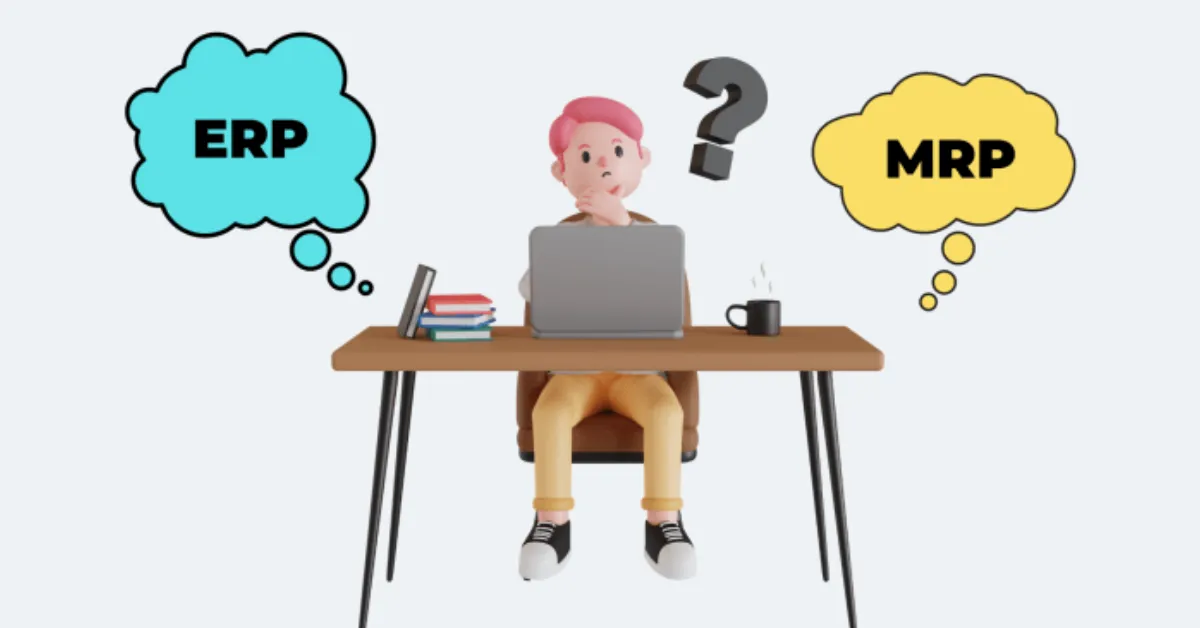
The Difference Between ERP and MRP Explained (For First-Time Buyers)
Let’s paint a picture. You’re running a small but fast-growing business. You’ve got orders coming in, a supplier who’s always late, and a production schedule held together with sticky notes and good intentions. Your team is resourceful, but every week feels like a scramble. You have inventory data in one spreadsheet, invoices in another, and a half-dozen emails about why stock ran out… again.
This is what we call “spreadsheet survival mode.” It works—until it doesn’t.
Eventually, you’ll wonder: “Should we get better software?” You start researching and stumble upon ERP. Then, a few clicks later, you find MRP. Wait—aren’t those the same thing? Is MRP part of ERP? Do I need both? Or just one?
Take a deep breath—we’ve got you. Whether you’re in manufacturing, distribution, or assembling products in your garage with a dream and a credit line, this guide is designed to help first-time buyers like you understand what ERP and MRP actually do, how they differ, and how they work together to make your business smoother, faster, and smarter.
At ERPByNet, we work with businesses just like yours—those at the tipping point between chaos and control—to help you choose the right tools that grow with you.
ERP vs MRP: Decoding the Acronyms

Let’s break down the basics:
- ERP (Enterprise Resource Planning) is a comprehensive business management platform. It connects every major function of your company—finance, human resources, inventory, sales, procurement, payroll—into one software system.
- MRP (Material Requirements Planning) is a specialized planning tool that focuses on production planning, raw materials management, and inventory forecasting.
Imagine your business is like a car. ERP is the engine, dashboard, and navigation system working together—keeping the whole vehicle running. MRP? That’s your fuel gauge and GPS for the factory—making sure your production line never stalls.
You could run MRP separately. But when it’s embedded in ERP, it becomes part of a much smarter, more integrated machine.
A Quick History: How ERP Evolved from MRP
Believe it or not, MRP came first.
In the 1960s, manufacturing companies needed to calculate how much raw material they required to meet demand. The result was Material Requirements Planning (MRP)—software that could automatically calculate “what to order” and “when to order” based on inventory levels and production schedules.
Fast forward to the 1990s. Businesses realized they needed more than just material planning—they needed software that could also handle finance, HR, compliance, and reporting. Thus, Enterprise Resource Planning (ERP) was born.
So yes, MRP is the ancestor of ERP. Today, most modern ERP platforms include MRP as a module—especially those tailored for product-based or manufacturing businesses.
Deep Dive: What MRP Actually Does

Let’s say you build and sell electric bikes. You need tires, batteries, frames, bolts—plus assembly time and labor. Here’s what MRP helps you do:
- Forecast Demand: Based on current and upcoming orders.
- Plan Material Requirements: How many batteries will you need next week?
- Avoid Over/Understocking: Ensures you don’t order too early or too late.
- Schedule Production: MRP maps out timelines based on available materials.
- Generate Purchase Orders: Automatically alerts procurement teams to act.
Key Components of MRP:
- Bill of Materials (BOM): Lists everything needed to make a product.
- Inventory Status: What you already have.
- Master Production Schedule: What you plan to build and when.
MRP is laser-focused on materials, timing, and inventory efficiency. But it doesn’t handle payroll, taxes, vendor payments, or staff onboarding—that’s where ERP takes over.
Deep Dive: What ERP Actually Does

ERP is the business operating system. It connects all your departments—turning fragmented data into a real-time, unified view of operations.
Here’s what you can manage through ERP software:
- Finance: Track cash flow, process invoices, reconcile bank statements.
- HR: Onboard employees, manage payroll, record attendance.
- Sales & CRM: Handle customer accounts, quotes, contracts.
- Inventory: Monitor levels across warehouses and reorder points.
- Compliance: Generate tax-ready reports and audit logs.
- Manufacturing: (via MRP module) Track production and material usage.
ERP is what happens after your company outgrows spreadsheets and siloed tools. It centralizes your workflows, removes duplication, and provides one version of the truth—so that teams can work in sync.
Without ERP: Your accountant, warehouse manager, and sales team use different tools.
With ERP: They all see real-time, shared data—and stop blaming each other when things go sideways.
Comparison Table: ERP vs MRP
| Feature | MRP (Material Requirements Planning) | ERP (Enterprise Resource Planning) |
| Core Focus | Production & inventory planning | Business-wide integration |
| Key Users | Operations & Manufacturing Teams | All departments (HR, Finance, Ops) |
| Modules | BOM, inventory, scheduling | HR, finance, CRM, inventory, MRP |
| Scope | Narrow (production-specific) | Broad (multi-departmental) |
| Real-Time Reporting | Limited | Extensive |
| Financial Management | Not included | Fully integrated |
| Ideal For | Manufacturers | All business types |
Real Business Scenario: When You Outgrow MRP
Let’s say you run a factory that produces organic skincare products. Initially, you use an MRP tool to plan your raw material orders—coconut oil, bottles, labels, etc. It works great. Until…
- Your finance team has no visibility into production delays.
- Your warehouse over-orders because stock levels aren’t syncing.
- Your HR team is chasing paper attendance logs for overtime.
You’re not just dealing with raw materials anymore—you’re dealing with people, payments, processes.
This is when you realize MRP alone won’t cut it. What you need is ERP with built-in MRP, like what ERPByNet offers. You get manufacturing control without losing sight of your people or your profits.
The Modern Buyer’s Choice: Modular ERP Systems
Gone are the days when ERP meant a giant, bloated system only Fortune 500s could afford.
Today’s ERP systems (like ERPByNet) are modular. You can:
- Start with just finance and inventory.
- Add MRP when production scales.
- Add HR automation when your team grows.
- Integrate CRM when sales expand.
This plug-and-play flexibility means you invest in only what you need—when you need it.
And you avoid “software shelfware”—expensive tools you pay for but never use.
Key ERP + MRP Adoption Stats
- 65% of manufacturers say MRP helps reduce raw material waste (source: Gartner).
- 80% of SMBs using ERP with MRP report better supply chain visibility within 6 months (source: Forrester).
- Companies implementing ERP systems see an average 20-30% increase in operational efficiency within the first year (source: Statista).
Final Thoughts: Clarity Over Chaos
So, what’s the takeaway?
- MRP is focused, production-specific, and great for manufacturers.
- ERP is holistic, scalable, and essential for growing businesses.
- Together, they give you full visibility and control—from raw material planning to payroll processing.
If your current setup feels more like duct tape than a well-oiled machine, it might be time to upgrade.
At ERPByNet, we empower businesses to run smarter with custom-fit ERP solutions that scale as you grow. Ready to simplify your operations? Let’s transform your workflow.
Still have questions about ERP and how it fits your business? Let’s clear them up.
What’s the main difference between ERP and MRP?
MRP is focused on manufacturing—planning materials and inventory. ERP manages the entire business, including HR, finance, and production. MRP is often a module within an ERP system.
Do I need MRP if I already have ERP?
If you manufacture products, yes. ERP manages the broader business, while MRP handles the detailed production planning. Both work best together.
Can I use MRP on its own?
Yes, but it may limit your ability to connect with finance, HR, and procurement. Over time, most businesses benefit more from ERP with MRP built in.
Is ERPByNet’s platform suitable for small businesses?
Absolutely. ERPByNet specializes in scalable, affordable ERP solutions tailored to small and mid-sized businesses. You can start small and expand as needed.
How long does ERP implementation take?
Implementation time depends on scope. Basic ERP can be up and running in 4–6 weeks. Full systems including MRP, HR, and finance might take 2–4 months.
How do I decide which modules I need?
Start by identifying your biggest challenges. ERPByNet offers a free consultation to help you prioritize modules based on your business needs and growth goals.
